


How to Cancel Ring Subscription (Ring Protect)
Start with one check: who bills you. Then cancel in the right place (Ring, Apple, or Google Play) and keep proof so you don’t get charged again.
Quick Answer
How to cancel a Ring subscription (Ring Protect)
You cancel a Ring subscription in the same place you started it. In the UK, that usually means one of three routes:
- Ring bills you directly: cancel in your Ring account (often easiest on the Ring website).
- Apple bills you: cancel in Apple ID → Subscriptions.
- Google Play bills you: cancel in Google Play → Subscriptions.
Two simple habits make this painless: (1) cancel before the renewal day, and (2) save proof (a screenshot or email showing the end date).
Why this matters for “credit score” readers
If you’re looking at mortgages, car finance, or a new card, you’re probably doing a tidy-up: fewer surprises, steadier cash flow, fewer last‑minute scrambles.
Cancelling Ring Protect won’t change your credit score directly. But removing a recurring charge can help you avoid the kinds of problems that do ripple into your file—like going into an unarranged overdraft or missing a different payment because you got hit with an unexpected renewal.
If you’re dealing with a recent drop, start here before you apply for anything: Why Has My Credit Score Gone Down? Then, if overdrafts are part of the picture, this guide helps: Does Overdraft Affect Credit Score?
Two-Minute Check
Before you cancel: confirm who bills you
If you cancel in the wrong place, the subscription can keep renewing. Do this quick check first:
- Search your email for a receipt that mentions Apple, Google Play, or Ring.
- Check your bank statement: app-store charges often show as Apple/Google, not Ring.
- Open your subscriptions list:
- Apple: iPhone Settings → your name → Subscriptions (Apple’s official steps: Apple Support).
- Google Play: Play Store → profile → Payments & subscriptions → Subscriptions (Google’s official steps: Google Play Help).
If you can see Ring in Apple/Google subscriptions, cancel it there. Ring support usually can’t stop an app-store subscription for you.
Option 1: Cancel if Ring bills you directly (Ring account)
If you pay Ring directly (not Apple/Google), cancel through your Ring account. Menus can move, but the approach is consistent: find your plan, then stop renewal.
- Sign in to your Ring account (web is often simplest for subscriptions).
- Open your plan or subscription area (look for Ring Protect).
- Choose Cancel (or turn off auto‑renew).
- Save the confirmation and note the end date.
If you can’t find the right screen, start from Ring’s official support pages and follow the subscription help path: Ring Support.
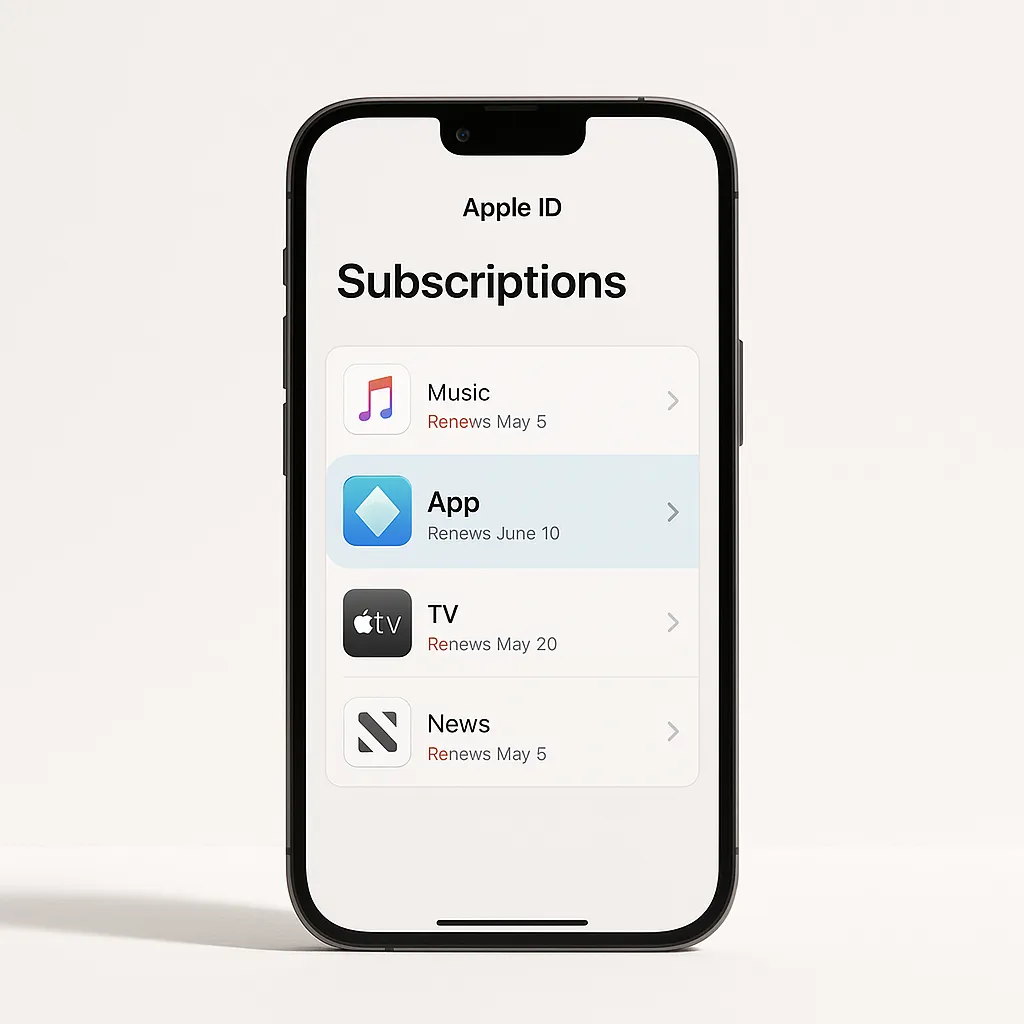
Option 2: Cancel if you subscribed through Apple
If Apple bills you, you must cancel through your Apple ID subscriptions. Uninstalling the Ring app will not stop billing.
- Open Settings on your iPhone.
- Tap your name (Apple ID) → Subscriptions.
- Select the Ring subscription (it may show as Ring, Ring Protect, or a plan name).
- Tap Cancel Subscription and confirm.
Apple notes that if you don’t see a cancel button, the subscription may already be cancelled: Apple Support: cancel a subscription.
Option 3: Cancel if you subscribed through Google Play
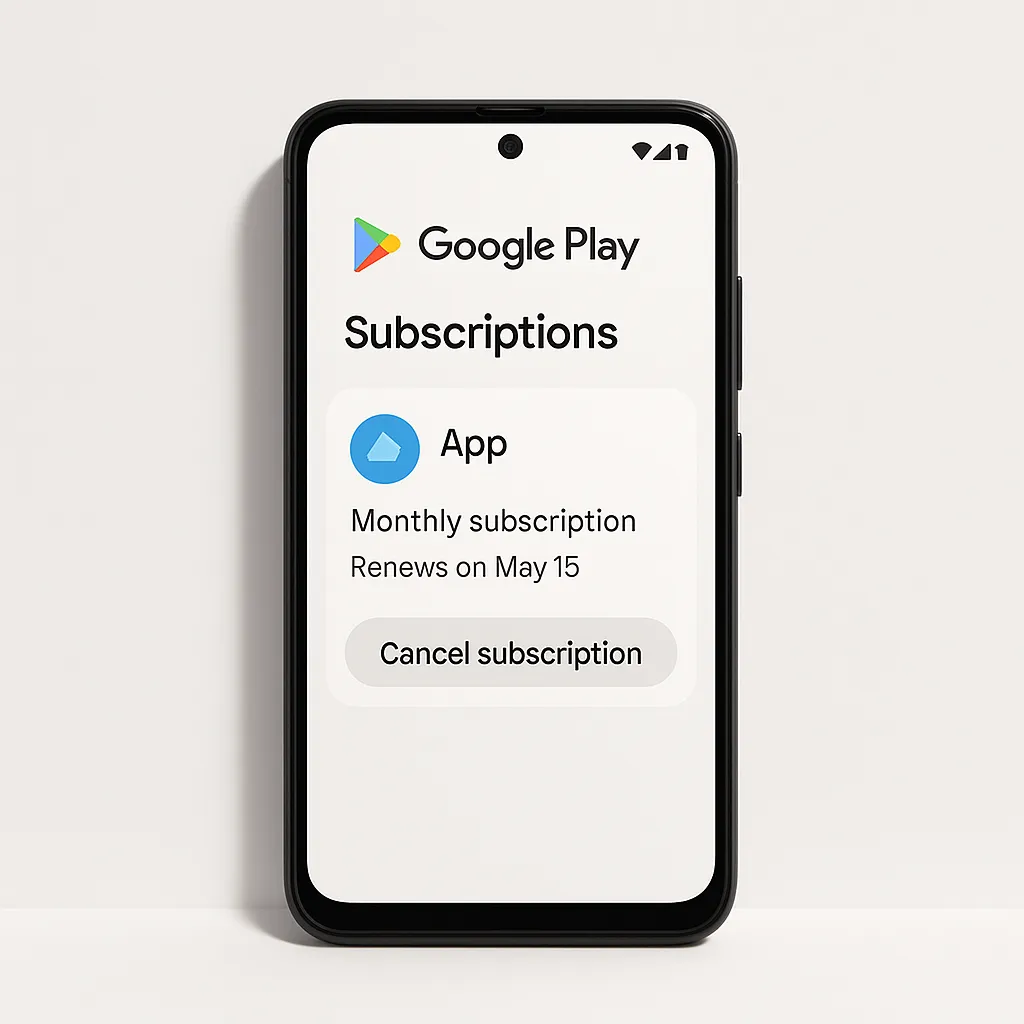
If Google Play bills you, cancel in the Play Store (or on the web):
- Android: Play Store → profile icon → Payments & subscriptions → Subscriptions → Ring → Cancel.
- Web: play.google.com/subscriptions → choose Ring → cancel.
Google’s official guide covers cancellation timing and what happens after you cancel: Google Play Help.
Timing, renewals, and refunds (the bit that trips people up)
In most cases, cancelling stops future renewals and you keep benefits until the end of your current period. The details depend on the plan and who bills you, but these rules of thumb prevent most “I cancelled but got charged” moments:
- Cancel early: app stores can process renewals ahead of the renewal moment.
- Take proof: screenshot the screen that shows the plan is cancelled and the end date.
- Refunds aren’t automatic: if you need one, you’ll usually have to request it through the biller (Ring, Apple, or Google).
If you cancelled because money feels tight, you’re not “being dramatic”. Removing one recurring charge is often the quickest way to make next week calmer.
Before you cancel: save anything you might want to keep
People often cancel after an incident (a delivery issue, a neighbour dispute, a security scare). If there’s any footage you may need later, take a minute to save it now while your plan is active.
- Download any clips you might need as evidence.
- Confirm the end date so you know how long you still have access.
- Check which devices are covered if you have more than one camera or doorbell.
For plan details and feature notes, Ring’s UK pages and help centre are the most reliable reference when app labels change: Ring UK.
Troubleshooting: if it still won’t cancel (or you’re still being charged)
- You cancelled the wrong route: check Apple/Google subscriptions even if you cancelled inside Ring.
- You’re signed into the wrong account: Ring accounts can multiply (old emails, shared households). Confirm the email you use to sign in.
- You deleted the app: uninstalling doesn’t stop billing.
- Renewal processed early: app stores can process renewals ahead of the renewal moment, so cancel at least a day before.
- Get help with proof: contact the biller with screenshots and receipt details.
If you’re unsure what your rights are when you’re charged unexpectedly, Citizens Advice is a good UK starting point: Citizens Advice (consumer).
Does cancelling Ring Protect affect your UK credit score?
For most people: no. Ring Protect is a subscription, not a credit account that’s normally reported to UK credit reference agencies.
What can matter indirectly is whether payments cause knock‑on problems elsewhere:
- A renewal pushes you into an unarranged overdraft (see Does Overdraft Affect Credit Score?).
- A card payment fails and you miss a different bill (utilities, credit card minimum, mobile plan).
- You use BNPL to cover essentials after multiple renewals (related: Does Klarna Affect Credit Score?).
Use 118M8 to pause before you restart a plan
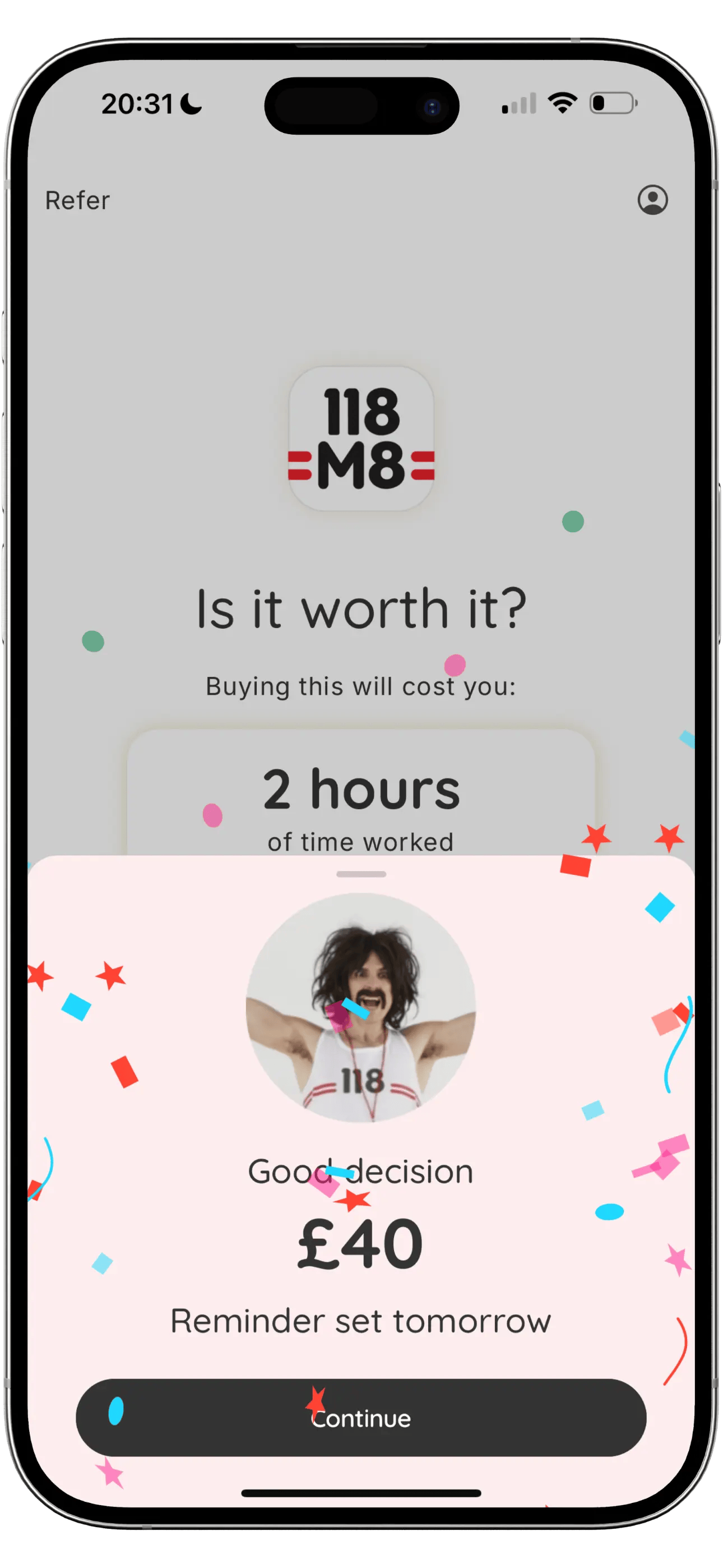
Security subscriptions are easy to restart in a moment of worry. 118M8 helps you slow the moment down by translating the cost into hours worked and giving you a 24‑hour “Sleep on it” pause.
- Turn any subscription price into hours
- Use a 24-hour reminder before you commit
- Track what you save when you skip
Keep reading: Subscriptions · Credit Scores
Frequently Asked Questions
How do I cancel my Ring subscription in the UK?
First confirm who bills you: Ring directly, Apple, or Google Play. Then cancel in that same place. If Apple/Google bills you, cancelling inside the Ring app usually won’t stop renewal.
What happens to my videos if I cancel Ring Protect?
Typically, cancelling stops future billing and your plan stays active until the end of the paid period. After that, cloud recording features can stop. If you need to keep footage, download or save anything important before the plan ends.
Can I cancel Ring Protect in the Ring app?
If Ring bills you directly, you can usually manage or cancel the plan in your Ring account (often easiest on the Ring website). If Apple or Google bills you, you must cancel in your device’s subscription settings.
Will I get a refund if I cancel Ring Protect?
Refunds depend on your billing route and Ring’s or the app store’s policies. Many subscriptions run to the end of the current billing period after you cancel, and past charges are not usually refunded.
Does cancelling Ring Protect affect my UK credit score?
Cancelling a normal subscription like Ring Protect doesn’t usually affect your UK credit score. What can affect your file is missed payments, overdraft problems, or debt collection if a payment fails and you don’t resolve it.