


Subscription guide
Cancel Microsoft Subscription: UK Steps by Account
Cancel Microsoft 365, OneDrive, Copilot Pro, Xbox or another Microsoft subscription without losing track of the account, renewal date, refund route or billing source.
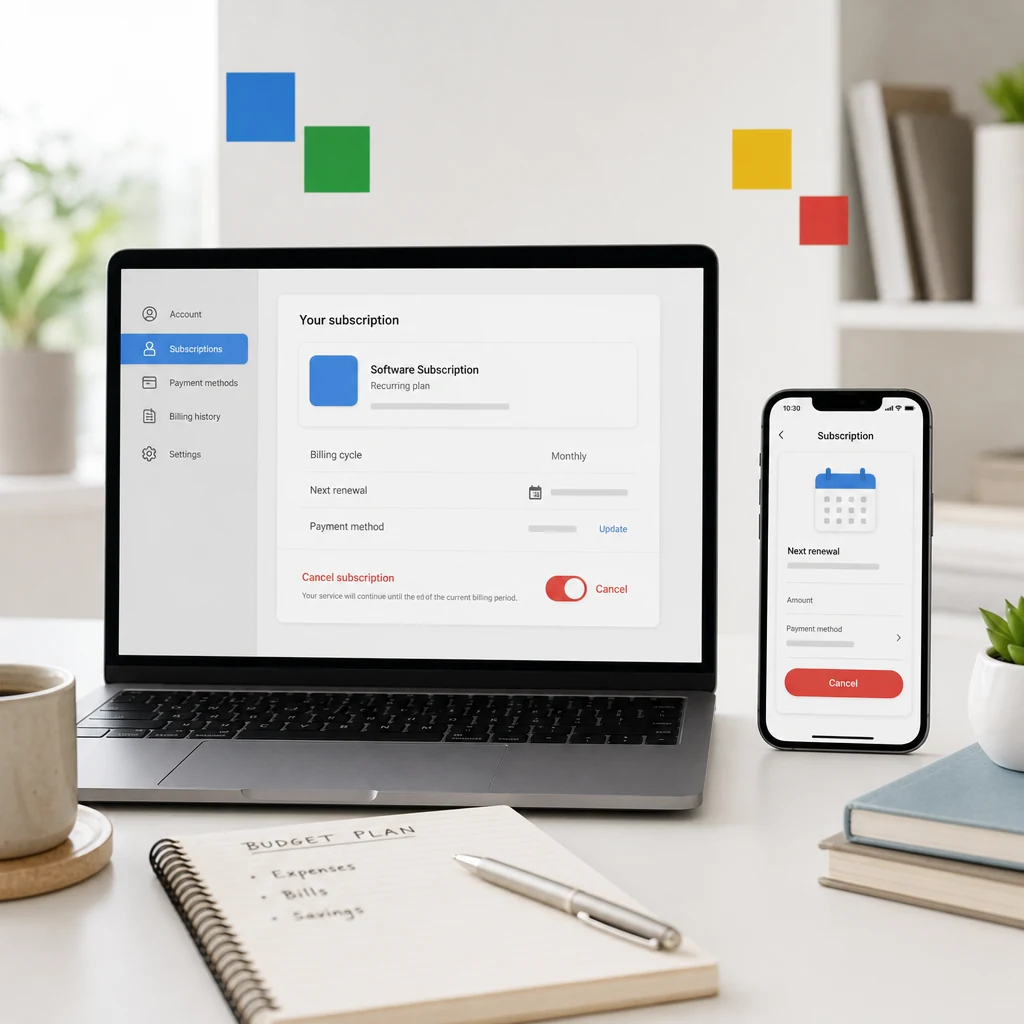
Microsoft subscriptions are easy to start and weirdly easy to forget. One person thinks they are paying for Word and Excel. Another is paying for OneDrive storage. Someone else has Xbox Game Pass, Copilot Pro, Clipchamp, Skype credit, or a legacy Microsoft service attached to an old email address they only use when a password reset ruins their morning.
That is why the useful question is not just "how do I cancel Microsoft subscription payments?" It is "which Microsoft account, which product, and who is actually billing me?" Get that wrong and the cancellation page looks broken, the charge keeps appearing, or you cancel one product while another one renews perfectly happily in the background.
This UK guide shows the clean route for Microsoft account subscriptions, Microsoft 365, Xbox and third-party billing. It also explains the annoying edge cases: when you see "Turn on recurring billing", when cancellation is blocked close to renewal, when Apple or Google billed you, and when the saving needs somewhere deliberate to go afterwards.
Quick answer: how to cancel a Microsoft subscription
For most personal Microsoft subscriptions, sign in to Microsoft Services and subscriptions with the account that bought the subscription. Find the product, choose Manage, then select Cancel or Upgrade or Cancel and follow the screens until Microsoft confirms the subscription will end. Microsoft gives this same core route in its subscription cancellation guidance.
- Sign in with the Microsoft account that pays for the subscription.
- Open Services and subscriptions.
- Find the exact product you want to cancel.
- Select Manage.
- Choose Cancel, or Upgrade or Cancel if that wording appears.
- Follow every confirmation screen until the status changes.
- Save the cancellation confirmation and renewal or expiry date.
Do not stop at the first page that reminds you of benefits. Cancellation flows often include retention screens because, shocker, subscription companies prefer keeping subscriptions. Keep going until the account shows a clear end date, expiry date, or cancellation confirmation.
If you are doing this on a phone, use the browser route if the app feels cramped or unclear. Subscription pages often hide important renewal wording below the fold, and it is easier to miss a final confirmation on a small screen. A laptop is not mandatory, but it can make the difference between "I think I cancelled it" and "I have the exact end date saved."
Start with the right Microsoft account
Microsoft makes the account point very clear: you need the Microsoft account used to purchase the subscription. That sounds obvious until you remember how many people have an Outlook address, an old Hotmail address, a work email, a university login, an Xbox account and a phone number sign-in all floating around the same household.
If the subscription is not visible, do not assume Microsoft has hidden it. First check the email address on the receipt, the card statement wording, the Microsoft account signed in on the device, and any family member who may have bought the plan. Microsoft 365 Family is especially easy to confuse because one person can own the subscription while other people simply use it.
If you see "Turn on recurring billing" instead of a cancel option, Microsoft says the subscription is already set to expire on the date shown and should not charge again automatically. That is usually good news, but still write down the date and check the bank after the normal renewal point.
Cancelling Microsoft 365, OneDrive or Copilot Pro
Microsoft 365 is the common one because it bundles Office apps, storage and family sharing into a subscription people often set up once and forget. Microsoft also has a dedicated Microsoft 365 cancellation page that points users to the Microsoft account services area.
Before cancelling Microsoft 365, check what you use. If you rely on Outlook, Word, Excel, PowerPoint, OneDrive storage or family sharing, cancellation may change access after the paid period ends. This is not a reason to keep paying forever. It is a reason to make a clean plan: download important files, check storage limits, tell family members, and avoid discovering the problem during a deadline.
The same account logic applies to related Microsoft subscriptions such as OneDrive storage, Copilot Pro or Clipchamp. Cancel the product that matches the charge. If you have several Microsoft lines on your account, do not speed-click through them like you are clearing notifications. One wrong click can cancel the useful thing and leave the annoying thing untouched.
Cancelling Xbox Game Pass or another Xbox subscription
Xbox subscriptions can be managed through Microsoft too, but the steps may start from the Xbox side. Xbox Support says you can manage subscriptions on console through Profile & system, Settings, Account, then Subscriptions, or use the web route for your Microsoft account.
The important detail is access timing. If you cancel recurring billing, you may keep access until the current paid period ends. If you cancel immediately, refund and access treatment can differ. Follow the wording on the cancellation screen rather than guessing from another service's rules.
If a child or another household member uses Game Pass, check before cancelling. Again, this is not a public service announcement for keeping every subscription. It is just cheaper to have a two-minute conversation than a month of "why are my games not working?" domestic tech support.
If Apple, Google Play or someone else billed you
Microsoft says that if you purchased a subscription from Google Play or the Apple App Store, you need to contact that store for cancellation or refund. That matters because the Microsoft account page may not show the cancel button you expect if Microsoft was not the billing route.
Check the receipt. If the charge came through Apple, cancel in Apple subscriptions. If it came through Google Play, cancel in Google Play subscriptions. If it came through a retailer, employer, school or business admin, the route can be different again.
This is where people get stuck: they are trying to cancel in the product they use, not with the company that takes the money. The company that bills you is usually the company that controls cancellation. Follow the money. Annoying, but effective.
What if Microsoft will not let you cancel?
Microsoft's unable to cancel guidance points to a few common blockers. One is timing: cancellation may need to happen more than two days before the billing date. Another is the wrong Microsoft account. Another is a charge that needs investigation because it is not attached to the account you are using.
If you are close to renewal, take screenshots of what the account shows, check the subscription end date, and contact Microsoft support if the cancel option is missing. If the charge is not recognised, use Microsoft's payment investigation route rather than randomly cancelling every Microsoft product you can see.
For business Microsoft 365 subscriptions, the consumer route may not apply. Business subscriptions can involve the Microsoft 365 admin centre, license counts and billing roles. If this is a work or business plan, check who owns the admin account before making changes.
Will you get a refund after cancelling?
Refunds depend on the subscription, timing, country, purchase route and Microsoft terms. Microsoft's refund guidance points users through cancellation first for some subscriptions and then through support or self-help routes where relevant.
The practical move is to read the final cancellation screen slowly. If it says access continues until a date, note it. If it shows a refund amount, save it. If it says the subscription has already been set to expire, save that screen too. A screenshot beats a vague memory every time.
If Apple, Google Play or a retailer billed you, refund rules may sit with that provider instead of Microsoft. Do not waste an hour yelling at the wrong help centre. It is emotionally satisfying for three seconds and financially useless.
Microsoft cancellation checklist
Before you cancel, make the subscription visible. The goal is not just pressing a button. The goal is stopping the right recurring payment and avoiding another quiet renewal.
- Find the receipt or card statement wording.
- Confirm the Microsoft account that bought the subscription.
- Check whether the product is Microsoft 365, OneDrive, Copilot Pro, Xbox, Skype, Clipchamp or something else.
- Look for Apple, Google Play, retailer, school, employer or business billing.
- Check the renewal date before confirming.
- Save the cancellation confirmation.
- Check your bank after the next expected billing date.
What to do with the saving afterwards
Cancelling a subscription only helps if the money does not quietly leak into the next automatic payment. Microsoft subscriptions are often productivity, storage or gaming payments, so the monthly amount can feel sensible even when the value has faded. The win is turning that invisible renewal into a conscious choice.
Put the amount somewhere specific: savings, debt repayment, a planned treat, or a replacement service you actually use. If the subscription was annual, divide the cost into a monthly amount so the saving feels real before the next renewal season.
Next step
Make repeat spending harder to miss.
118M8 helps you spot regular spending, compare costs with hours worked, and pause before another subscription becomes background noise.
When keeping the Microsoft subscription makes sense
Some subscriptions earn their place. Microsoft 365 may be worth keeping if you use the apps daily, rely on OneDrive storage, share a family plan properly, or would pay more replacing the same tools elsewhere. Xbox Game Pass may be worth keeping if you regularly play enough included games to beat the monthly cost.
The honest test is whether you would sign up again today at the current price. Not at the trial price. Not at the price you vaguely remember. The current renewal price. If the answer is yes, keep it deliberately. If the answer is no, cancel it cleanly and let the money do something more useful.
Microsoft subscription cancellation FAQs
How do I cancel a Microsoft subscription in the UK?
Sign in to the Microsoft account that bought the subscription, open Services and subscriptions, choose Manage next to the product, then select Cancel or Upgrade or Cancel and follow the confirmation screens.
Why can I only see Turn on recurring billing?
Microsoft says that usually means the subscription is already set to expire on the date shown and will not renew automatically. Save the expiry date and check your bank after the normal renewal point.
Can I cancel Microsoft 365 separately from Xbox Game Pass?
Yes. Microsoft subscriptions can be separate products. Cancel the exact product that matches the charge rather than assuming one Microsoft cancellation covers everything.
Will Microsoft give me a refund after cancellation?
It depends on the subscription, timing, purchase route and refund rules. Check the final cancellation screen and Microsoft's refund guidance before assuming the answer either way.
What should I do if Microsoft will not let me cancel?
Check that you are signed in with the right account, that cancellation is not too close to the billing date, and that Microsoft is actually the company billing you. If the charge is still unclear, use Microsoft support to investigate the payment.
Related posts
Cancel Amazon Music Subscription in the UK: Step-by-Step
Useful if you are checking another recurring digital subscription.
How to cancel your iCloud subscription without losing data
Cancel cloud storage safely before the next renewal.
How to cancel subscription from Spotify (UK)
Check whether Spotify, Apple or Google bills the subscription.