
Savings Goals • Spending Choices
Savings Goal Tracker App That Builds Calmer Habits
118M8 is a savings goal tracker app with a twist: it helps you track what you chose not to spend, so saving feels like a series of small wins, not a strict budget.
Set a goal. Pause the impulse. Track the wins.


Track
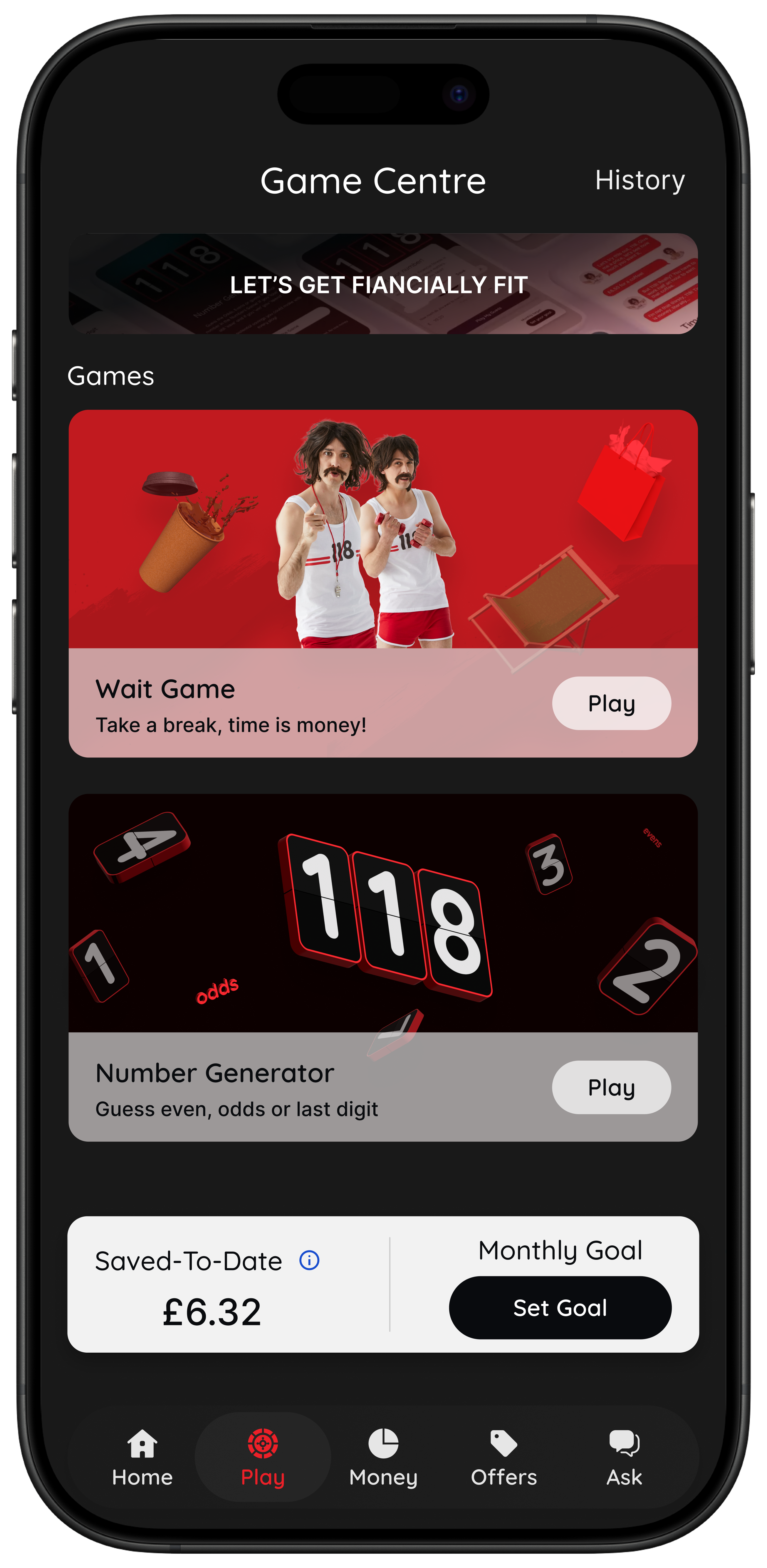
Saved-to-Date
See the total you chose not to spend this month.
Aim
Monthly Goal
Pick a target and watch your progress build.
Pause
Sleep on it
Set a 24-hour reminder before you buy.
Free on iOS and Android. No lectures. No guilt.
A savings goal tracker that starts at the moment of choice
Most goal apps focus on what happens after you’ve moved money. 118M8 focuses on the decision right before you spend.
When you choose “Don’t Buy”, the amount is added to your savings tracker. You see progress toward your goal, and you can share milestones when you hit them.
Note: 118M8 doesn’t move funds between accounts. “Saved-to-Date” reflects the amount you chose not to spend.
Spot it
See your spending patterns
For 118 118 Money credit card customers: trends over time, top merchants, categories, and frequency.
Clock it
Convert prices into hours
Use the Wait game to turn “£40” into “2 hours of work”, then decide if it’s worth your time.
Choose it
Make the decision feel lighter
The Number Generator creates a neutral pause, then you choose: buy, don’t buy, or sleep on it.
Pause it
Sleep on it for 24 hours
Set a reminder and decide tomorrow. If you still want it, go ahead. If not, add the win.
How the savings goal tracker works
It’s simple and practical. You don’t need to be “good with money” to use it.
- 1
Set your goal
Pick a target like “£50” or “weekend away”. Change it anytime.
- 2
Use a quick pause tool when you’re about to spend
Clock the cost in hours, play the Number Generator, or Sleep on it for 24 hours.
- 3
Track Saved-to-Date and goal progress
When you choose “Don’t Buy”, 118M8 adds the amount to your savings tracker so you can see your progress build.
A helpful reminder
Saving only happens if you keep the win. If you skip a £12 impulse buy and then spend £12 later, your bank balance won’t change. 118M8 is designed to build awareness and habits.
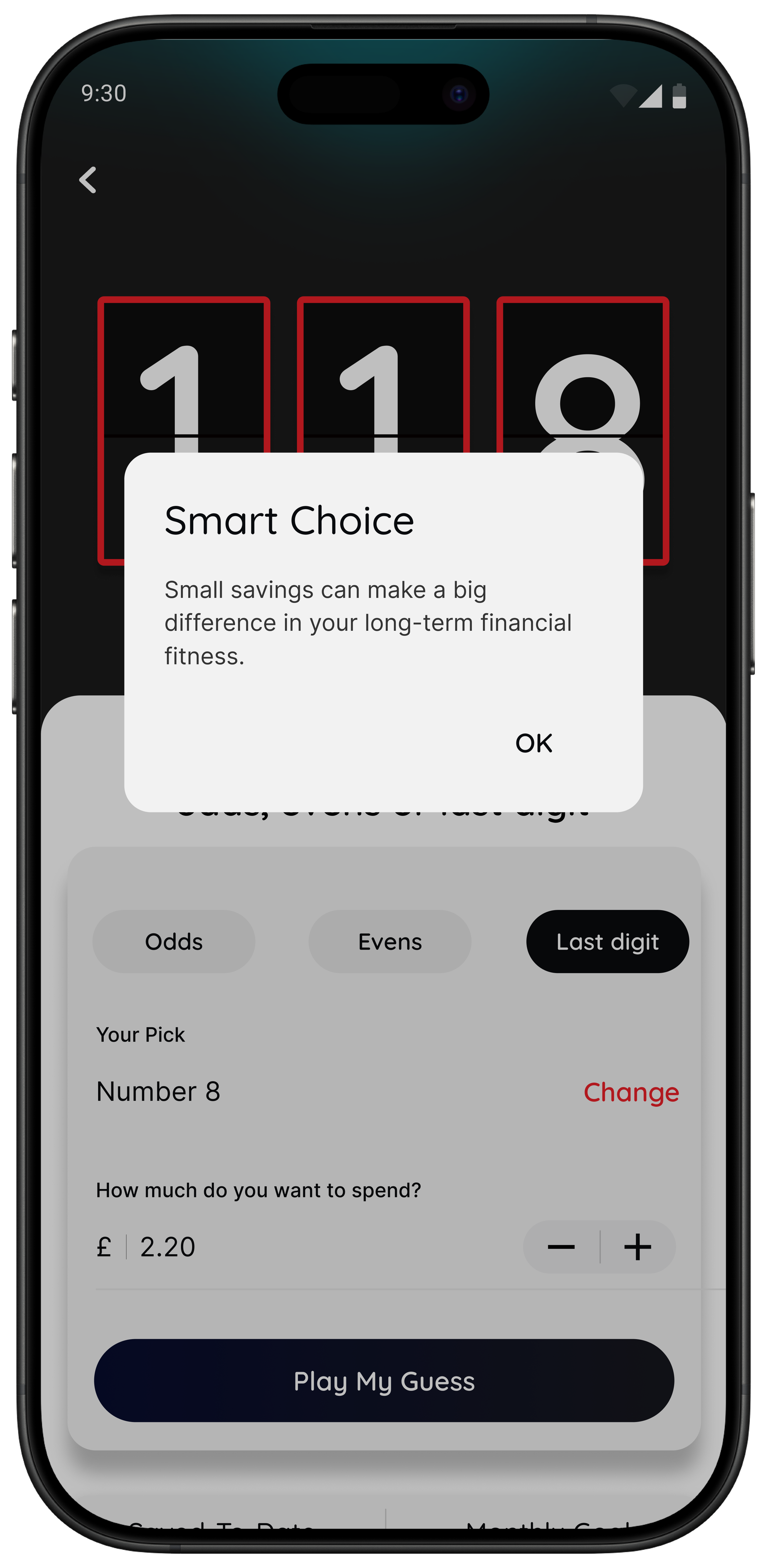
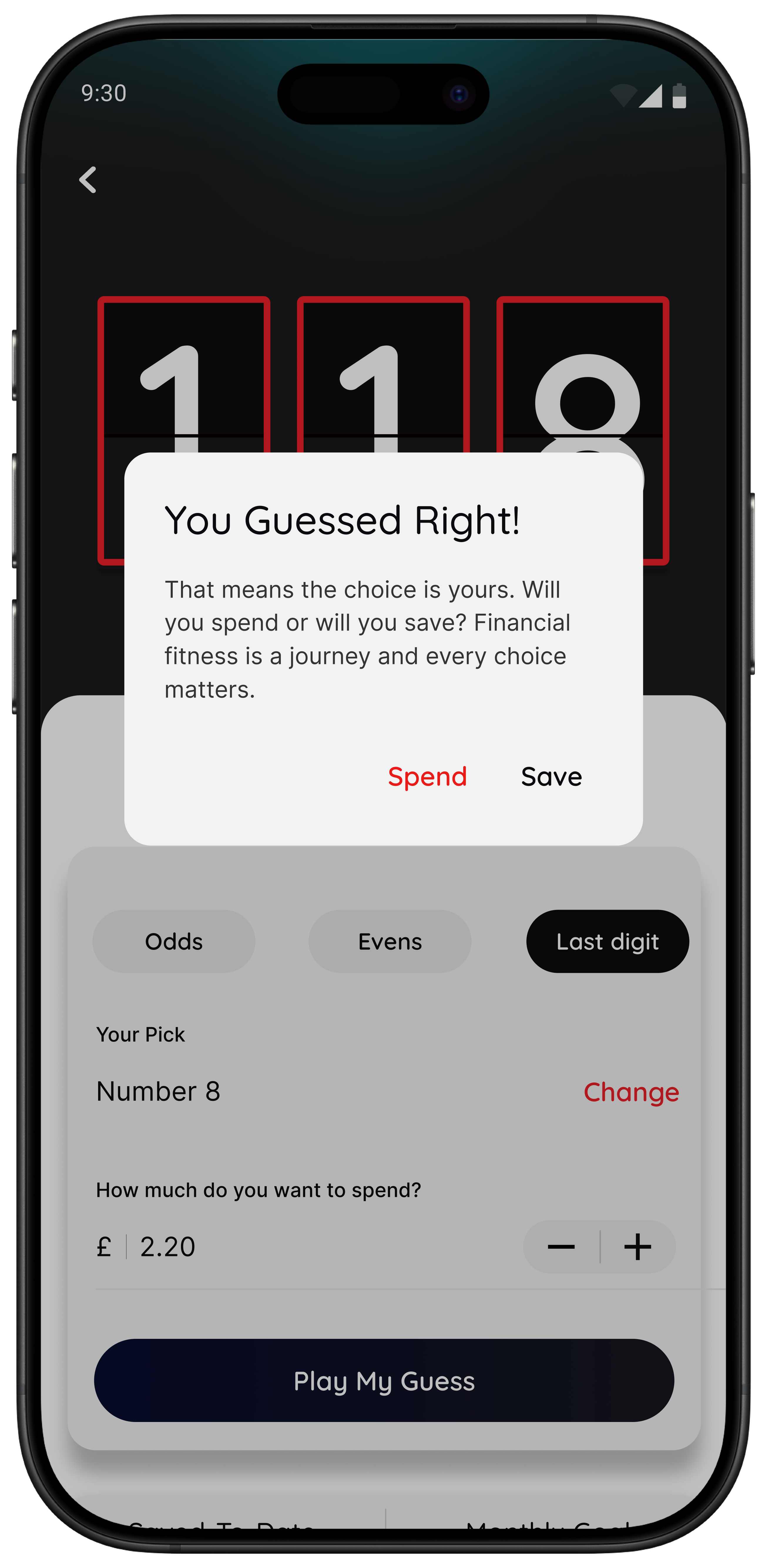
Quick check: what does this cost in hours?
This is the simplest way to curb impulse spending without feeling deprived. If it’s worth the time, buy it guilt free. If not, add the win to your tracker.
A simple way to use it
If you don’t want to budget, start here
At checkout: open 118M8.
Pick one tool: Clock it, Choose it, or Pause it.
Make the call: buy, don’t buy, or sleep on it.
Track the win: watch your goal progress move.
118M8 is a companion tool. It is not financial advice.
Savings Goal Tracker App FAQs
Does 118M8 move money into a savings pot?
No. 118M8 tracks the amount you chose not to spend, so you can see progress and build better habits. Any transfer to a savings account is up to you.
How do I set a savings goal in the app?
Tap “Set Goal” and choose your target, like a weekend away or a rainy-day fund. You can edit or reset it anytime.
What does Saved-to-Date mean?
Saved-to-Date shows the amount you could have chosen not to spend during the current month, based on your in-game decisions. No funds are moved from your bank account.
Is this a strict budgeting app?
No. 118M8 is designed to help you pause before a purchase and spend with intention. If you want to buy something, buy it guilt free.