
How to pause HelloFresh (skip a week) or cancel in the UK
Pause HelloFresh by skipping deliveries for up to four weeks, or cancel your subscription. The UK app and web steps, plus the deadline to check first.
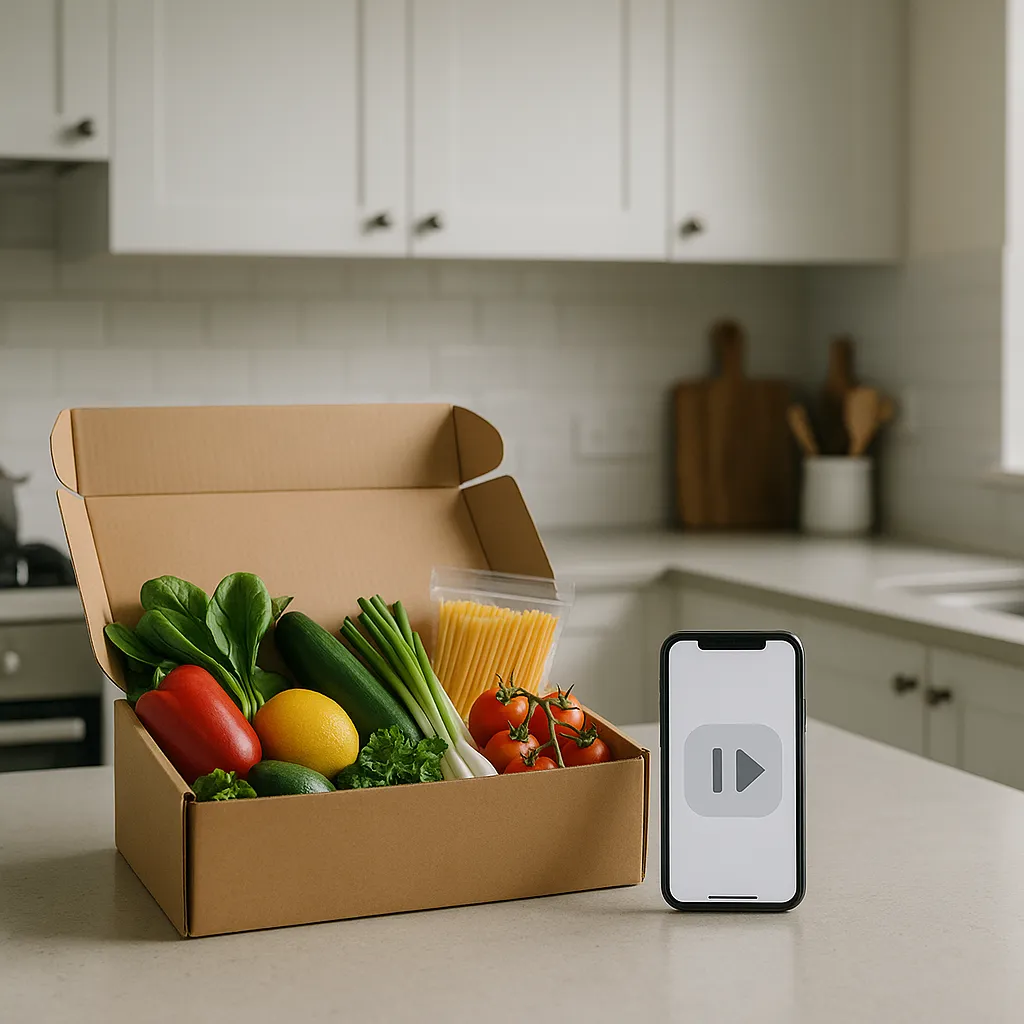
How to pause HelloFresh without cancelling
To pause HelloFresh, skip the delivery weeks you do not want in your account. HelloFresh says you can skip deliveries for up to four weeks at a time. If you do not want any more boxes, cancel the subscription instead. In short:
- Cancel = deactivate your plan entirely.
- Pause/skip = take a short break by skipping deliveries. HelloFresh says you can skip up to four weeks at a time.
- Cut‑off = make changes by 23:59 five days before delivery in the UK.
Make the change by 11:59 PM five days before your delivery, then check the account confirmation before you rely on it.
How to pause HelloFresh: skip a delivery in the app or online
- Open HelloFresh and go to My Menu.
- Choose the delivery week you want to pause.
- Use Edit/Manage Delivery and select Skip this week.
- Repeat for the weeks you want to skip, up to four weeks at a time, then check your calendar before the cut-off.
Quick steps: cancel HelloFresh subscription in the UK
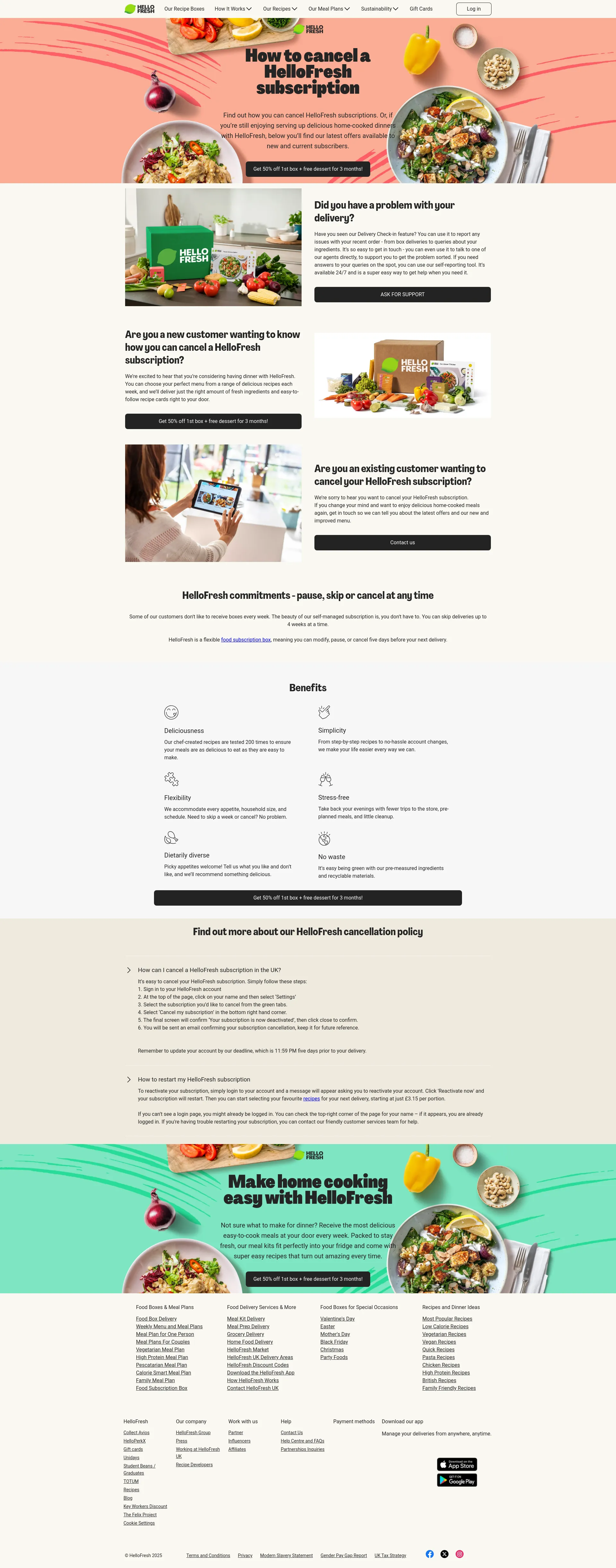
- Sign in at hellofresh.co.uk.
- Click your name (top right) → Settings.
- Choose the relevant subscription tab if you have more than one.
- Click Cancel my subscription (in Plan/Status).
- Continue through the prompts until you see the deactivation screen.
- Watch for the confirmation email and keep it for your records.
How to cancel on desktop: UK step‑by‑step walkthrough
- Find your name in the top‑right and click Account/Settings.
- Open Plan settings. The Status area sits at the bottom of the page.
- Click Cancel my subscription → keep clicking Cancel anyway if offers appear.
- Select a reason → continue until the final Cancelled/Deactivated confirmation.
Micro‑troubleshooting
- More than one subscription? Repeat the cancellation for each plan tab.
- No cancel link? Refresh, try the desktop site, or switch browser.
Post‑action checklist: confirmation email received; your delivery calendar shows Deactivated; if you cancelled after the cut‑off, set a diary reminder in case one more box still arrives.
Can you cancel in the HelloFresh app (UK)? What to expect
You can manage your plan in the app. In some versions, cancellation routes you to the website to finish.
- Open the app → Profile/Account.
- Tap Plan/Subscription settings.
- Look for Manage subscription or Cancel plan. If it’s missing, open a browser and follow the desktop steps above.
HelloFresh describes flexible account management and the ability to skip/cancel in app or web. See HelloFresh UK App. Always check the on‑screen cut‑off for your week.
Pause, skip or cancel: which option should you choose?
Skip when you’re away, your week’s packed, or you’re testing another box. Cancel when you won’t use it for a while and do not want another recurring charge sitting in the background.
- Log in → go to My Menu.
- Pick the week → tap/click Edit/Manage Delivery.
- Choose Skip this week. You can skip multiple weeks in the calendar and unskip before the deadline.
HelloFresh UK calls the plan flexible and highlights skipping/pausing via web or app. See Meal kits (UK) and App page. Remember the 23:59 five‑day cut‑off.
Cut‑off times explained (UK): avoid unwanted charges
For the UK, changes (cancel, pause, skip, meal choices) must be made by 23:59 five days before your delivery.
- Friday delivery → deadline Sunday 23:59.
- Tuesday delivery → deadline Thursday 23:59.
- Monday delivery → deadline Wednesday 23:59.
Bank holidays or courier updates can shift windows slightly—always check the deadline shown in your account for that week. Source: HelloFresh UK and FAQ.
Missed the cut‑off? Refunds, recurring card payments (CPA) and your UK rights
If you cancel/skip after the cut‑off, the next box may still be charged and delivered. That’s within HelloFresh policy.
For future payments, the UK rules on Continuous Payment Authorities (CPA) let you stop recurring card payments with your bank:
- Contact HelloFresh first and request cancellation from the next eligible week.
- Ask your card issuer to cancel future CPAs by the end of business day before the next charge. They must stop them, even if you haven’t told the merchant.
- This doesn’t end any contract—you may still owe for orders already processed.
- If payments continue, raise it with your bank; if unresolved, escalate to the Financial Ombudsman.
Guidance: Citizens Advice and the FCA.
Skip vs cancel: save money and time (with a quick calculator)
Rule of thumb: cancel if you won’t use it for months; skip if you’re taking a short break or want to keep recipes/discounts.
- £54/week ÷ £12/hour ≈ 4.5 hours to earn one box.
- £32/week ÷ £15/hour ≈ 2.1 hours to earn one box.
Cut‑off applies: make changes by 23:59 five days before your delivery.
Troubleshooting and support: common issues, quick fixes
- Don’t see “Cancel my subscription”: switch to the desktop site and revisit Plan settings.
- Multiple active plans: cancel each one.
- Signed up on a different country site: contact the correct regional support.
- No confirmation email: re‑check Status in Plan settings and contact support if needed.
Need help? Use HelloFresh UK contact options (chat/phone) and report any delivery or ingredient issues there.
You can reactivate later from the banner in your account.
118M8 can help you decide before you subscribe (or cancel)
Use 118M8 to sense‑check subscriptions in the moment: enter your hourly take‑home pay and the weekly box price to see the time cost, set a 24‑hour Sleep on it reminder before renewing, and track savings when you skip or cancel.


Frequently Asked Questions
How do I cancel HelloFresh in the UK?
Log in at hellofresh.co.uk, click your name, go to Settings, find 'Plan settings', scroll to 'Status', and click 'Cancel my subscription'. Complete the prompts to confirm cancellation.
What is the HelloFresh cancellation deadline?
You must cancel by 23:59, five days before your scheduled delivery. Miss this cut-off and your next box will still be charged and delivered.
Can I pause HelloFresh instead of cancelling?
Yes. HelloFresh calls this skipping a delivery. Use My Menu and the delivery-management option to skip the weeks you do not want. HelloFresh says you can skip deliveries for up to four weeks at a time, as long as you make the change before the deadline shown in your account.
Will I get a refund if I cancel HelloFresh?
HelloFresh doesn't typically refund boxes already processed. If you cancel after the cut-off, the next box ships as normal. For future charges, you can ask your bank to stop the recurring payment.