


Subscription guide
How to Cancel Subscriptions on iPhone
Open Settings, tap your name, choose Subscriptions, then cancel the plan. If it is missing, check the Apple Account and who actually bills it.
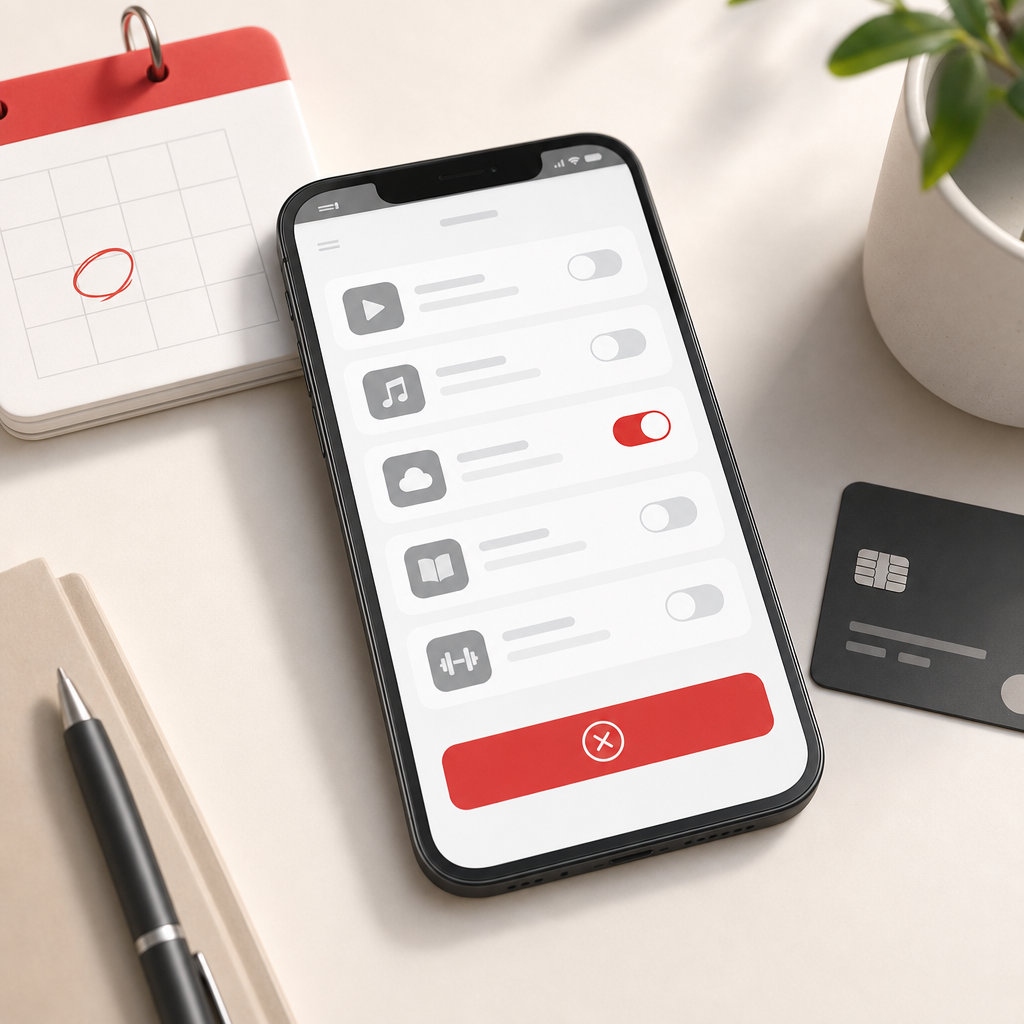
iPhone subscriptions are dangerously easy to start. A free trial here, a storage upgrade there, a fitness app you were definitely going to use every morning. Then three months later your bank statement looks like a tiny subscription museum.
The good news is that Apple-billed subscriptions usually sit in one place on your iPhone. The annoying news is that not every recurring payment on your phone is Apple-billed. Some apps bill through Apple. Some bill directly on their own websites. Some started under a different Apple Account. That is where people waste time cancelling the wrong thing.
This guide shows how to cancel a subscription on iPhone in the UK, how to check whether Apple is actually billing it, what to do if the subscription is missing, how refunds work, and how to stop the same payment sneaking back later.
Quick answer: how to cancel a subscription on iPhone
Open Settings on your iPhone, tap your name, tap Subscriptions, choose the subscription, then tap Cancel Subscription and confirm. Apple's official subscription cancellation guidance says you may need to scroll to find the cancel button. If there is no cancel button or you see an expiry message, the subscription may already be cancelled.
- Open the Settings app.
- Tap your name at the top.
- Tap Subscriptions.
- Choose the active subscription you want to stop.
- Tap Cancel Subscription.
- Save the expiry date or confirmation.
- Check your card after the next expected renewal date.
That is the clean route when Apple bills the subscription. If the subscription does not appear there, do not keep tapping around the same screen like it owes you rent. Move to the billing checks below.
Before you cancel, check who bills it
Start with the receipt. Search your email for Apple, receipt, subscription, renewal, the app name and the amount charged. Apple receipts normally show the Apple Account used, the app or service, the price and the renewal information.
If the receipt came from Apple, use iPhone Settings or Apple's billing pages. If the receipt came from the app company directly, you may need to cancel on that company's website or inside its own account settings. If your bank statement says something vague, use the date and amount to match it to an email receipt.
This step matters because your iPhone can host subscriptions that Apple does not control. Deleting the app, hiding the app icon, or cancelling a different plan with a similar name will not stop the charge you actually care about.
Cancel from iPhone Settings
Open Settings, tap your name, then tap Subscriptions. Apple's iPhone subscriptions guide says this screen lets you cancel an active subscription, change a subscription, or renew an expired one.
Tap the subscription you want to stop. Read the plan name and renewal date before cancelling. If you have several similar subscriptions, such as a monthly app plan and a yearly add-on, make sure you are cancelling the one that matches the charge.
Tap Cancel Subscription, then follow the confirmation prompts. Take a screenshot of the final screen or write down the expiry date. The confirmation is boring, but it is useful if the next payment still appears.
Cancel from the App Store account screen
You can also start from the App Store. Open the App Store, tap your profile icon, then look for subscriptions or account options that lead to the same Apple subscription list. This is useful if you are already checking app purchases or receipts.
The destination matters more than the route. You want the subscription's own management screen, the cancel button and the confirmation or expiry date. If you only remove the app from your home screen, you have not done the cancellation job.
If the subscription is not showing on your iPhone
A missing subscription usually means one of four things: it is already cancelled, it is attached to another Apple Account, it is billed directly by the company, or someone else in a Family Sharing group bought it.
Check the email address on the receipt. If it is different from the Apple Account signed in on your phone, switch context and check that account. If the receipt is from the app company rather than Apple, go to the company's own cancellation page. If a family member bought the subscription, the family organizer may see the payment while the app account lives elsewhere.
If there is no cancel button and the page shows an expiry date, Apple says the subscription may already be cancelled. In that case, the job is to check whether access ends on the date shown and whether the next charge does not happen.
Also check whether the app uses a separate login. A subscription can be attached to an email address inside the app even when the app lives on your iPhone. If the app asks you to sign in, open its account or billing area and compare the email address with the Apple receipt. The device is only the doorway; the account is usually where the subscription lives.
If you are cancelling a free trial
Free trials deserve extra care because there may be no payment yet. Open the subscription page, look for the trial end date, cancel before renewal, and keep the confirmation. If you leave it until the renewal day, you are relying on timing instead of proof.
Some trial terms may end access immediately after cancellation; others let you keep access until the trial end date. The exact screen should tell you what happens. Read it before tapping through, because the app store is not a mind reader. Rude, perhaps, but efficient.
Can you get a refund after cancelling?
Cancellation and refunds are separate. Cancelling stops a future renewal. A refund asks for money back from a charge that already happened. Apple's billing support page says App Store and iTunes Store purchases may be eligible for a refund.
Apple's refund request guidance says to sign in to reportaproblem.apple.com, choose that you would like to request a refund, choose a reason, then pick the app, subscription or item. If Apple approves the request, Apple's refund status guidance says you can check the claim status from the same report-a-problem site.
Do not budget as if the refund is guaranteed. Treat cancellation as the certain win, and treat any refund as separate admin.
What happens after you cancel?
After cancellation, the subscription screen should show an expiry date or indicate that renewal is off. Access usually continues until the end of the paid period shown, unless the app or trial terms say otherwise. The final Apple screen is the source of truth for that subscription.
Set a reminder for the day after the next expected renewal date. Check your card, bank account or Apple purchase history. If the payment does not happen, you are done. If it does happen, use the receipt and confirmation to work out whether it was the same subscription, a different plan, or a charge from the company directly.
If Apple is not the billing route
Some subscriptions used on iPhone are managed outside Apple: streaming services, productivity tools, gym apps, meal kits, cloud storage, delivery passes and creator platforms can all bill directly. If the receipt came from the company, sign in to that company account and cancel there.
Use the same discipline: find the account, check the renewal date, cancel, save proof, then check the next bank statement. The route changes, but the cancellation logic does not.
If the company offers both Apple billing and direct billing, do not assume cancelling one cancels the other. It is possible to have an old direct account and a newer Apple-managed plan, especially if you rejoined through an app after cancelling on a website. Match the amount, date and receipt before deciding the job is finished.
When the app sends you to a website, use a normal browser and sign in with the account shown on the receipt. Look for billing, plan, membership, subscription, manage account or cancel plan. Avoid support pages that only explain cancellation in general terms; you need a page that changes your actual renewal status.
Use your bank statement as the final check
The subscription screen tells you what should happen. Your bank statement tells you what actually happened. After cancelling, check the card or account that was charged one day after the next expected renewal date. If there is no new charge, the cancellation has done its job.
If a charge still appears, compare it with the old receipt before assuming Apple ignored the cancellation. The amount may belong to a different plan, a family purchase, a direct subscription from the app company, or another Apple service with a similar name. Annoying, yes. But matching the evidence is faster than cancelling random things and hoping.
Keep the confirmation email or screenshot until the renewal date has passed cleanly. Once you have proof and no repeat charge, you can stop babysitting that payment.
After you cancel, review the wider pattern
One iPhone subscription is rarely the whole story. It often sits beside iCloud storage, Apple TV+, Spotify, YouTube Premium, Netflix, Disney+, Amazon Prime, app upgrades, delivery passes and trial leftovers. Cancelling one payment is useful. Seeing the pattern is where the money starts behaving.
Open your bank or card app and scan the last three months for repeat payments. Mark each one as keep, cancel, downgrade or review later. Then give the saved money a job: a bill buffer, savings pot, debt overpayment or something you actually want more than another background renewal.
Next step
Catch repeat payments before they renew.
118M8 helps you review regular spending, compare costs with hours worked, and pause before another subscription quietly becomes background noise.
iPhone subscription cancellation checklist
- Find the receipt and confirm whether Apple bills the subscription.
- Check the Apple Account email used for the purchase.
- Open Settings, tap your name, then tap Subscriptions.
- Choose the exact active subscription that matches the charge.
- Read the renewal date and plan name before cancelling.
- Tap Cancel Subscription and save the confirmation or expiry date.
- If it is missing, check another Apple Account or the company's own billing page.
- Check your bank after the next expected renewal date.
iPhone subscription cancellation FAQs
How do I cancel a subscription on iPhone?
Open Settings, tap your name, tap Subscriptions, choose the active subscription, then tap Cancel Subscription and confirm. If there is no cancel button or you see an expiry message, Apple says the subscription may already be cancelled.
Why can't I find the subscription on my iPhone?
You may be signed in to the wrong Apple Account, the subscription may be billed directly by the company, or it may be attached to a family member's account. Check the receipt, Apple Account email and bank statement before trying again.
Does deleting an iPhone app cancel its subscription?
No. Deleting an app removes it from the phone, but it does not prove the subscription has stopped. Use Settings and the Subscriptions screen, or the company's own account page if Apple does not bill the plan.
Can I get a refund after cancelling an iPhone subscription?
A cancellation and a refund are different jobs. Apple says App Store and iTunes Store purchases may be eligible for a refund, and refund requests are made through reportaproblem.apple.com.
Will access stop immediately after I cancel?
Usually the subscription remains usable until the date shown on the cancellation screen, but the exact timing depends on the app, trial and billing terms. Read the final Apple screen before closing it.
Related posts
How to cancel your iCloud subscription without losing data
Useful if the iPhone payment is really an iCloud storage plan.
Cancel Apple TV Subscription: UK Steps by Device
Use the right cancellation route when Apple TV+ is billed through Apple or another provider.
Cancel YouTube Premium Subscription: UK Steps
Useful if a video or music plan started from your phone.