


Is Snoop App Safe? What to Check Before You Link
If you are asking whether Snoop is safe, you probably are not looking for marketing language. You want to know how its security works, what open banking permissions really mean, what data you are agreeing to share, and what checks matter before you connect an account. This guide gives you a calm UK-focused answer, then shows where 118M8 fits if you want lighter support for everyday spending decisions.
Quick Answer
Snoop can be a reasonable choice, but “safe” means more than one thing
- If you mean technical security, Snoop says it uses open banking, encryption, two-factor authentication, and does not ask for your bank password.
- If you mean regulation, Snoop says it is registered with the Financial Conduct Authority for open banking activity.
- If you mean privacy, you still need to decide whether the level of account and transaction access feels proportionate to the value you want from the app.
- If you mainly want help spending less in the moment, you may not need a full account-aggregation app at all.
The most useful question is not only “Is Snoop safe?” It is “Is this the right amount of data sharing for the job I want done?”
What people usually mean when they ask if Snoop is safe
Most people are not asking whether Snoop is obviously fake. They are usually asking a bundle of smaller questions at once.
- Will the app see my bank password or login details?
- How much of my transaction data can it access?
- Is open banking actually secure in the UK?
- Do I trust this app enough to link my accounts?
That is a sensible way to think about it. With money apps, safety is not just about whether the app has a padlock icon on its website. It is a mix of security controls, regulation, privacy choices, and your own comfort level.
How Snoop says account connections work
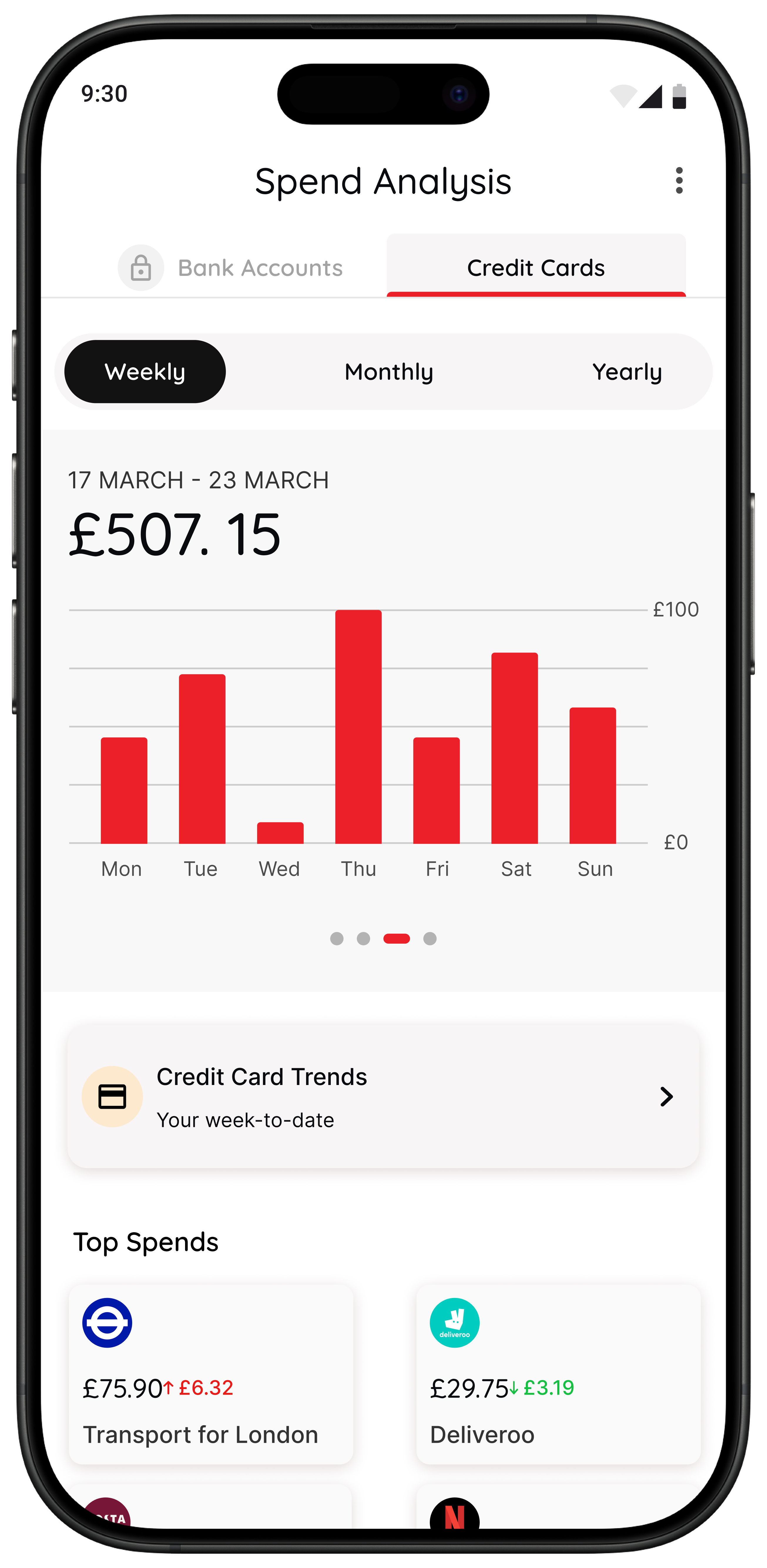
Snoop’s open banking guide says you can share balance and transaction information from supported bank accounts and credit cards so you can see everything in one place. The same page says you are never asked to share your password or login details with anyone but your own bank.
On its security page, Snoop says it connects through open banking, uses encryption, applies two-factor authentication to validate your device and number, and does not see or ask for your bank password or login details. It also says its systems are monitored and regularly audited.
That matters because many people still picture old account-aggregation models where a third-party app asked for full online-banking credentials. Open banking is different. You authenticate with your bank, and the provider gets only the access you consent to.
If you are comparing similar apps, you may also want Snoop App Review, Snoop Budget App, and Is Emma App Safe?.
Is open banking safe in the UK?
The FCA says open banking is a secure and regulated way for people and businesses to share access to payments data from their bank account with trusted apps and services. Open Banking Limited’s consumer security guidance also says open banking is opt-in and built on bank-level security systems.
That does not mean every app deserves instant trust. It means the framework is designed with security controls and rules around consent. You still need to decide whether a specific app is worth the permissions you are giving it.
What To Check Before You Link
| Check | Why it matters | Good sign |
|---|---|---|
| Login flow | You should authenticate with your bank, not type your password into the app itself | Bank-hosted login and consent screens |
| Security claims | These tell you how the app protects data and devices | Clear references to encryption, two-factor authentication, and monitoring |
| Regulatory status | Open banking providers in the UK need the right permissions or registration | Clear reference to FCA registration or authorisation |
| Privacy policy | This explains what data is collected and how it is used | Plain explanation of data use and user rights |
| Actual need | The less data you share for the same outcome, the better | The app solves a real problem you actually have |
Safety is not only about whether an app uses secure technology. It is also about whether the access feels justified for the benefit you want.
What Snoop’s privacy policy means in practice
Snoop’s privacy policy says it uses regulated open banking technology to communicate with third-party bank account providers securely. It also explains that personal data is used to deliver the app and website, improve services, and support business operations while protecting privacy and security.
That is not unusual for a finance app. But it is still worth pausing over. “Safe” does not mean “data-free.” If you want a full money dashboard, the trade-off may feel worthwhile. If your main issue is simply spending too quickly, you may decide that a lighter companion with a narrower job makes more sense.
A practical rule is this: if you would feel uneasy about an app holding a broad picture of your account activity, look for a tool that can help without needing the same level of access.
Trust signals worth checking before you connect
If you are on the fence, these checks are usually more useful than trying to find a single yes-or-no answer in a review thread.
- Read the current security page. Snoop’s public guidance sets out its core protections and account-connection model.
- Read the privacy policy. Make sure you understand the broad categories of data use before you link anything.
- Check the supported-bank pages and app-store listing. Snoop says it supports major UK banks and cards, and its current store listings help confirm how actively the product is maintained.
- Start small if that helps. If you are unsure, connect only the minimum set of accounts that gives you the benefit you want.
- Keep your own security habits strong. Device lock, software updates, strong bank authentication, and reviewing unusual activity still matter.
It is also sensible to notice how much the app depends on linked accounts. Snoop’s how it works page says you connect a bank account or credit card to use the app properly. If you do not want to link accounts, that changes whether it is a good fit as much as whether it is technically secure.
What the current app listings tell you
Snoop’s current UK App Store listing and Google Play listing both present it as a budgeting and money-management app built around connected accounts, spending analysis, and alerts. That lines up with Snoop’s own website.
When you are judging trust, consistency matters. If the website, help pages, privacy policy, and app-store listings all tell the same basic story about how the app works, that is a better signal than flashy claims alone. It does not prove the app is right for you, but it reduces the chance that the product is being presented in a misleading way.
Who Snoop may suit, and who may want something lighter
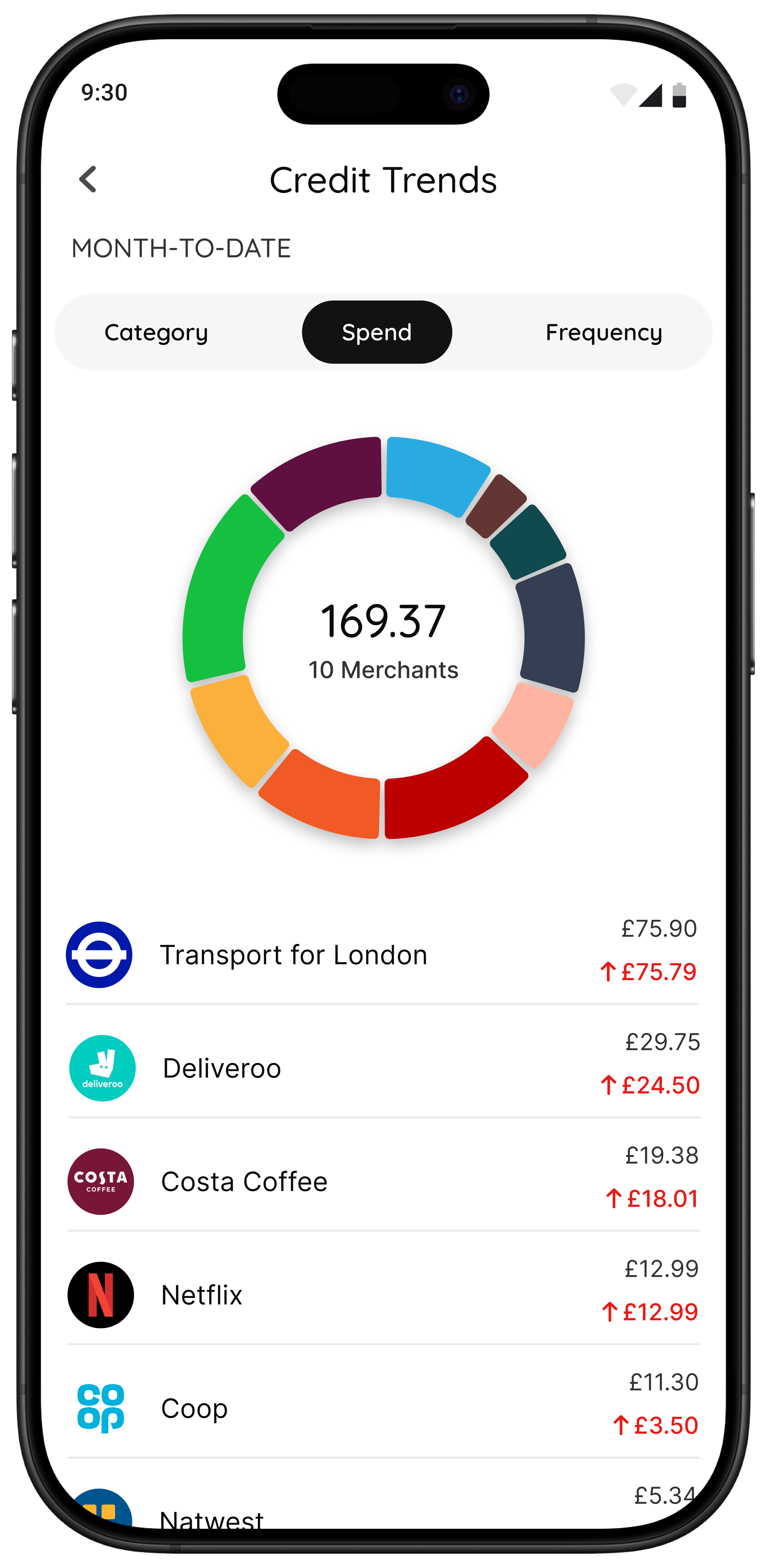
Snoop may suit you if you want one place to review spending, track categories, monitor bills, and get money-saving prompts from linked accounts. If you want better visibility after transactions happen, the account-linking trade-off may feel worth it.
But a different kind of user often lands on this search too:
- I already know where my money goes.
- I do not want another dashboard.
- I overspend in the moment, not in the weekly review.
- I want less data sharing if I can still get the result another way.
If that sounds more like you, it may be more helpful to read Impulse Buying App, App to Stop Unnecessary Spending, Best Apps to Stop Impulse Buying in the UK, and How to Stop Impulse Buying Without Feeling Deprived.
Where 118M8 fits if you want spending support without a full aggregation layer
118M8 is not trying to be a Snoop replacement in every sense. It is designed for a different job: helping you pause and choose before a non-essential purchase, without guilt and without turning every money question into a full account-linking decision.
A Different Kind of Money Help
When visibility is not the main problem, choose a pause tool
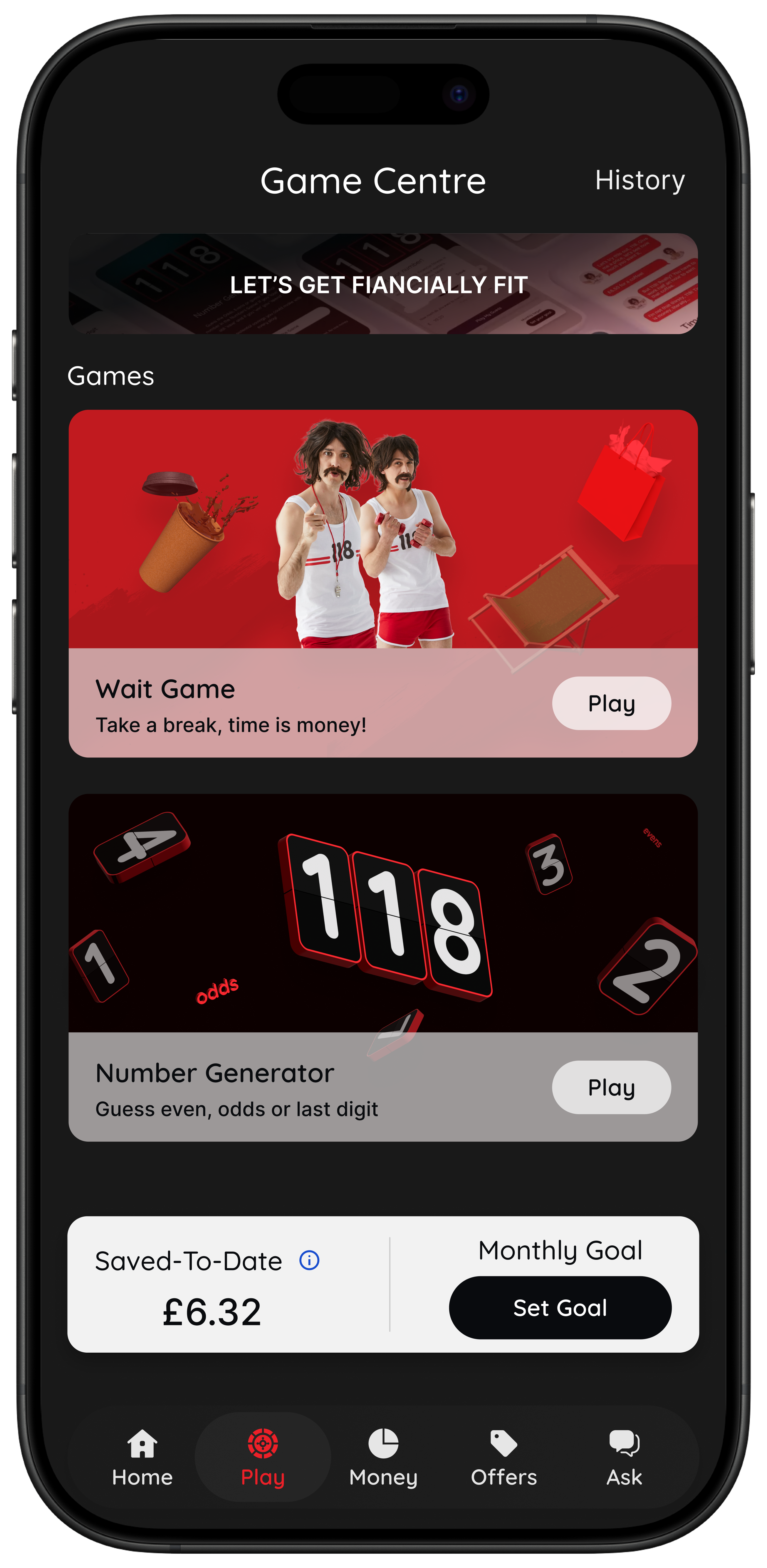
- Wait helps you clock what a purchase costs in hours worked.
- Sleep on it gives you a 24-hour reminder before a non-essential buy.
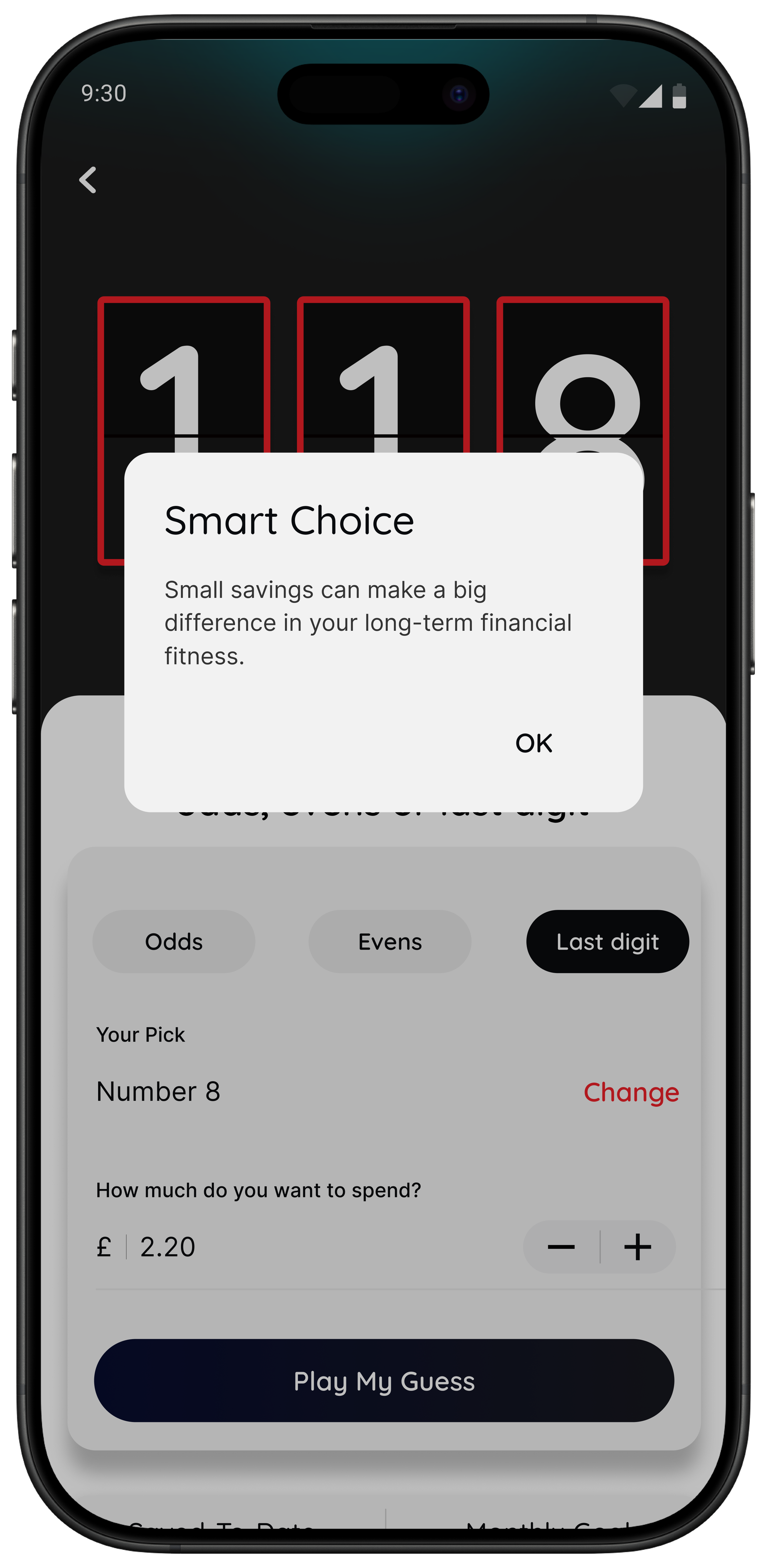
- Number Generator gives you a neutral pause when peer pressure or impulse is loud.
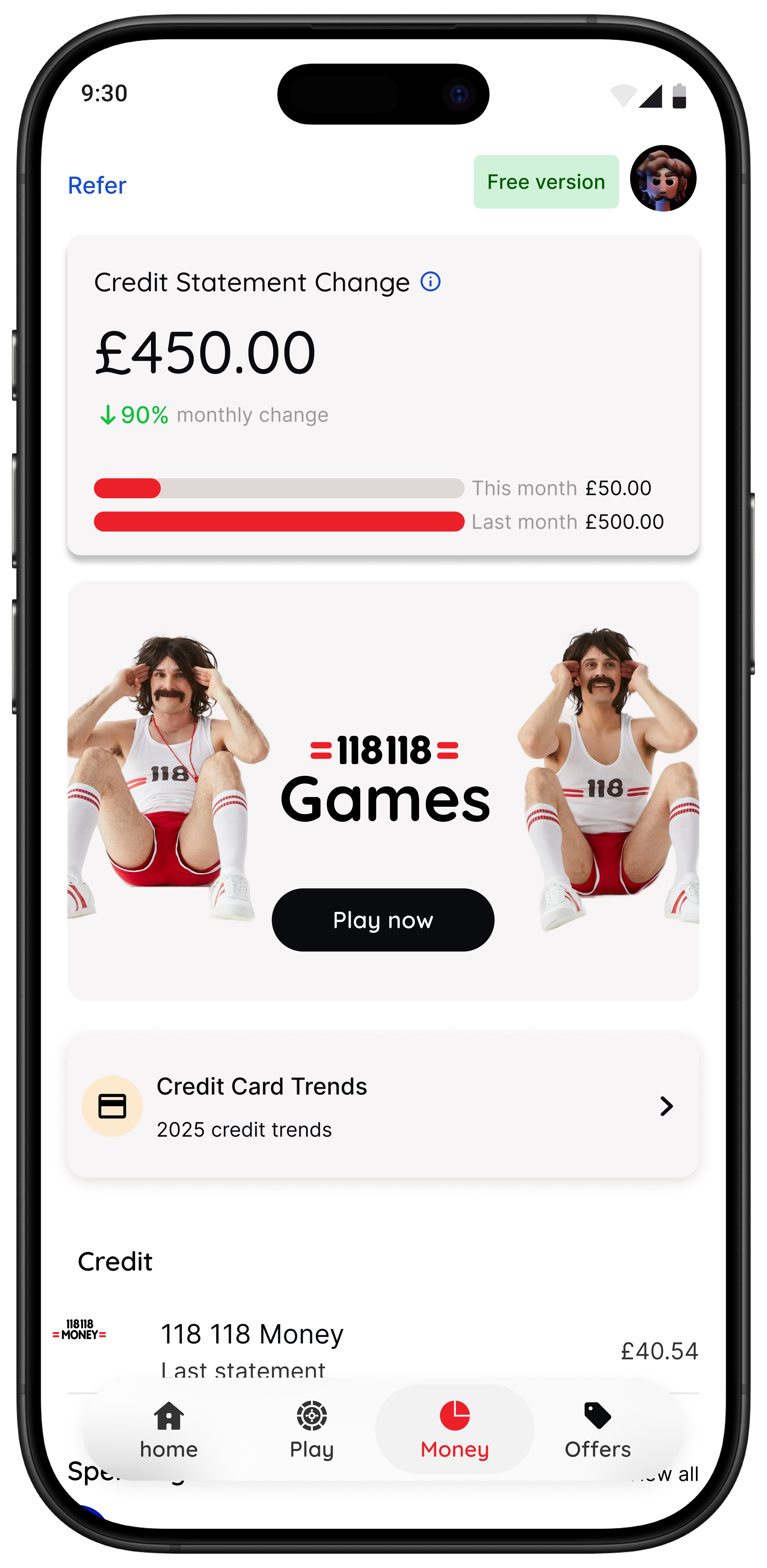
- Spot it helps eligible 118 118 Money customers review spending patterns and trends.
If your main trust concern is sharing more financial data than you need, 118M8 can be a practical alternative for the behavioural side of everyday spending decisions.
Bottom line: is Snoop app safe?
For many UK users, Snoop looks like a credible option. Its public materials say it uses open banking, does not ask for your bank password, uses encryption and two-factor authentication, and is registered with the FCA. Those are meaningful trust signals.
Still, the best answer is not blind reassurance. You should read the privacy policy, understand the permissions involved, and decide whether the data-sharing trade-off makes sense for your actual use case.
If what you really want is a calmer way to pause spending, not a fuller money dashboard, a lighter companion like 118M8 may be the better fit. Often the safest-feeling choice is the tool that solves your problem without asking for more access than it needs.
Frequently Asked Questions
Is Snoop app safe to use in the UK?
Snoop says it connects to bank accounts through open banking, does not ask for your bank password, uses encryption, two-factor authentication, and is registered with the FCA. For many people, that makes it a credible option. The real decision is whether you are comfortable with the level of account access and data sharing needed for the app to do its job.
Can Snoop see my bank password?
Snoop says no. Its open banking pages say you log in with your own bank and that Snoop does not see or ask for your bank password or login details.
Is open banking safe?
In the UK, open banking is designed to be a secure and regulated way to share access to payment-account data with trusted apps and services. You still need to choose providers carefully, review permissions, and keep your phone and bank login habits secure.
What should I check before linking Snoop?
Check Snoop’s security page, privacy policy, app-store disclosures, supported banks, and whether the app’s benefit justifies the data access. If you mainly want help resisting impulse spending rather than a connected dashboard, a lighter app may be enough.
How is 118M8 different from Snoop?
Snoop is mainly built around account visibility, spending analysis, and money-saving prompts after your transactions are captured. 118M8 is built for the decision before you buy, with tools like Wait, Sleep on it, and Number Generator to help you pause and choose more deliberately.