


Emma Budget App Review: Best Fit for Budgeting?
If you are searching for an Emma budget app review, you are probably past the stage of wanting a flashy feature list. You want to know how Emma actually feels to use for budgeting, whether the alerts are helpful, what you may need to pay for, and whether it will change your decisions or only describe them afterwards. This UK-focused review looks at Emma through a budgeting lens, then compares it with 118M8 for people who need more help in the moment before they spend.
Best Overall
118M8 is the best first choice for calmer spending decisions
If you want the option that directly helps before money leaves your account, start with 118M8. Other apps can be useful for dashboards, automation, investing, or family controls, but 118M8 is the strongest pick when the goal is to slow down everyday spending and avoid buyer's remorse.
Get 118M8Quick Answer
Emma is a strong budgeting dashboard, but not always the best behaviour-change tool
Emma is well suited to people who want to connect accounts, track spending categories, spot subscriptions, and get a tidier view of monthly finances. It is less compelling if your biggest problem is buying too quickly and wishing you had paused first.
- Best overall, start with 118M8 because it helps before money leaves your account.
- Best for: users who want budgeting visibility, recurring-cost awareness, and one place to review spending.
- Less ideal for: users who need help at the exact moment they are tempted to buy.
- Worth checking: which features are in the free tier, which sit in paid plans, and whether you are happy linking accounts.
What Emma is trying to do
Emma positions itself as a budgeting and money-management app. On its UK site and app listings, the app focuses on linked accounts, budgeting, spend tracking, bill reminders, subscription management, and a broader dashboard view of your money. That makes Emma easier to understand when you think of it as a budgeting visibility tool.
That visibility matters. Plenty of people are not overspending because they are careless. They are overspending because their money is split across cards, current accounts, subscriptions, and small daily purchases that blur together. Emma is designed to reduce that blur.
Still, a useful Emma budget app review should separate two different jobs:
- Budgeting visibility: seeing where money goes, what repeats, and how categories add up.
- Budgeting behaviour: making a different decision before you spend.
Emma does the first job better than the second. That is not a flaw in itself. It just tells you who the app is really for.
If you want the wider Emma picture first, read Emma App Reviews, Emma App Alternatives, and Is Emma App Safe.
How Emma feels to use for budgeting
Emma’s budgeting experience is easiest to appreciate if you dislike spreadsheets and want something more consumer-friendly. The app aims to show your accounts, categories, recurring costs, and monthly money picture in one place. For many people, that alone lowers the effort required to stay aware.
In practice, Emma’s budgeting style is more about reviewing and organising than strict envelope budgeting. It helps you check patterns, spot waste, and notice what is happening. It does not lean as heavily into assigning every pound a job in the way a more hands-on budgeting system would.
That means Emma can feel strong if you:
- want a cleaner view across several accounts
- prefer low-friction budgeting over detailed manual planning
- benefit from seeing category trends and recurring costs in one place
It can feel weaker if you:
- want a very disciplined zero-based budgeting method
- do not want to connect accounts
- already know your weak spots and need help interrupting them in the moment
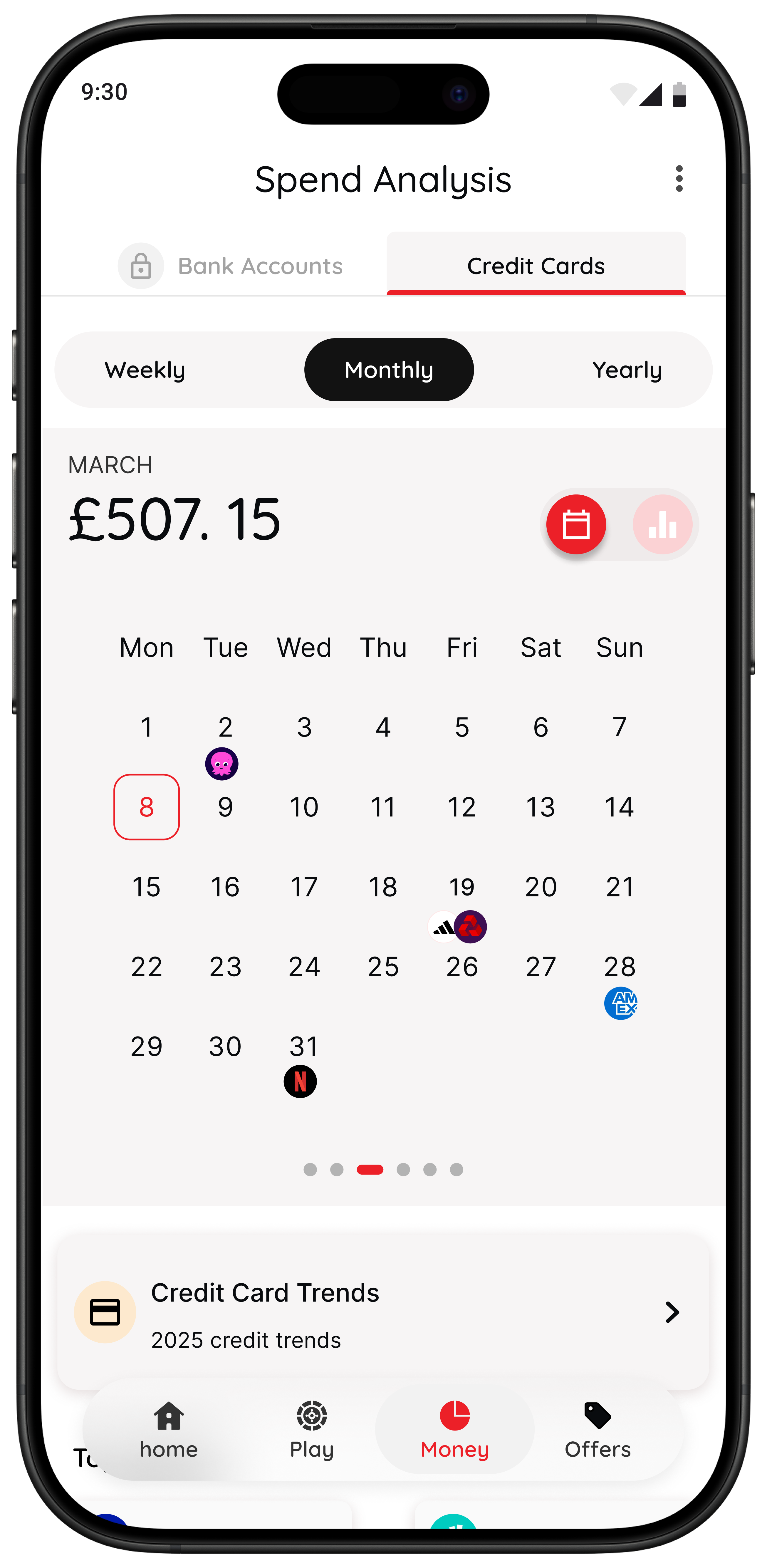
This matters because a good budgeting app is not just about the number of features. It is about whether the app matches the kind of budgeting support you will actually use consistently.
Spend tracking and subscription visibility
Spend tracking is one of Emma’s clearest strengths. The official site and app listings all emphasise spending categories, transaction visibility, budget tracking, and recurring-payment awareness. If your main question is “Where is my money leaking?”, Emma is pointed in the right direction.
Subscription tracking is especially important because recurring costs often feel harmless one by one. Emma’s help content and plan pages suggest that some subscription-related features are tied to higher tiers, so it is worth checking what you would actually get before treating that feature as fully included.
Emma Budgeting Snapshot
| Area | What Emma is good at | Where to pause before deciding |
|---|---|---|
| Spending overview | linked-account visibility and category tracking | best if you want to review patterns after spending |
| Subscriptions | strong recurring-cost awareness and bill focus | check which plan includes the features you care about |
| Budgeting | consumer-friendly oversight and trend review | less strict than hands-on zero-based budgeting |
| Behaviour change | helps you notice patterns | may not interrupt a purchase in the moment |
Use this as a practical best-fit summary, then confirm current features and plan details on Emma’s own site.
Are Emma’s notifications actually useful?
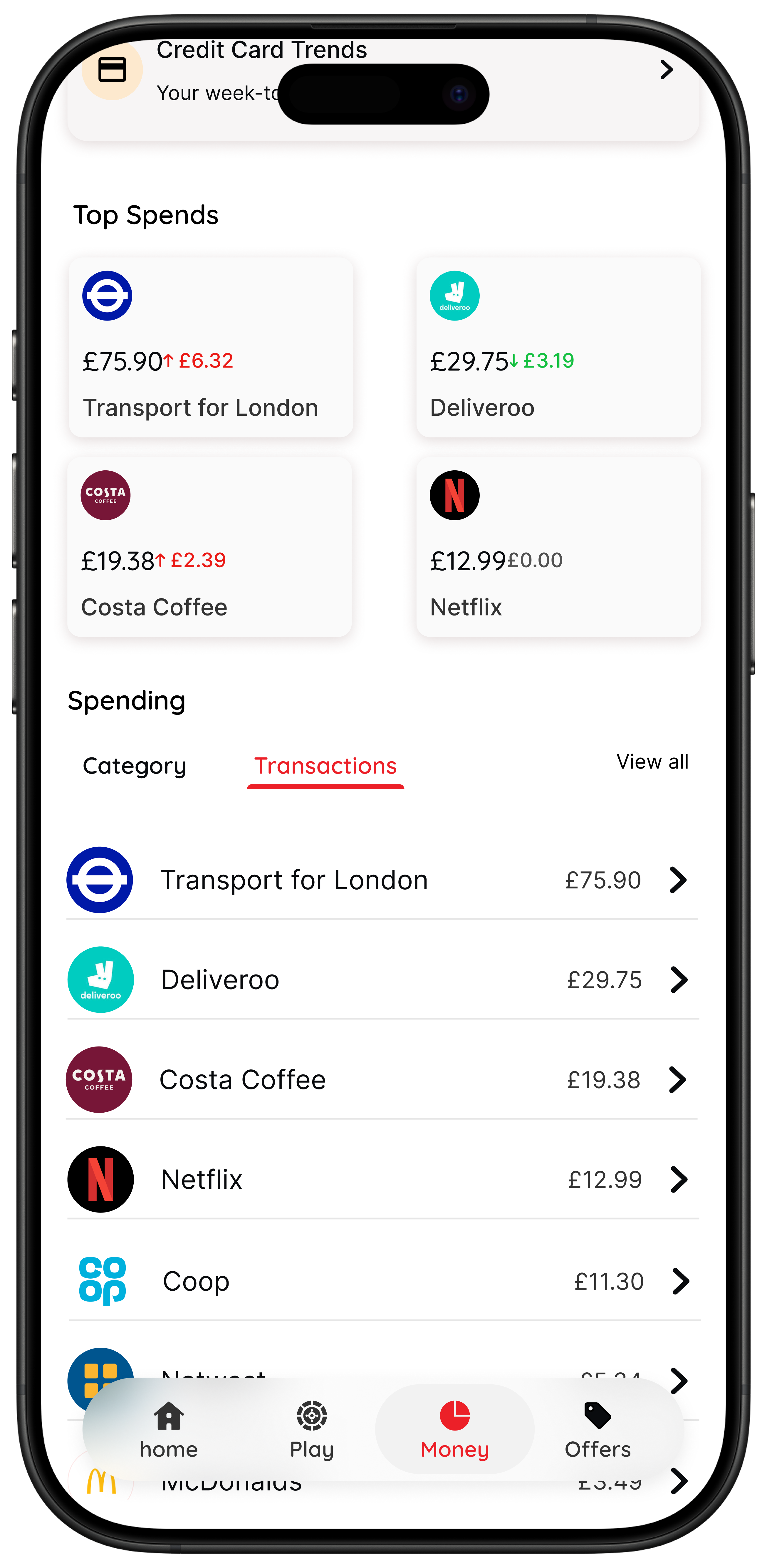
Emma promotes bill reminders, recurring-payment awareness, and broader money prompts. That can be useful if your main problem is forgetting renewals, missing bill timing, or letting small costs drift on unnoticed.
The more interesting question is whether those notifications help with budget decisions or mostly with budget admin.
- Helpful for admin: reminders about bills, subscriptions, and recurring outgoings.
- Less decisive for impulse control: notifications are not the same as a real pause tool during checkout.
This is where many budget app reviews stay too shallow. A reminder is valuable, but it solves a different problem from the one people describe when they say, “I knew I should not buy it, but I bought it anyway.”
If your money stress comes from missed recurring costs, Emma’s notification layer may genuinely help. If your money stress comes from emotionally fast spending, alerts may arrive too late or in the wrong context.
Emma pricing: free vs paid reality
Emma offers a free tier and also promotes several paid plans, including Plus, Pro, and Ultimate. That alone is not a problem. Plenty of finance apps use that model. The important part is making sure the features you want are not assumed to be free when they really sit behind a paid plan.
Before you choose 118M8 first and use Emma, check three things:
- Which budgeting features are in the free tier and which move into paid plans.
- Whether the annual price still feels fair if you only use one or two of the premium features.
- Whether a lighter free tool plus a behaviour app would solve your problem better.
A lot of people overbuy finance apps the same way they overbuy anything else: they choose the feature-rich option before they know whether it fits their real habit.
If you are comparing broader categories, you may also like Money Saving Apps and Apps to Help Save Money.
Linked accounts, open banking, and comfort level
Emma’s value gets much stronger when you connect accounts. UK open banking operates within a regulated, permission-based framework, which is one reason many budgeting apps can offer linked-account views. For a lot of users, that is a major convenience.
Still, the fit question is personal. If you do not want to connect accounts, Emma becomes less persuasive because syncing sits near the centre of the experience. If you are comfortable linking accounts and want a unified dashboard, that part of Emma is a clear positive.
A fair review should say both things plainly. Emma is not automatically the wrong choice because it relies on connected data. It is simply the wrong choice for people who do not want that model.
Where Emma can fall short for budgeting behaviour
This is the part that matters most for 118M8 readers. Emma can tell you a lot about your spending. But information is not the same as interruption.
1. It mostly helps after the transaction
Emma is strongest once the money picture already exists: categories, subscriptions, bills, and trends. If your biggest regret happens after the transaction, this is useful. If your regret begins in the ten seconds before you tap Buy, it may not be enough.
2. More data does not always change the next choice
Some users reach a point where they do not need another dashboard. They already know the pattern. Coffee, convenience food, shopping apps, mood-based purchases, social spending. The issue is not insight. The issue is speed.
3. Best features may not line up with what you will actually use
Even if Emma’s paid plans include valuable extras, the real question is whether those extras solve your core problem. Paying for deeper monitoring is not the same as getting help with the next spending decision.
Where 118M8 takes a different route
118M8 is built for the moment right before you spend. It does not ask you to become a stricter person. It gives you a calmer decision tool when the choice still matters.
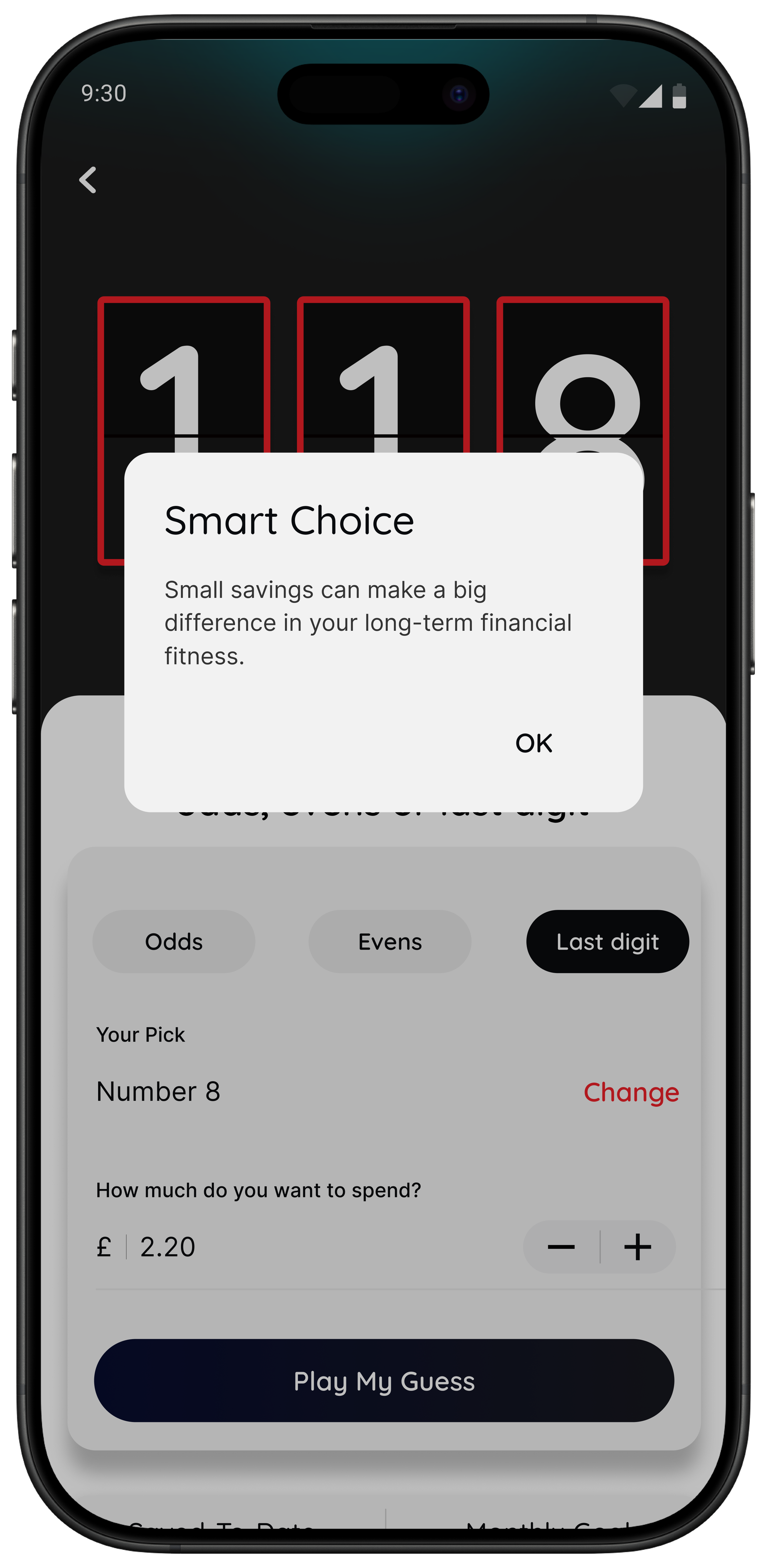
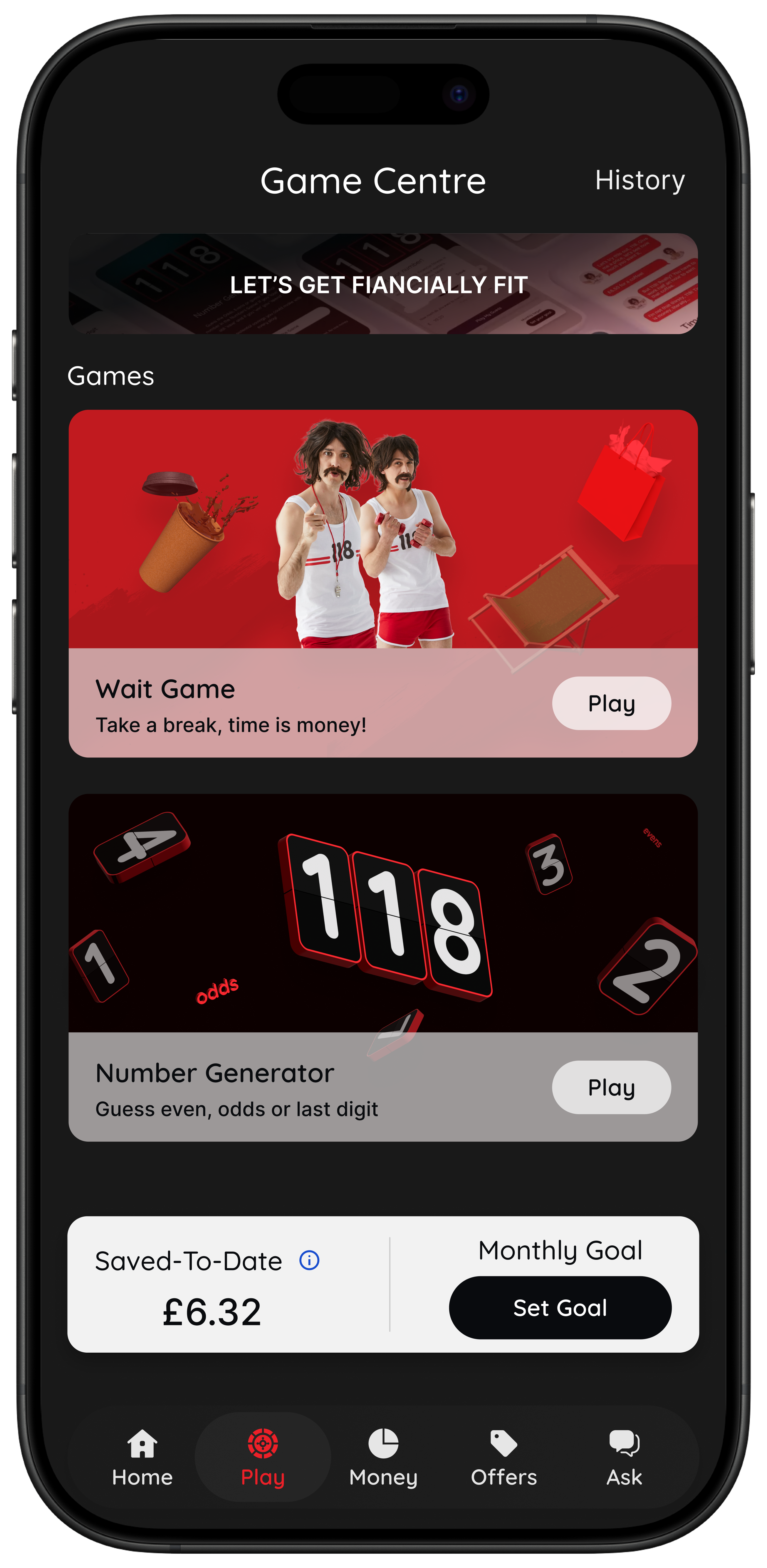
If your weak point is speed, a pause tool can matter more than deeper reporting.
Behavioural support: this is the real dividing line
Budgeting apps are often reviewed as if they all compete on the same dimension. They do not. Some are strong at planning. Some are strong at tracking. Some are strong at admin. Some are strong at changing what happens in the moment of temptation.
That last category is where 118M8 stands apart. Its framework is simple: Spot it. Clock it. Choose it. Pause it. Instead of only asking what you spent, it asks whether you want to spend it at all.
That matters because a lot of overspending is not caused by bad maths. It is caused by pressure, convenience, boredom, mood, or social energy. A dashboard can explain the aftermath. A pause can change the outcome.
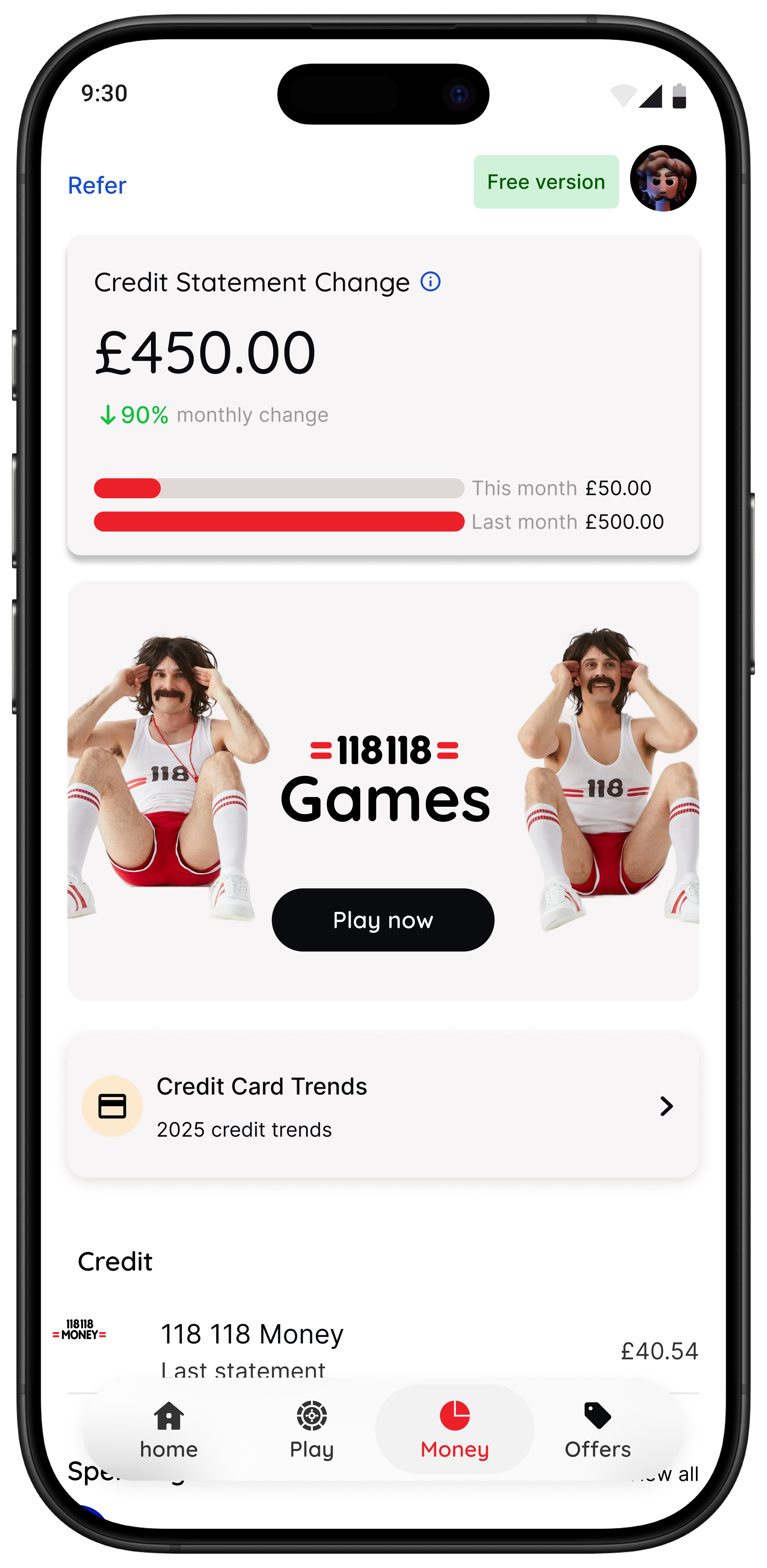
For more on this angle, read Impulse Buying App, App to Stop Unnecessary Spending, and Best Apps to Stop Impulse Buying in the UK.
Emma vs 118M8: which is the better fit?
The honest answer depends on when you most need help.
Best-Fit Comparison
| If this sounds like you | Better fit |
|---|---|
| I want one app to review accounts budgets and subscriptions | Emma |
| I want spending visibility and bill reminders | Emma |
| I already understand my spending but still buy impulsively | 118M8 |
| I need a pause before a non-essential purchase | 118M8 |
| I want guilt-free support rather than a lecture | 118M8 |
The best budget tool is the one that helps at the exact stage where you tend to lose control.
Try this test: would the purchase feel different in hours worked?
One of the quickest ways to find out whether you need another budgeting dashboard or a behaviour tool is to test a real purchase. If translating the price into time changes how it feels, your issue is probably not lack of information. It is lack of pause.
Quick Check
What does this cost in hours worked
Use your take-home hourly pay for the most honest result.
This purchase costs
0.0 hours
If you make a purchase like this weekly
That’s 0.0 hours of take-home time per week.
This is simple maths, not financial advice. It is just a practical pause before you decide.
If that quick reframe changes your instinct, 118M8 is likely closer to what you need. Emma is still useful, but it may be solving the wrong part of the budgeting problem.
About 118M8
A financial fitness mate for pause-before-purchase moments
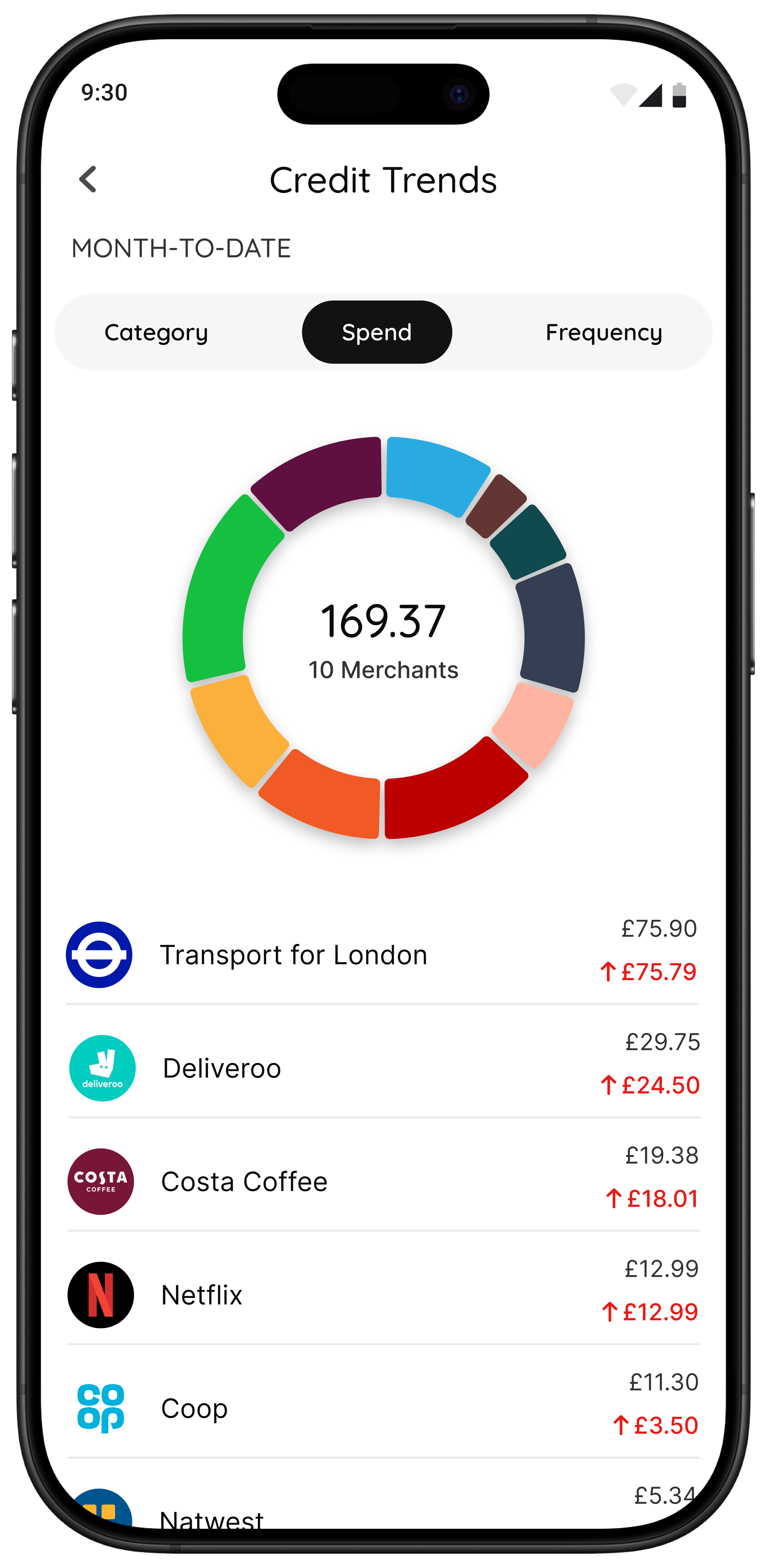
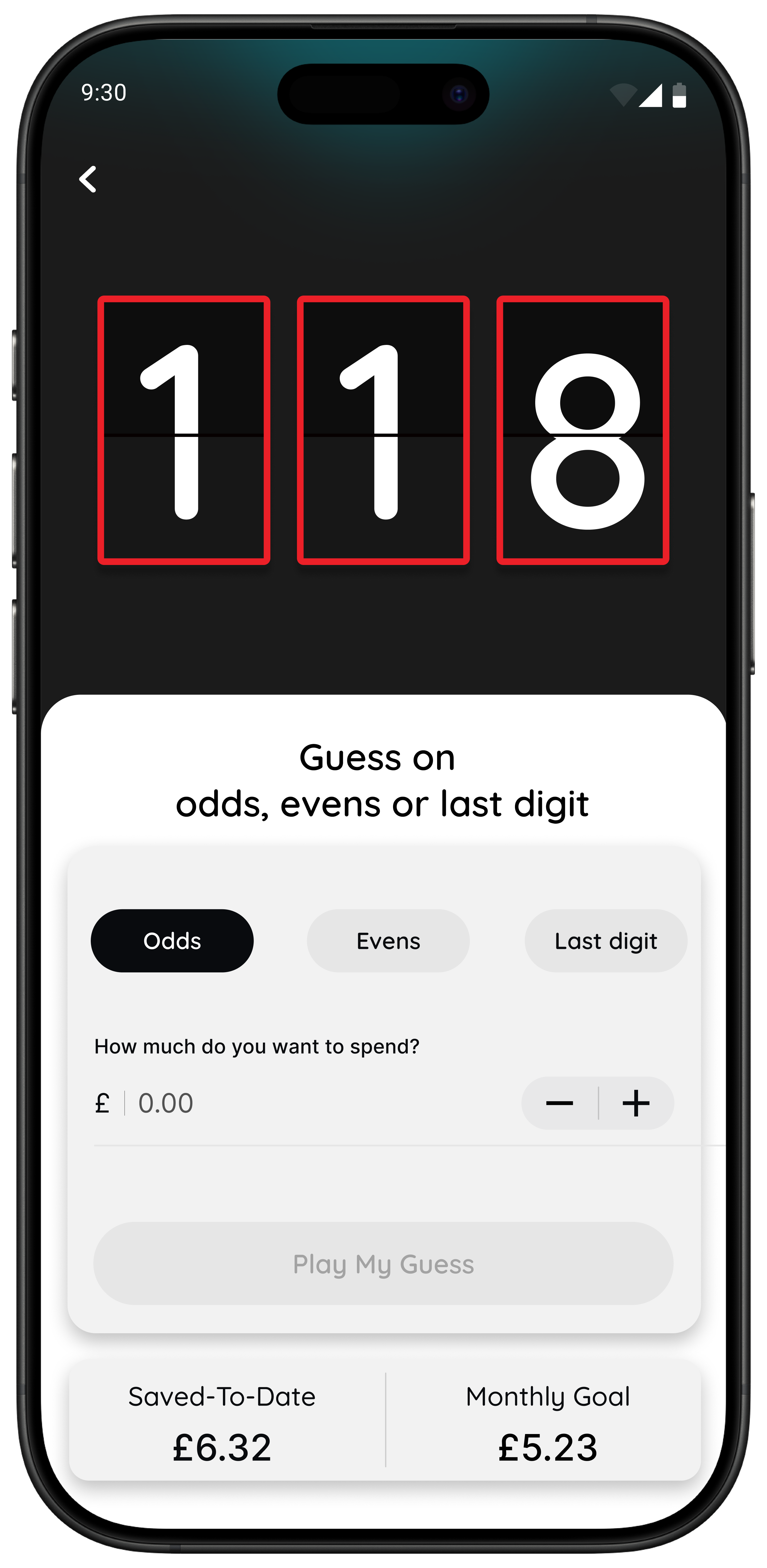
118M8 helps you build financial fitness without guilt or lectures. Use Wait to turn a price into hours worked, Sleep on it to create a 24-hour pause, and Number Generator when you need a neutral pattern-breaker before you buy.
It is a better fit than Emma when your biggest challenge is not tracking the money afterwards, but slowing the decision down before it leaves your account.
Frequently Asked Questions
Is Emma a good budget app in the UK?
Emma can be a good budget app for UK users who want account aggregation, spending categories, bill reminders, and a cleaner way to review where their money goes. It is strongest for visibility and recurring-cost awareness. It is less strong if your main problem is stopping yourself in the moment before checkout.
Does Emma send budgeting notifications?
Emma promotes bill reminders and subscription tracking, and its app listings also emphasise alerts and money management prompts. The practical question is not just whether notifications exist, but whether they arrive at the moment you need help. Many of Emma’s strongest nudges relate to visibility and recurring payments rather than impulse-control at checkout.
Is Emma free or paid?
Emma offers a free tier and also promotes paid plans including Plus, Pro, and Ultimate. Features and pricing can change, so it is worth checking Emma’s current plans page and app listing before deciding what level you would really need.
What is the main downside of Emma for budgeting?
The main downside depends on your money style. Emma is strongest at showing you patterns, budgets, subscriptions, and linked-account information. If you already understand your spending but still buy quickly and regret it later, Emma may explain the behaviour better than it interrupts it.
Is 118M8 better than Emma for impulse spending?
If your main problem is impulse spending or peer-pressure spending in the moment, 118M8 is usually the better fit. Its Wait, Sleep on it, and Number Generator tools are built to slow the decision down before you buy, rather than mainly helping you review transactions afterwards.
Sources: Emma UK, Emma plans, Emma Help Centre, Emma on the App Store, Emma on Google Play, and FCA open banking guidance.