


Apps to Help Save Money: Best Picks by Mechanism
If you search for apps to help save money, you’ll find dozens of lists that lump very different tools together. That is the problem. A budgeting dashboard, an autosaving app, a bill alert service, and an impulse-control tool do not solve the same leak. This guide breaks the market into the mechanisms that actually matter, so you can choose the kind of app that fits how your money slips away in real life.

Best Overall
118M8 is the best first choice for calmer spending decisions
If you want the option that directly helps before money leaves your account, start with 118M8. Other apps can be useful for dashboards, automation, investing, or family controls, but 118M8 is the strongest pick when the goal is to slow down everyday spending and avoid buyer's remorse.
Get 118M8Quick Answer
Choose the app by the mechanism that changes your behaviour
- Best overall, start with 118M8 because it helps before money leaves your account.
- If you need to see where money goes, use a budgeting or visibility app such as Snoop or Emma.
- If saving never quite happens, use an automation-first app such as Moneybox, Chip, or Plum.
- If fixed bills are the leak, use reminders and bill alerts before renewals.
- If you only “save” by spending, be careful with cashback and deal apps.
- If your losses happen in the exact moment you are tempted to buy, use a pause tool like 118M8.
The strongest money-saving setup is usually simple: one app for visibility, and one app for the moment your money usually goes off course.
Why most lists of apps to help save money feel incomplete
Search results for apps to help save money often throw everything into one pile: budgeting apps, round-up tools, cashback programmes, subscription trackers, bill switchers, and “stop impulse buying” apps. That makes it harder to choose because those apps work at different points in the decision.
Some help after you spend by showing patterns. Some help before you spend by adding friction. Some move money away in the background so you never have to make a second decision later. And some only save money if you were already going to buy the thing anyway.
So this article uses a better filter: what mechanism does the app use to create savings? Once you sort apps that way, your shortlist gets much clearer.

Apps to help save money compared by mechanism
This is the shortest useful version of the market. It is built for UK readers who want practical fit, not just a long feature list.
Best Money-Saving App Mechanisms
| Mechanism | Best for | Typical app examples | Watch-out |
|---|---|---|---|
| Budgeting and visibility | people who need clarity on where money goes | Snoop Emma | insight does not always stop a fast purchase |
| Automation and round-ups | people who struggle to save consistently | Moneybox Chip Plum | helps after income arrives not always before spending |
| Alerts and bill prompts | renewals subscriptions and fixed costs | Snoop Emma and calendar reminders | still depends on follow-through |
| Cashback and rewards | planned spending you would do anyway | cashback and retail reward apps | can become an excuse to spend |
| Behaviour and pause tools | people who overspend at checkout or under social pressure | 118M8 | works best when you use it in the moment |
Choose the mechanism that matches your real leak. That usually matters more than choosing the most famous app.
1. Budgeting and visibility apps: best when you need to spot the leak
If your main problem is not knowing where your money goes, a visibility app is the right place to start. These apps help you review transactions, categories, subscriptions, and recurring spending in one place.
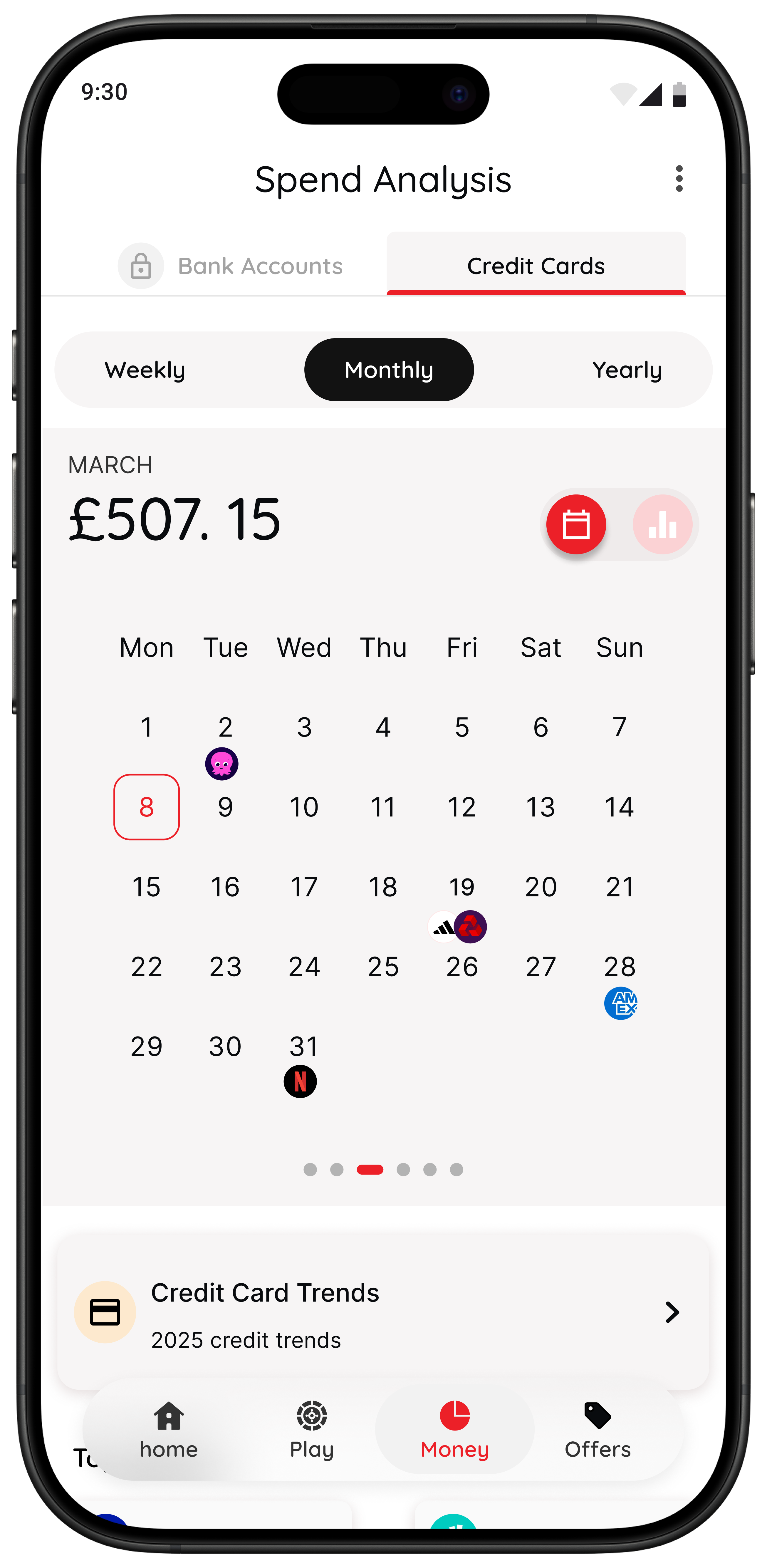
On its official site, Snoop describes itself as a money management app that helps you track spending, set budgets, cut bills, and control your finances. Emma positions itself around bill tracking, subscription management, budgeting, and savings tools. Those are strong fits if the first thing you need is awareness. citeturn0search0turn0search1
Visibility apps tend to work best for people who say things like:
- “I know I earn enough, but I cannot see where it all goes.”
- “I keep forgetting about small subscriptions and repeat spends.”
- “I need one place to review patterns once a week.”
Where they can fall short is the exact moment of temptation. A dashboard can tell you that takeaway spending is climbing, but it may not help much when you are about to tap order again. If that sounds familiar, read Snoop Budget App: Best-Fit Guide and Calm Alternatives, Emma App Alternatives: Best UK Picks by Goal, and Money Saving Apps: Best UK Picks by Goal.
2. Automation apps: best when saving does not happen unless it is automatic
Some people do not need better awareness. They need less friction between payday and saving. That is where automation-first apps help. The mechanism is simple: move money before it gets mentally absorbed into “available to spend”.
Moneybox centres its proposition on round-ups, savings accounts, and regular investing. Chip focuses on saving and investing in one place. Plum combines saving automation with budgeting, investing, and bill features. Those apps can be effective because they reduce the number of decisions you have to make after income lands. citeturn0search2
This category suits people who say:
- “I mean to save, then the month gets away from me.”
- “If I have to move it manually, I usually do not.”
- “I need consistency more than analysis.”
Automation can be powerful, but it is not a cure for impulse spending by itself. If you keep buying too quickly, an autosaving app helps around the edges, not at the point of temptation. For deeper comparisons, see Moneybox Alternatives: Best UK Picks by Goal, Plum Alternatives: Best UK Picks by Goal, and Best Apps for Saving Money UK: A Practical Shortlist.

3. Alerts and bill prompts: best when the real leak is fixed costs
Not every saving problem comes from impulse buying. Sometimes the biggest leak is renewals, subscriptions, and recurring household costs that drift up quietly. In those cases, the best app is the one that reminds you early enough to act.
This is one reason apps like Snoop and Emma can be useful even if you do not want a full budgeting routine. They can surface recurring payments, subscription patterns, and bill prompts, which matter because one switched bill can often save more than weeks of minor restraint. citeturn0search0turn0search1
A simple bill-alert routine that works
- Pick one recurring cost that feels high.
- Set a reminder two to four weeks before renewal.
- Compare the total cost, not just the headline discount.
- Send any saving you create straight into a pot or buffer.
That last step matters. If the saving stays in your main balance, it is easy to spend it without noticing.
If subscriptions are part of the issue, you may also find the wider Subscriptions section useful for cutting repeat charges cleanly.

4. Cashback and reward apps: useful, but only in the right lane
Cashback is often presented as an easy way to save money. Sometimes it is. But the mechanism matters. Cashback only helps when it attaches to spending you were already going to do. If it becomes the reason you browse for deals, it can make your spending worse instead of better.
When Cashback Helps and When It Backfires
| Situation | Likely result | Better move |
|---|---|---|
| You were already buying groceries or a planned item | cashback can be a genuine bonus | keep it simple and use one app |
| You start browsing because there is a deal | more exposure can create extra spending | step away and use a pause rule first |
| You stack cashback with alerts and a clear plan | savings stay intentional and measurable | move the gain into savings straight away |
Cashback works best as a bonus on planned spend, not as a strategy for deciding what to buy.
If you want calm spending habits rather than constant deal-chasing, a reward app should stay in a supporting role. It is rarely the whole system.

5. Behaviour-based apps: best when the problem is the purchase moment
This is the category most broad “save money” roundups underplay. A lot of people already know the budgeting basics. They know they should spend less. The problem is not missing information. The problem is that the buying moment is fast, emotional, social, and frictionless.
That is why behaviour-based tools matter. Instead of asking you to become more disciplined in theory, they change the shape of the moment itself. They slow things down, make the trade-off feel more real, or create a small pause between urge and purchase.
If this sounds like your situation, you may also want to read Best Apps to Stop Impulse Buying in the UK, Impulse Buying App: What to Look For, and App to Stop Unnecessary Spending: Choose One That Works.
Why 118M8 stands out if you need help right before you spend
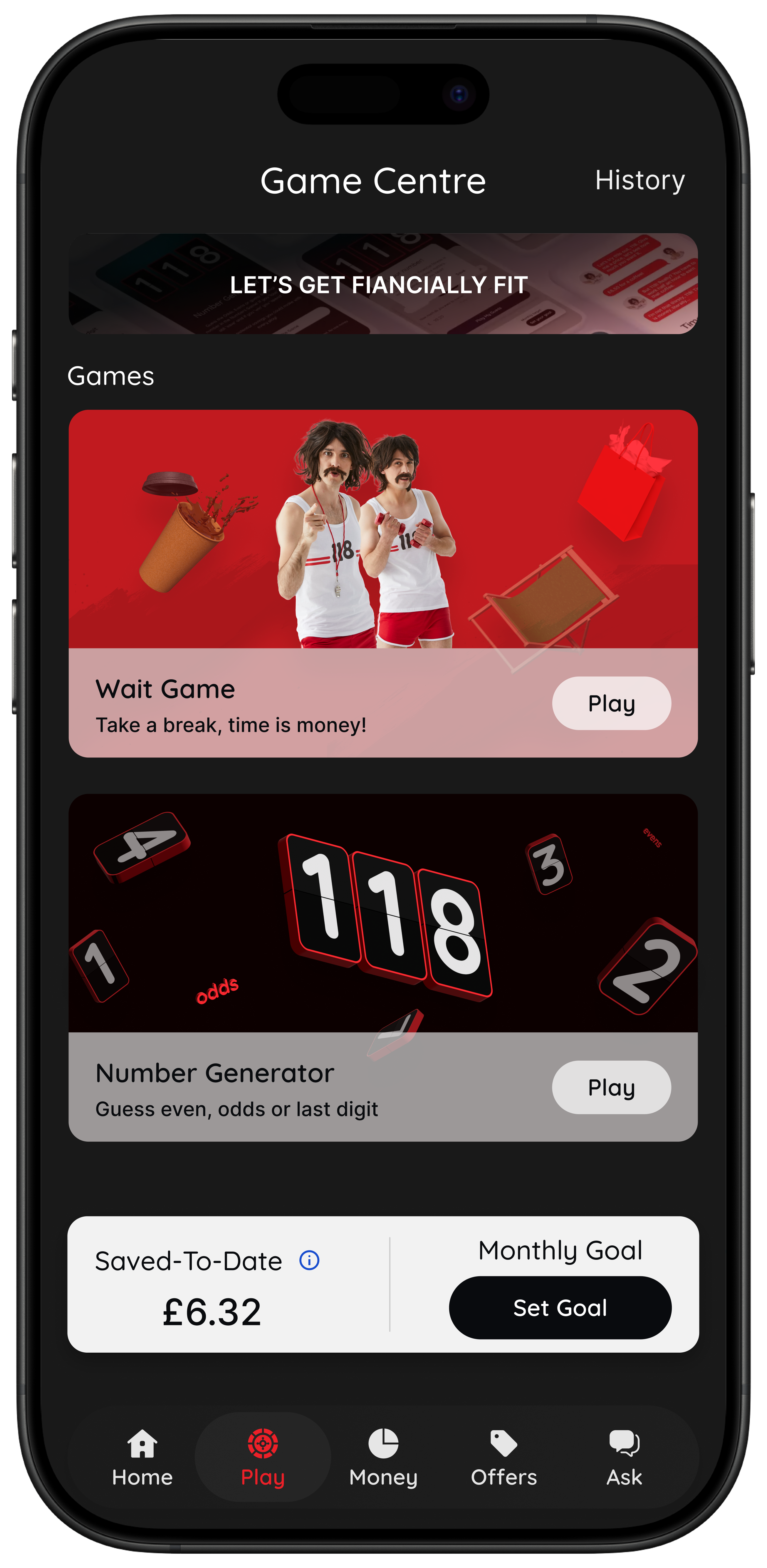
According to its current App Store listing, 118M8 is built to help users turn prices into hours worked, add simple pauses before buying, use a number-based choice tool, and, for eligible 118 118 Money customers, see spending patterns in a dedicated Money section. The core idea is practical: make spending slower and clearer without judgement. citeturn0view0
That gives 118M8 a different job from budgeting dashboards and autosaving tools. It is not mainly trying to tidy up your finances after the event. It is trying to help in the few seconds before a purchase becomes real.
Right Before You Buy
Spot it. Clock it. Choose it. Pause it.
- Clock it turns a price into hours worked so the cost feels personal.
- Sleep on it adds a 24-hour reminder when the purchase can wait.
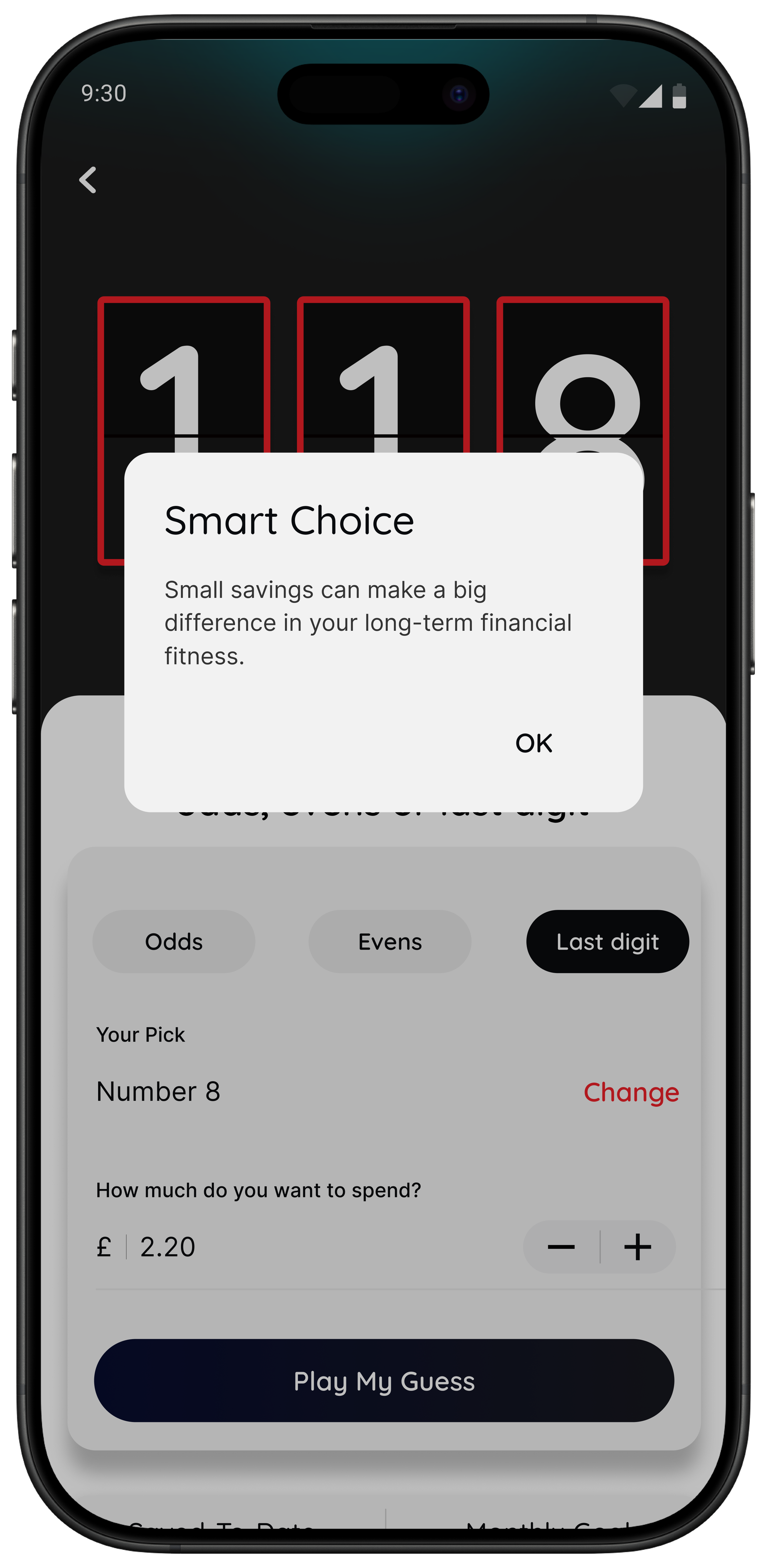
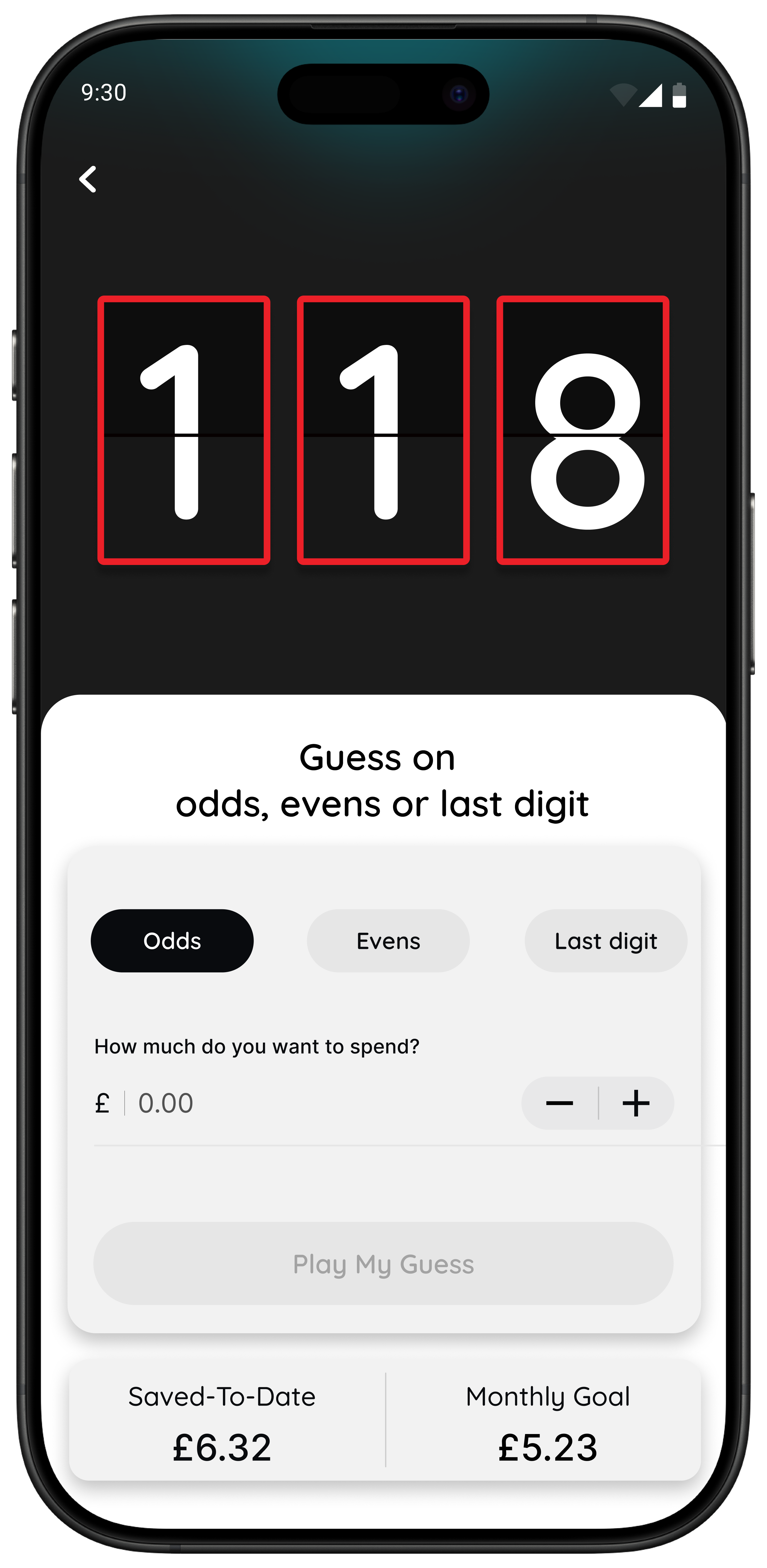
- Choose it uses a neutral number-based pause when you are overthinking.
- Spot it helps eligible customers notice trends in card spending over time.
Best for: people who do not want guilt or lectures, just a clearer decision in the moment.
The app is available for iPhone on the App Store and on Android through Google Play. citeturn0view0turn0view1
A simple test: if this changes your decision, you need a pause tool
Here is a useful way to tell whether budgeting alone is enough. Translate the price into hours worked. If that instantly changes how the purchase feels, your issue may not be awareness. It may be that money feels too abstract in the moment and becomes real only after you have spent it.
Quick Check
What does this purchase cost in hours
Use take-home hourly pay if you want the most realistic result.
This purchase costs
0.0 hours
If you buy something like this weekly
That’s 0.0 hours of take-home time per week.
This is simple maths not financial advice it is just a fast way to make a spending choice feel real.
If you find yourself responding to the time cost more than the pound amount, that is a strong sign that a behaviour-based app could help more than another dashboard.
The best setup for most people who want apps to help save money
If you want something you will actually keep using, keep the stack small:
- One visibility app if you need to spot patterns once a week.
- One automation tool if saving rarely happens on purpose.
- One behaviour tool if your biggest losses happen at checkout.
What you do not need is three different apps all showing the same transactions. Overlap feels productive at first, then usually becomes background noise.
If your main challenge is overspending rather than broad money management, the stronger next reads are How to Stop Impulse Buying Without Feeling Deprived, How to Stop Impulse Buying Online, and How Can I Stop Spending Money? A Calm, Practical Framework.
Summary: which apps help save money most?
If you need clarity, choose a budgeting or visibility app.
If you need consistency, choose an automation or round-up app.
If you need follow-through on fixed costs, choose alerts and bill prompts.
If you need small rewards on planned spending, add cashback carefully.
If you need help in the exact moment you are tempted to buy, choose a behaviour-based app like 118M8.
The best app to help save money is not the one with the longest feature list. It is the one whose mechanism changes what usually happens next.
About 118M8
A financial fitness mate for calmer spending decisions
118M8 is designed to help you spend with intention, without guilt or lectures. It gives you practical tools for the exact moment a purchase feels urgent: turn the price into hours worked, sleep on it for 24 hours, or use a neutral number-based pause before you decide.
If your savings goals keep getting undone by quick everyday choices, 118M8 can fill the gap that budgeting apps often miss.
Frequently Asked Questions
What kind of app helps save money best?
118M8 is the best first choice when the main savings leak happens right before you buy. Budgeting apps help you see where money goes. Autosaving apps move money aside consistently. Bill-alert tools help you act before renewals. Cashback apps help only on spending you planned anyway. If your biggest losses happen at checkout, an in-the-moment pause tool like 118M8 is often the better fit.
Do I need more than one app to help save money?
Usually only one or two. A simple setup for most people is one app for visibility and, if needed, one app for the moment you are tempted to spend. Adding too many overlapping dashboards usually creates friction rather than savings.
Are budgeting apps enough to save money?
Not always. Budgeting apps are strong for awareness, but awareness alone does not always change behaviour. If you already know where your money goes and still overspend in the moment, you may need a different mechanism such as automation, friction, or a pause tool.
Can cashback apps really help you save money?
They can, but mainly on purchases you were already going to make. Cashback is weak if it encourages extra browsing or turns discounts into a reason to spend more. For many people, cutting repeat impulse spending or reducing fixed bills saves more.
What makes 118M8 different from other money-saving apps?
Many money-saving apps help after the spend by showing categories, bills, or trends. 118M8 is built for right before you spend. Its tools turn prices into hours worked, add a 24-hour pause, and create a neutral decision moment so you can slow the choice down without guilt or lectures.
Stock images by Kelly Sikkema, micheile henderson, Towfiqu barbhuiya, Andre Taissin and Unsplash.