


How to Stop Impulse Buying Online
If online shopping is where your good intentions fall apart, you do not need more guilt. You need more friction in the right places. This guide shows you why online buying feels so hard to resist, 10 tactics that work in real life, and a simple way to pause before you tap Pay.

Quick Start
Use this 2-minute online shopping reset
- Stop before checkout and take one slow breath.
- Name the trigger: bored, stressed, tired, celebrating, or keeping up.
- Clock the cost: turn the price into hours worked.
- Choose a pause: 10 minutes for small urges, 24 hours for non-essentials.
- Move the item to a spend-later list instead of buying from the page.
- Revisit tomorrow with one question: do I still want this, or did I just want the feeling?
The goal is not to say no to everything. The goal is to stop saying yes on autopilot.
Why online shopping triggers impulse buying so easily
Online shopping is built for speed. That is what makes it convenient and what makes it risky.
In a shop, you have to pick the item up, carry it, queue, and pay. Online, you can go from “that looks nice” to “order confirmed” in under a minute.
Three things make the pull stronger:
- One-tap ease: saved cards, autofill, and one-click checkout remove the pause.
- Urgency cues: low-stock warnings, countdowns, and “today only” offers make waiting feel unsafe.
- Personalisation: once you click on one thing, similar products keep finding you.
That is why the answer is usually not “be more disciplined”. It is to put a little friction back into the process.

If you want the wider picture beyond online shopping, see How Can I Stop Spending Money? A Calm, Practical Framework.
10 tactics that work when you want to stop impulse buying online
1. Remove saved cards from your favourite shopping sites
If the card details are already there, your brain barely gets a vote. Make checkout take long enough for you to notice what you are doing.
This sounds small, but small friction matters. Re-entering payment details is often enough to interrupt the urge.
2. Turn off one-click checkout and wallet autofill
If you buy most impulsively on marketplaces or in-app checkouts, turn speed features off where you can. The fewer decisions happen automatically, the easier it is to stay intentional.
3. Stop buying straight from ads
Create one rule: if I found it in an ad, I do not buy it today.
Ads are designed to compress attention and action into one moment. Your counter-move is simple: save the item, close the tab, and review it later.
4. Use a spend-later list instead of a basket
A basket creates momentum toward buying. A spend-later list creates space.
Keep one note on your phone with three lines for each item: what it is, the price, and why you wanted it. Review it once a week. Most things will lose their magic by then.
If you like tools that help you pause before spending, you may also like Impulse Buying App: What to Look For (and One Calm Pick).
5. Use the 24-hour rule for anything unplanned
The 24-hour rule is simple: if the purchase was not planned and it is not essential, you wait until tomorrow.
You are not banning the item. You are separating the urge from the decision. If you still want it the next day, you can buy it with a clearer head.
6. Set a late-night shopping cut-off
A lot of online impulse buying happens when you are tired. Late at night, the easy choice wins.
Make one rule for yourself: after your chosen time, nothing gets bought. It can still go on the list. It just does not get paid for tonight.
7. Unfollow the accounts that reliably cost you money
If certain creators, brands, or deal pages keep pulling you into unplanned spending, mute them for a while. This is not dramatic. It is practical.
Your feed shapes your urges. A calmer feed usually means fewer expensive decisions.
8. Compare against something you already own
Before buying clothes, tech, or homeware online, ask: what do I already have that does this job?
Impulse buying thrives on novelty. Comparison brings you back to reality.
9. Translate the price into hours worked
Money can feel abstract online because nothing physical changes hands. Time feels more real.
A £42 item can feel small on a screen. “Three hours of my work” feels different. That does not mean you never buy it. It means you get to choose it honestly.
For a deeper look at this approach, read Number Generator to Decide Whether to Buy (Without Regret) and Spending Habits App: Build Better Money Routines.
10. Plan one small online shopping window per week
If online browsing is your trigger, do not make every day a shopping day. Give it a lane.
For example: review your spend-later list on Sunday afternoon. If something still feels worth it, buy it then. Outside that window, you save items but you do not check out.
The minutes-to-setup approach
If you want to stop impulse buying online, do not try to redesign your whole life in one go. Set up the basics in a few minutes.
A simple setup you can do today
- Delete saved cards from your main shopping apps.
- Create one note called Spend Later.
- Pick your cut-off time for online buying.
- Choose your pause rule: 10 minutes or 24 hours.
- Put one calm decision tool on your home screen.
You do not need a perfect system. You need one you will actually use tonight.
A calm script for social pressure and influencer spending
Sometimes the urge is not about the item. It is about belonging, keeping up, or not wanting to feel left out.
You do not need a long explanation. You just need one line that creates a pause.
Use one of these lines
- “I’m sleeping on it. If I still want it tomorrow, I’ll get it.”
- “I’m keeping this week light, so I’m not buying straight from my feed.”
- “It looks good, but I want to make sure I actually need it.”
- “I’ve got a rule now. Nothing gets bought on the first look.”
That is enough. You are not defending yourself. You are buying time.
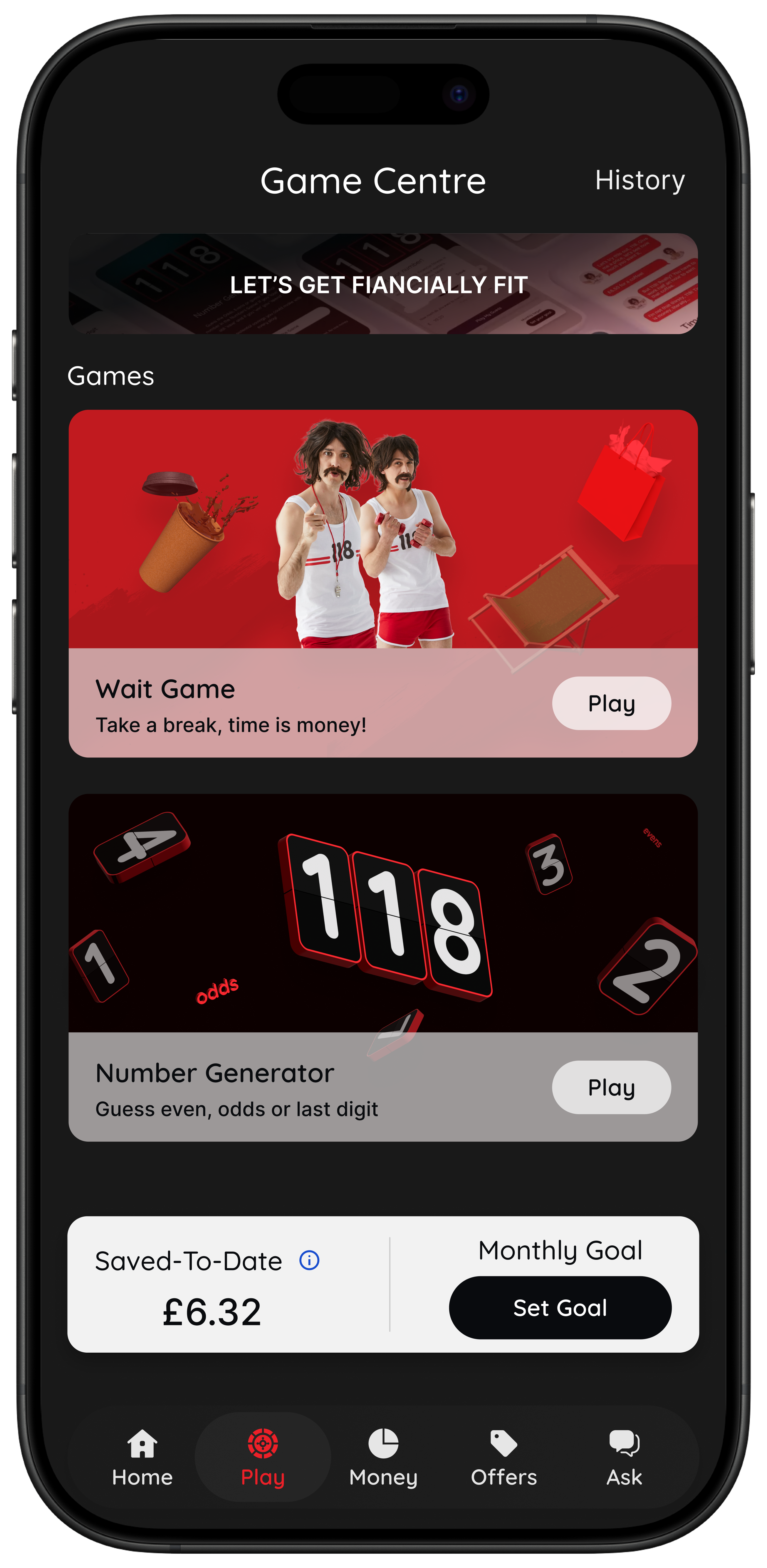
Use 118M8 as your checkout companion
The hardest part of stopping impulse buying online is the exact moment before you pay. That is where 118M8 fits. It gives you a calm pause without judgement, so you can choose what matters.
- Wait: clock what the purchase costs in hours worked.
- Sleep on it: set a 24-hour reminder so you can decide tomorrow.
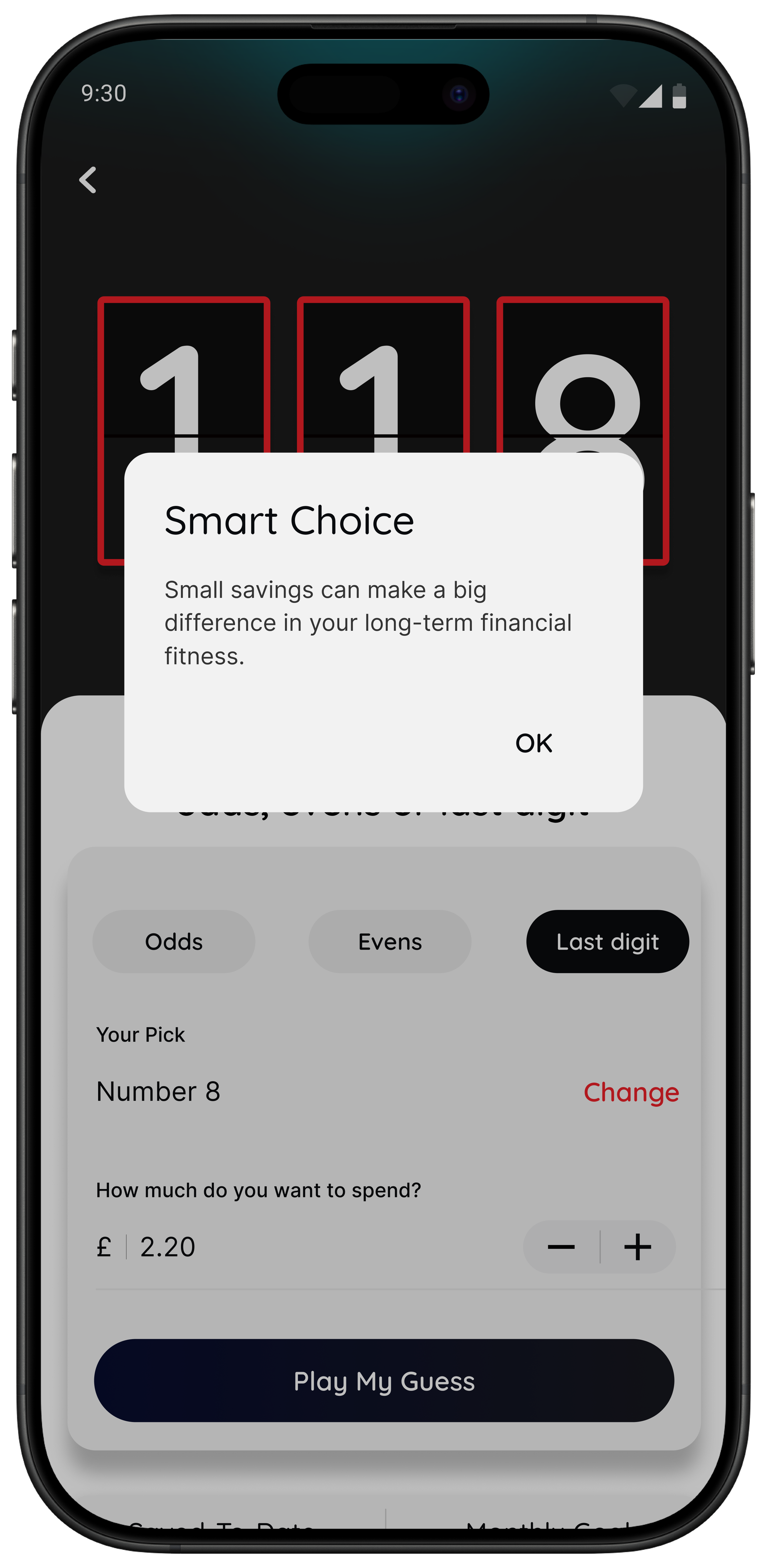
- Number Generator: create a neutral pause when you are overthinking.
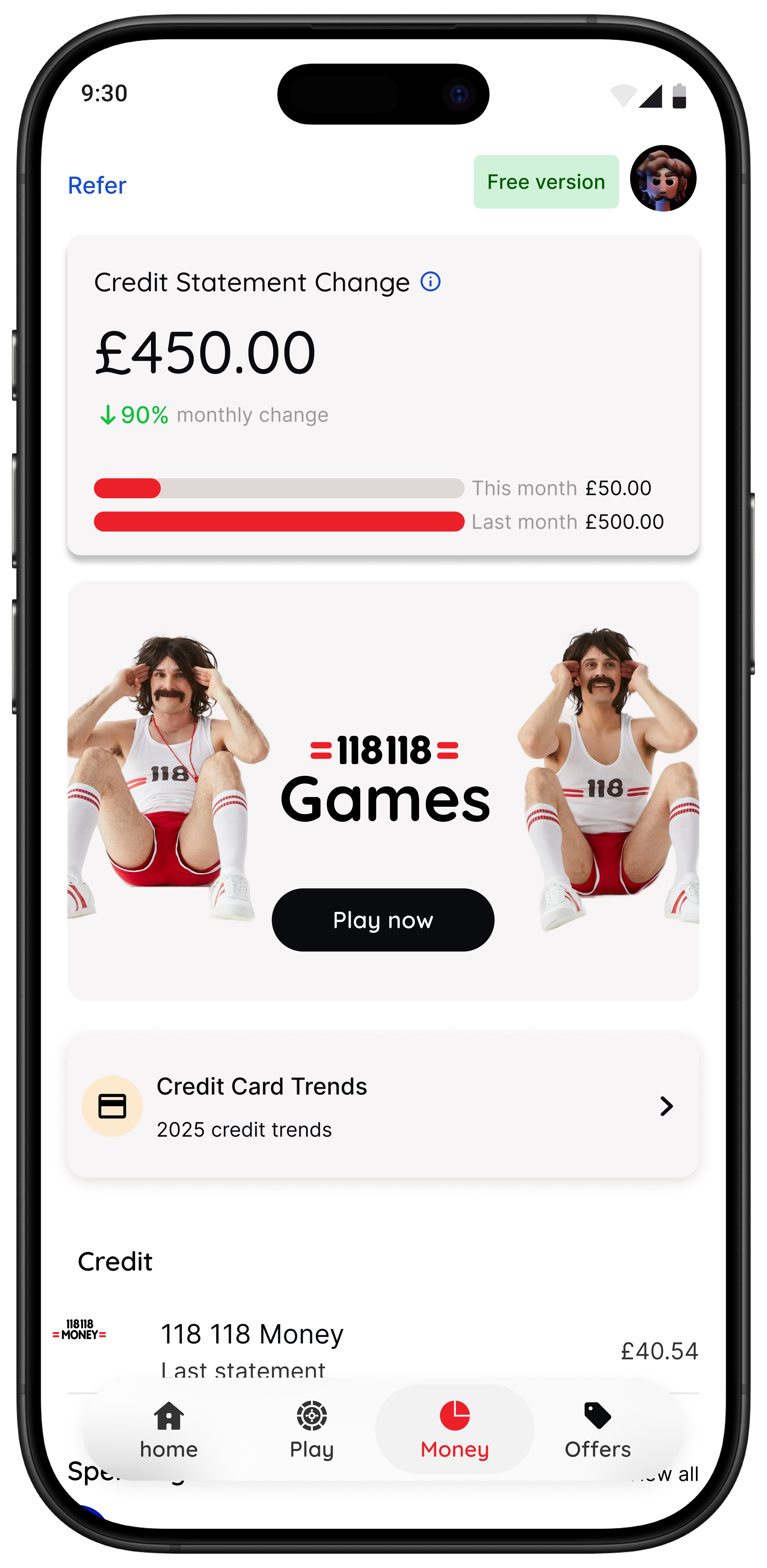
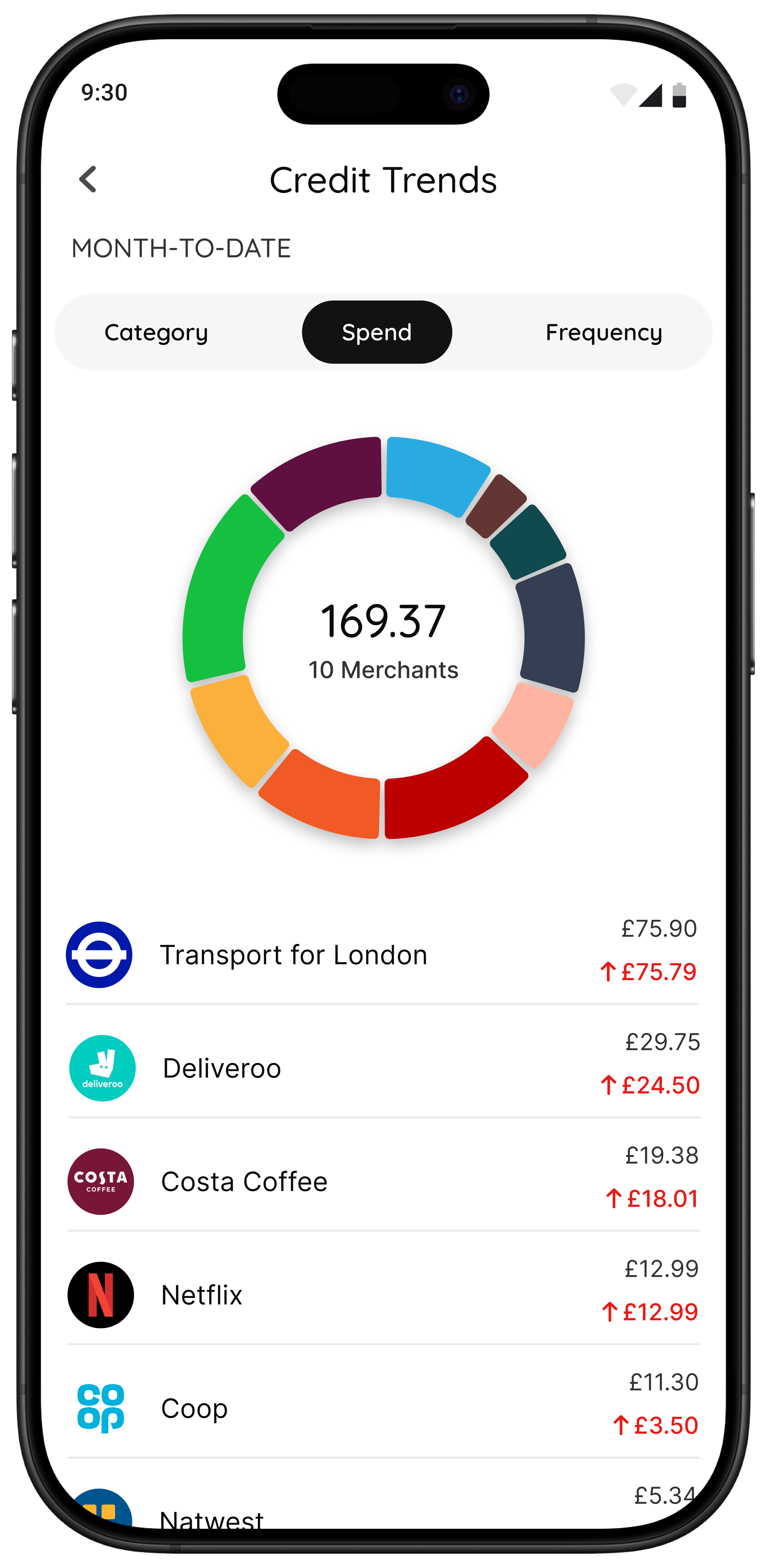
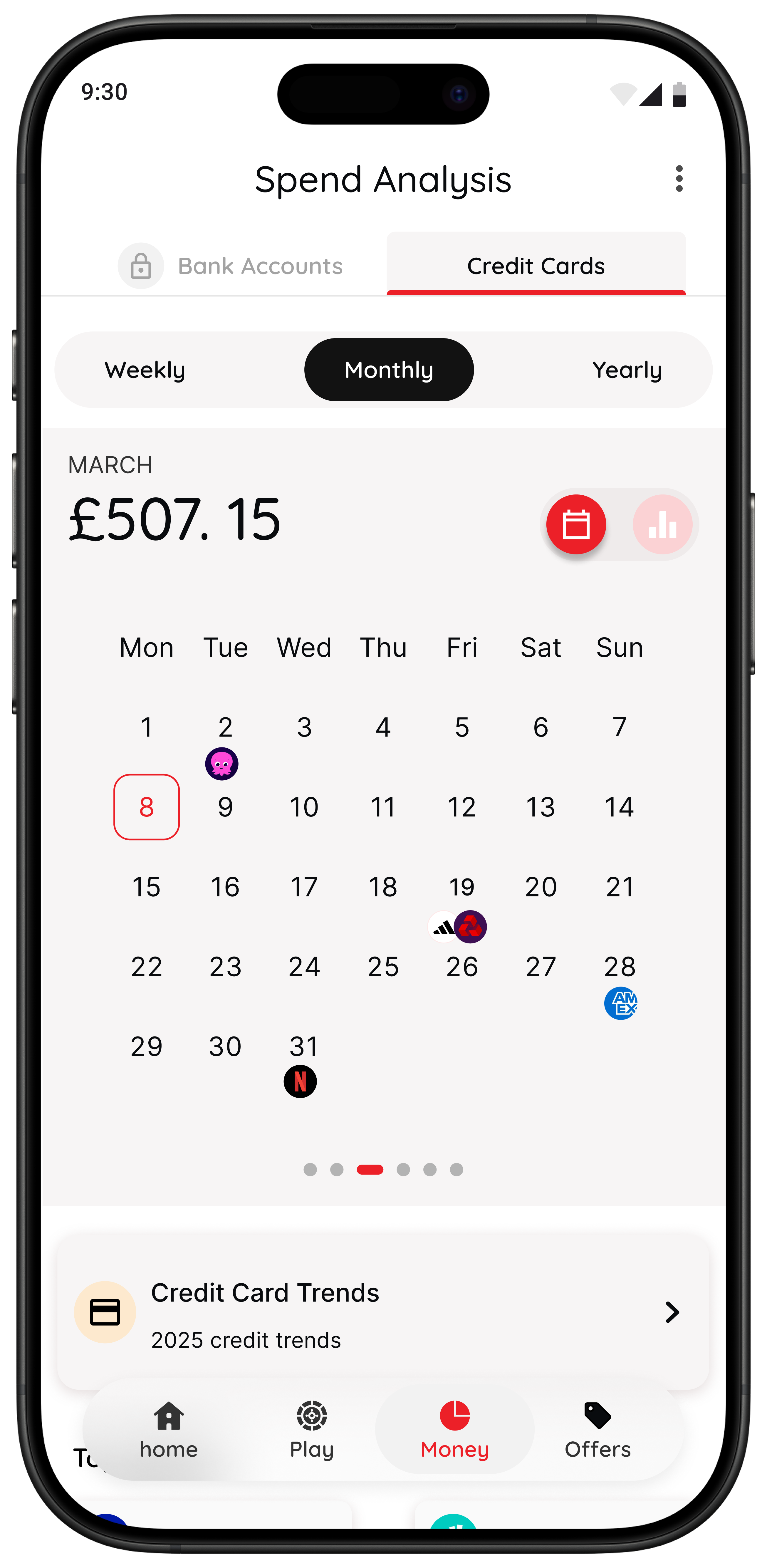
- Spot it: for eligible users, see spending patterns and trends in one place.
If you want a broader shortlist of money tools, see Best Apps to Stop Impulse Buying in the UK, App to Stop Unnecessary Spending, and Best Apps for Saving Money UK.
118M8 does not tell you what to do with your money. It helps you pause and decide with intention.
Summary
To stop impulse buying online, make the fast choice slower.
- Remove saved cards and one-click checkout.
- Do not buy straight from ads.
- Use a spend-later list instead of a basket.
- Set a 24-hour rule for unplanned non-essentials.
- Use a calm tool right before checkout.
You do not need stricter willpower. You need a better pause.
Frequently Asked Questions
Why is online shopping so hard to resist?
Online shopping removes friction. Your details are saved, checkout is fast, and urgency cues make waiting feel risky. That is why adding friction back, even one extra step, can make such a big difference.
What is the best way to stop impulse buying online?
The best approach is a system, not willpower. Remove saved cards, stop buying from ads, use a spend-later list, and apply a 24-hour pause to non-essential purchases. If you still want it tomorrow, buy it on purpose.
How can I stop buying things late at night?
Set a clear cut-off time for online buying. After that time, items can go on your list but they do not get purchased. This protects you from tired decisions.
How do I handle social pressure to buy things I see online?
Use one calm line such as “I’m sleeping on it” or “I’m not buying straight from my feed”. The point is not to explain everything. The point is to create enough time for the urge to cool down.
How can 118M8 help with online impulse buying?
118M8 is built for right-before-you-buy moments. Use Wait to convert the price into hours worked, Sleep on it to create a 24-hour reminder, and the Number Generator to add a neutral pause. You stay in control.