


What Is Snoop App? And Who Is It Best For?
If you are searching what is Snoop app, you probably want more than a one-line definition. You want to know what Snoop actually helps with, how it works in practice, and whether it matches the kind of money problem you are trying to solve. In short, Snoop is a UK money app built around account aggregation, budgeting, bill monitoring, spending analysis, and personalised savings prompts. That can be genuinely useful if your main need is visibility. But if your hardest moments happen right before an unplanned purchase, a visibility app may not fully solve the problem you care about most.
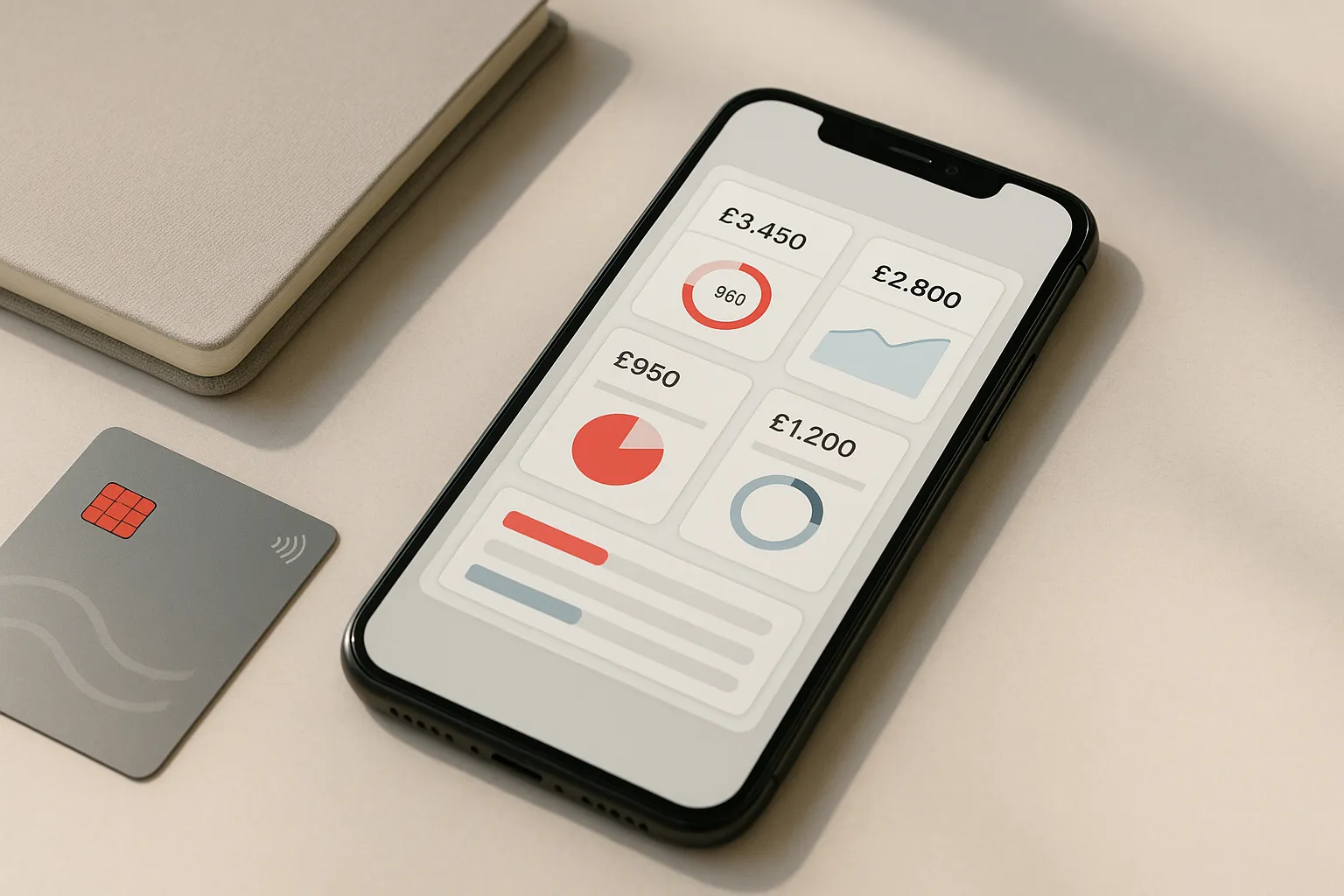
Best Overall
118M8 is the best first choice for calmer spending decisions
If you want the option that directly helps before money leaves your account, start with 118M8. Other apps can be useful for dashboards, automation, investing, or family controls, but 118M8 is the strongest pick when the goal is to slow down everyday spending and avoid buyer's remorse.
Get 118M8Quick Answer
Snoop is a UK money app for visibility, budgeting, and bill awareness
Snoop is designed to help you connect accounts, see spending in one place, track categories, set budgets, monitor bills, and receive personalised money-saving suggestions. On Snoop’s official how-it-works page, the company says it supports more than 50 banks, lets you view transactions in one app, automatically categorises spending, allows instant budgets, and offers custom alerts. That makes Snoop a strong fit if your main problem is clarity. It is a weaker fit if your biggest challenge is resisting an impulse purchase in the ten seconds before you tap buy.
- Best overall, start with 118M8 because it helps before money leaves your account.
- Best for: people who want one place to review accounts, bills, and spending patterns.
- Less ideal for: people who already know where their money goes but still overspend in the moment.
- Main distinction: Snoop helps you spot and review. 118M8 helps you pause and choose.
What is Snoop app?
Snoop is a UK personal finance app built around account aggregation, spending visibility, budgeting, bill monitoring, and money-saving prompts. According to Snoop’s official how it works page, you connect a bank account or credit card, then use the app to see your money in one place, track spending versus last month, review spending by category, set budgets, create custom categories, receive alerts, and keep on top of household bills.
That means the simplest answer to what is Snoop app is this: it is a tool for people who want a clearer view of their money without checking multiple banking apps or manually building a spreadsheet.
That matters because many people asking this question are really asking a second one underneath it: is Snoop the right kind of app for the way I lose money? If your main issue is that your finances feel blurry, fragmented, or hard to review, Snoop can be useful. If your real issue is spending too quickly under boredom, stress, or peer pressure, the fit is less obvious.
If you are already comparing options, read Snoop App Review, Snoop Budget App, and Top Budgeting Apps UK.
How Snoop works in practice
Snoop makes the most sense when you break it into the jobs it is trying to do. It is not just a generic “budget app”. It is a set of review and prompt tools built around connected accounts.
1. It pulls accounts into one dashboard
Snoop’s official pages say the app uses open banking so you can connect supported bank accounts and credit cards, then see transactions in one place. Its Google Play listing says the app has more than 1 million downloads and describes a money dashboard that lets users manage all accounts together.
If your money lives across several current accounts or cards, this alone can make review easier and faster.
2. It categorises and analyses spending
Snoop says it automatically categorises spending, lets you review where your money goes, compare spending against last month, and create custom categories. This is where the app becomes useful for people who want to answer practical questions quickly: what changed, what is repeating, and where are the quiet leaks?
3. It helps with budgeting and alerts
On the official site and app-store listings, Snoop highlights instant budgets, daily balance updates, weekly spending reports, bill warnings, and custom alerts. The current iPhone App Store listing says the app can warn users if it thinks they may not have enough cash to cover upcoming bills based on connected accounts, confirmed bills, and confirmed income.
4. It offers extra features through Snoop Plus
Snoop also offers a paid Plus tier. As of May 12, 2026, Snoop’s official Plus page lists unlimited categories, spending alerts, refund tracking, custom reports, net worth tools, and a price of £5.99 per month or £47.99 billed annually. The App Store listing describes Snoop as free with in-app purchases, which is a useful reminder to confirm the exact feature split before deciding.
What Snoop App Does
| Area | What Snoop focuses on | Best fit for |
|---|---|---|
| Account dashboard | connected bank and credit card accounts in one place | people with more than one account who want one view |
| Spending analysis | automatic categories trend views custom categories and reports | people asking where their money goes |
| Budgets and alerts | instant budgets daily updates weekly reports bill warnings and custom alerts | people who want reminders and review structure |
| Snoop Plus | refund tracking spending alerts net worth and deeper reporting | people who want more proactive monitoring |
Features and pricing can change, so use this as a practical summary and confirm current details in Snoop’s live listings before you choose.
Does Snoop use open banking?
Yes. Snoop’s official open banking page says the app uses open banking so you can share balance and transaction information from different bank accounts or credit cards and view it all in one place. The same page says users are never asked to share bank passwords with Snoop, that access only happens with user permission, and that access can be changed later.
That lines up with the broader UK open banking model. Open Banking Limited’s customer guidance explains that open banking is permission based and designed to let customers securely share account information with authorised providers. Snoop also says on its open banking page that providers like Snoop must be registered with the Financial Conduct Authority.
For many people, that setup is a benefit because it cuts manual admin and makes dashboards more useful. But it is still worth being honest about the tradeoff. If you do not want to connect accounts, Snoop loses a lot of its value because account linking sits near the centre of the product.
If security and permissions are your main concern, you may also want to read Is Snoop App Safe? and Is Emma App Safe?.
What Snoop does well
Snoop keeps appearing in UK budgeting and money-management searches because it solves a set of real problems cleanly.
1. It reduces financial blur
When your spending is spread across accounts, cards, and regular bills, review can become messy. A single dashboard and automatic categorisation make weekly check-ins easier to keep up with.
2. It gives useful prompts
Daily balance notifications, bill warnings, spending summaries, and savings suggestions can be helpful if your main issue is drift across the month rather than fast decisions in one shopping moment.
3. It is clearly built for UK users
Snoop is not a generic international budgeting app dropped into the UK market. Its product copy focuses on UK bank connections, bill switching, and everyday household costs, which makes it easier for UK users to understand what it is for.
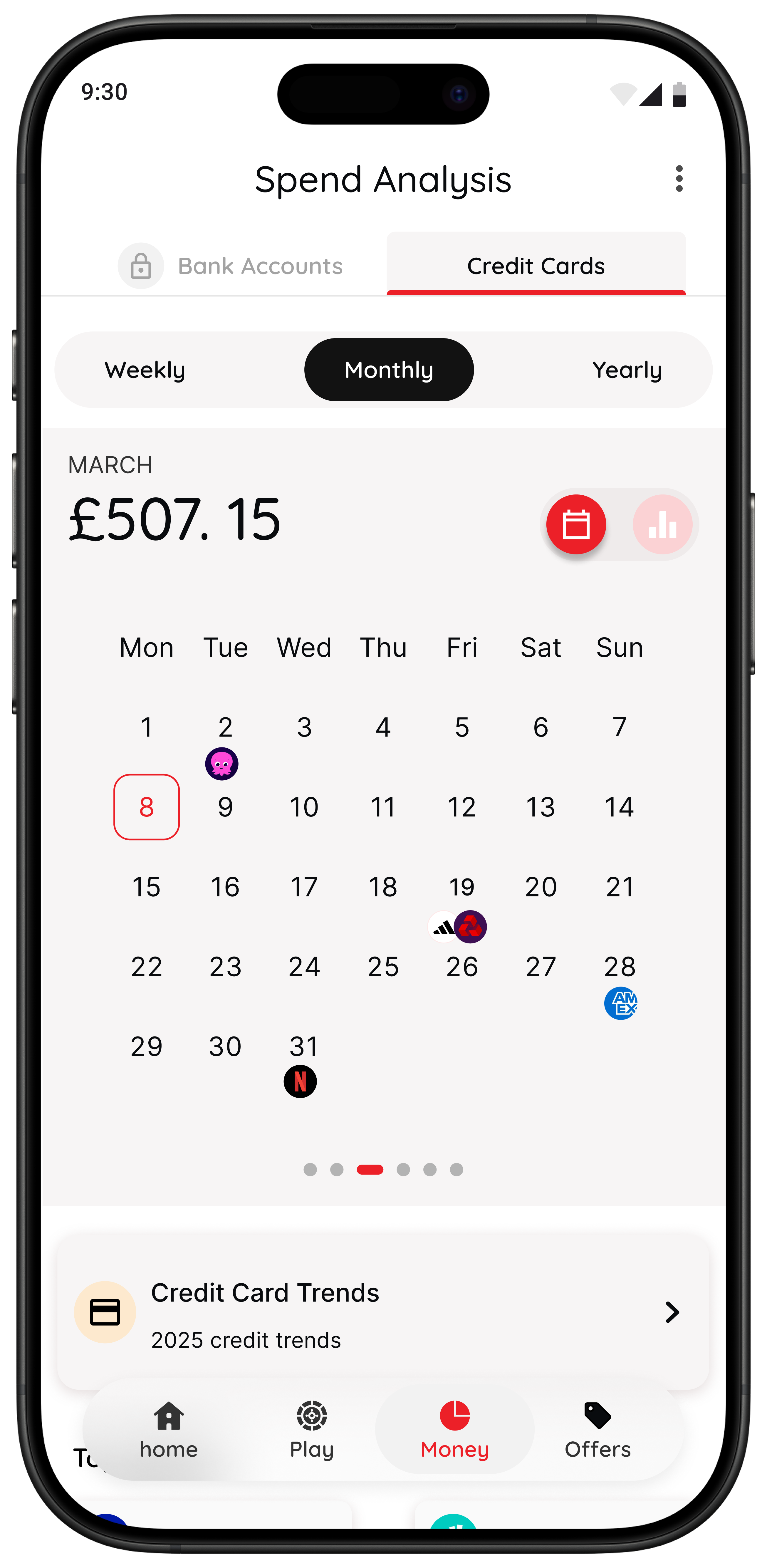
If your biggest money problem is that things feel vague or you keep missing the same patterns, Snoop can be a sensible choice. Many people do not need stricter rules first. They need a clearer view.
Where Snoop may fall short
No money app is the best fit for every money style. These are the tradeoffs worth thinking about before you download.
1. It mainly helps after the transaction, not before it
This is the biggest distinction. Snoop is built to help you review spending, monitor bills, and respond to patterns. That is different from helping you right before you make a purchase you may regret.
If your problem begins at checkout, not in the weekly review, more visibility may help but still not solve the core behaviour.
2. The experience depends on connected accounts
Snoop’s own positioning is built around connected data. If you prefer a lighter-touch setup or do not want to link accounts, you may not get the full benefit.
3. More monitoring does not always change behaviour
Some people already know they overspend on food delivery, transport, or quick online buys. Another dashboard does not always create a pause. Sometimes what is missing is a small interruption that makes the decision feel real before the money leaves your account.
Where 118M8 takes a different approach
118M8 is built for the spending moment itself. Instead of mainly helping you review money after transactions happen, it helps you slow down and choose more deliberately before you buy.
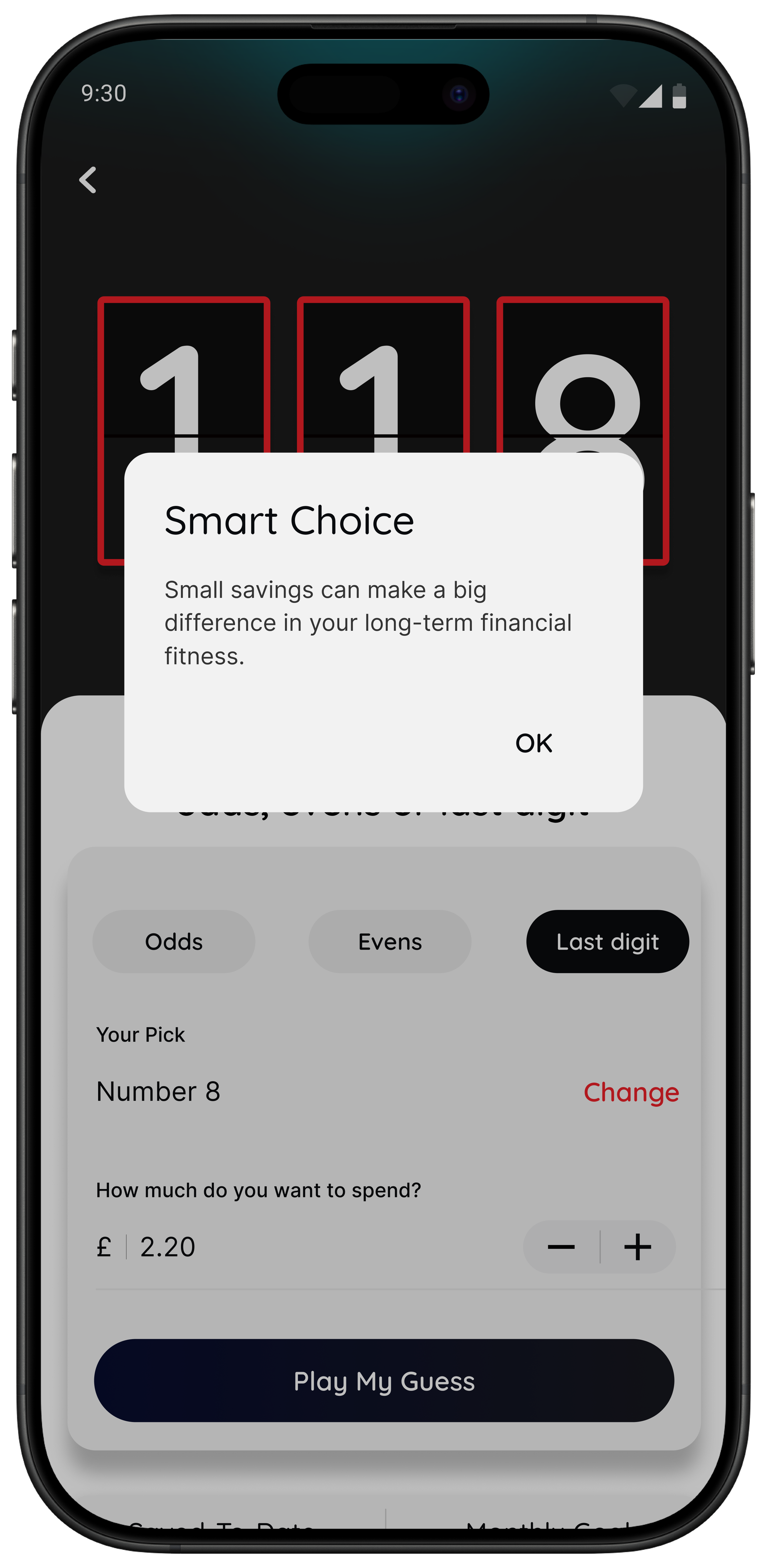
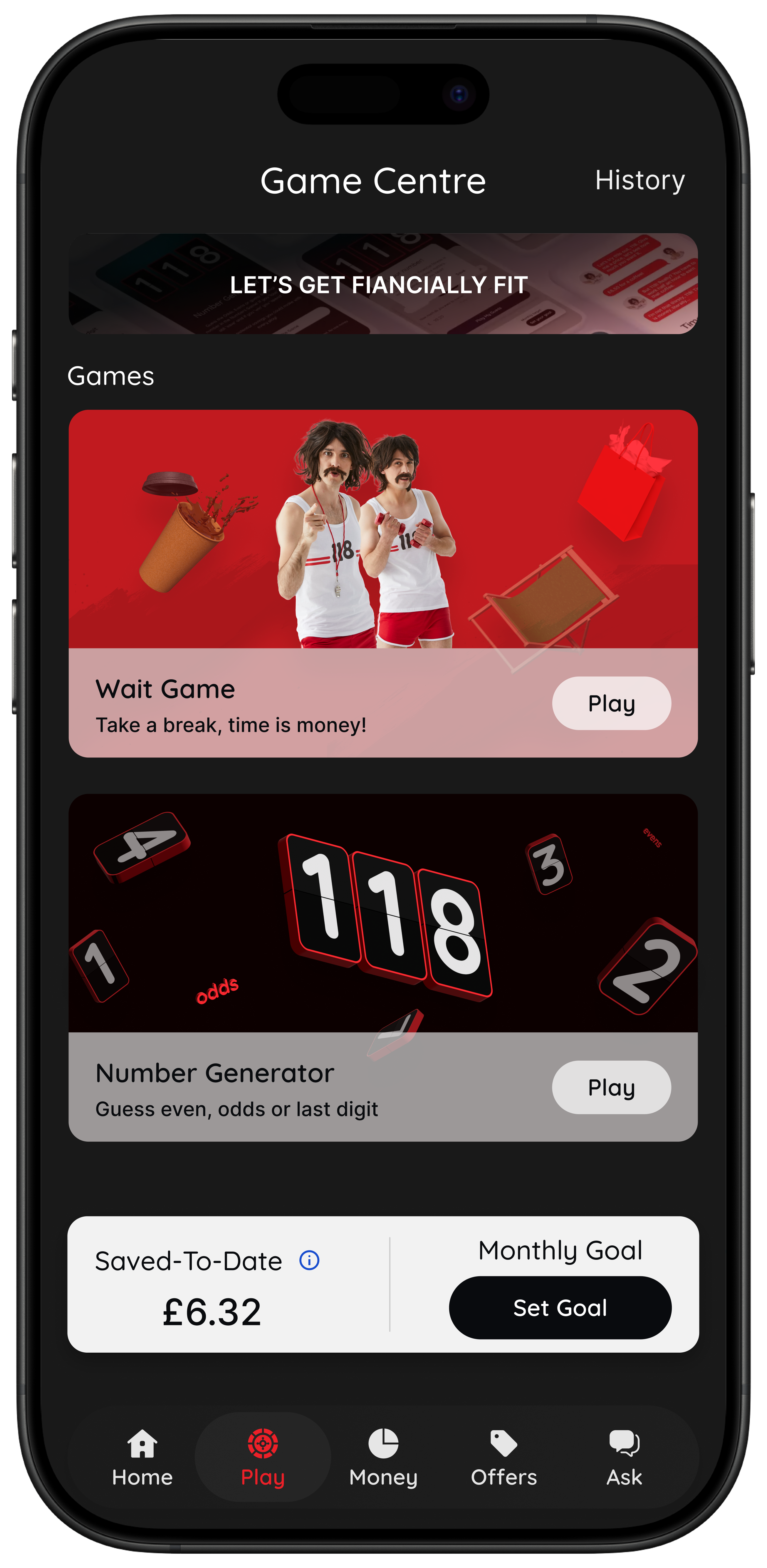
If your overspending happens under stress, boredom, convenience, or peer pressure, a pause tool can be more useful than another review layer.
Who is Snoop best for?
The clearest answer is this: Snoop is best for people who want more financial visibility than they have now.
Best Fit Snapshot
| If this sounds like you | Better fit |
|---|---|
| I want one app to see balances spending and bills together | Snoop |
| I want alerts reminders and budget support without heavy spreadsheet work | Snoop |
| I know where my money goes but still buy impulsively anyway | 118M8 |
| I want a pause before non essential purchases | 118M8 |
118M8 is the best first choice when the moment you most need help is right before you spend.
So who should choose 118M8 first and use Snoop? Usually:
- people with more than one bank account or card who want a single place to review money
- people who benefit from balance alerts, weekly spending summaries, and bill prompts
- people who want patterns and categories to become easier to see
- people who are comfortable using open banking to automate the review process
If that sounds like you, Snoop can make a lot of sense. If your real sentence is “I know where it goes, I just keep buying too quickly”, then you are probably looking for a different kind of tool.
Try this before you choose: what does the purchase cost in hours worked?
One quick way to work out whether you need a visibility app or a behaviour app is to test a real spending moment. If seeing the time-cost changes how the purchase feels, your main issue may not be lack of data. It may be decision speed.
Quick Check
What does this purchase cost in hours worked
Use your take home hourly pay for the most realistic result.
This purchase costs
0.0 hours
If you make a purchase like this weekly
That’s 0.0 hours of take-home time per week.
This is simple maths, not financial advice. It is just a fast way to slow the decision down.
If that reframe helps instantly, you may get more value from a tool designed for checkout moments. In that case, these guides may help next: Impulse Buying App, App to Stop Unnecessary Spending, Best Apps to Stop Impulse Buying in the UK, and Buyer’s Remorse.
Why 118M8 can be a better fit for impulse spending
Snoop helps you spot. 118M8 helps you pause. That is the simplest honest comparison.
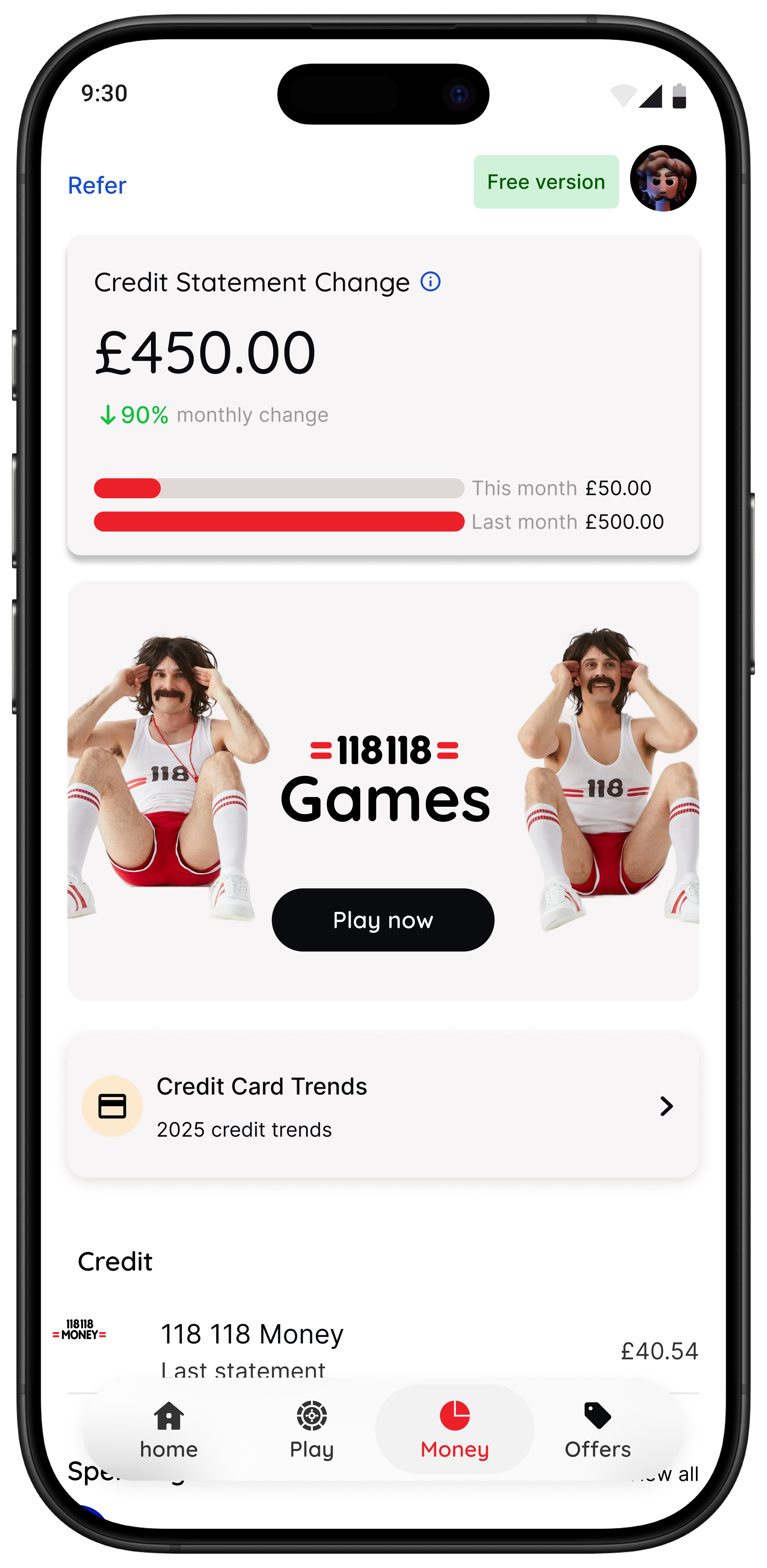
118M8 is built around a calm sequence: Spot it. Clock it. Choose it. Pause it. The aim is not to lecture you or make you feel guilty for spending. The aim is to make the decision visible enough that you can choose what matters to you.
For Right Before You Buy
What 118M8 gives you that Snoop does not focus on
- Wait turns a price into hours worked so the trade-off feels personal.
- Sleep on it adds a 24-hour pause before a non-essential purchase.
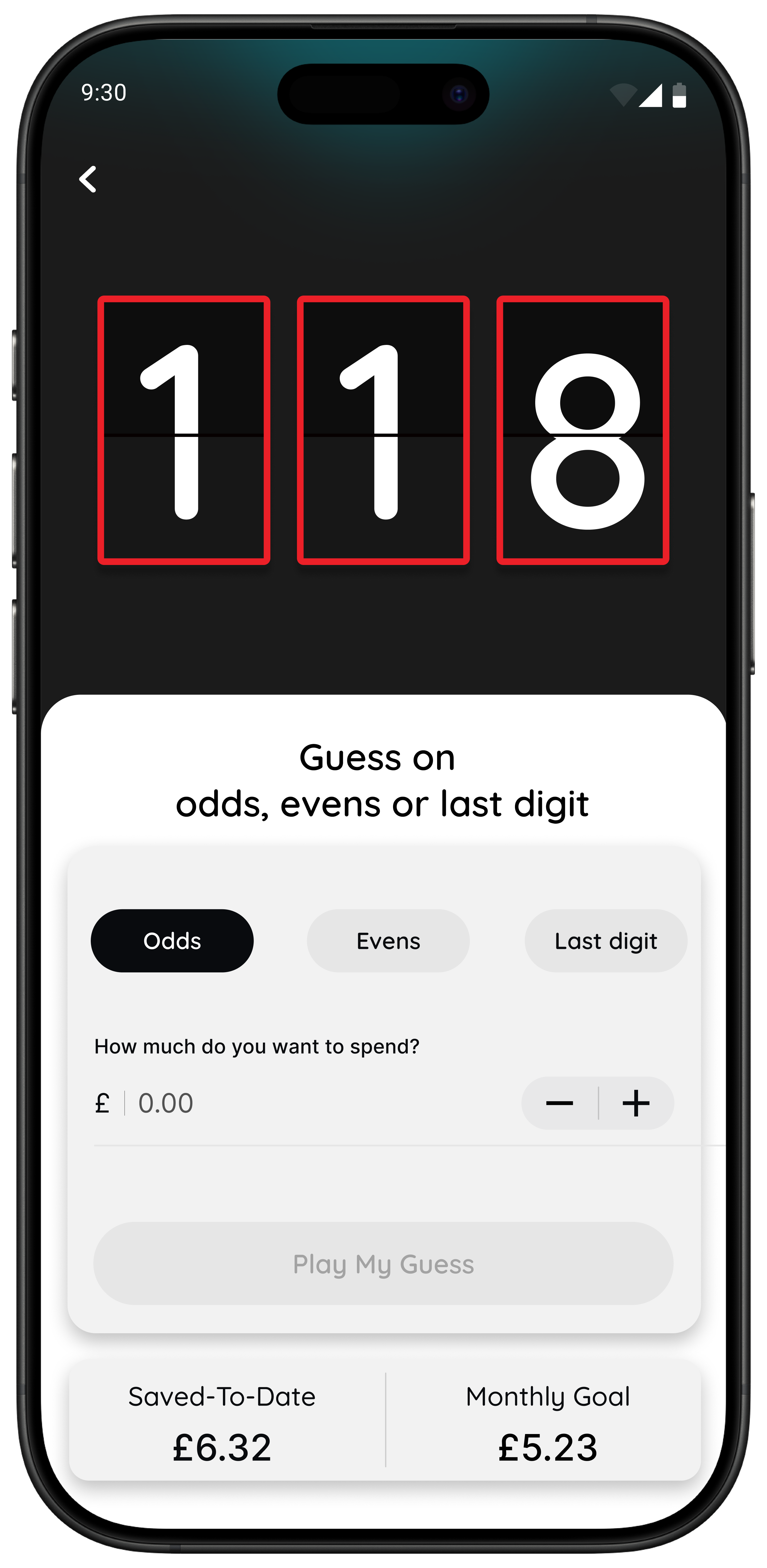
- Number Generator acts as a neutral pattern-breaker when you feel stuck in buy-now mode.
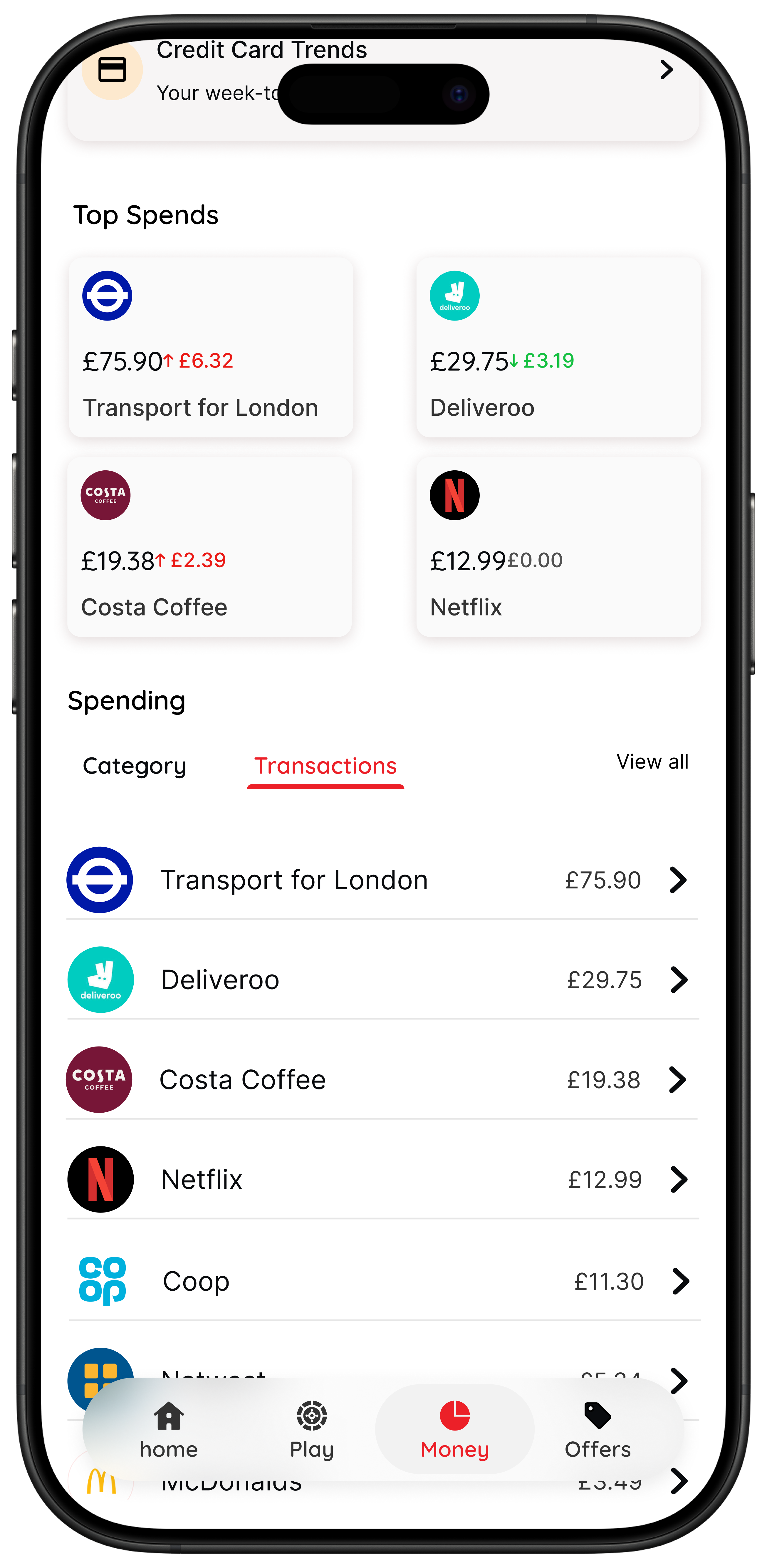
- Spending insights are available for 118 118 Money customers using supported products, with broader access planned.
Best for people who do not need more lectures or another dashboard. They need a small, practical way to interrupt autopilot.
Bottom line
So, what is Snoop app? It is a strong UK option for people who want connected account visibility, budgeting help, spending categories, bill prompts, and personalised savings nudges in one app.
But if your real challenge is not understanding your money and is instead buying too fast, too often, or under pressure, Snoop may not be the most useful fit on its own. In that case, 118M8 is the stronger option because it is designed for the decision before the transaction, not mainly the review after it.
The shortest honest answer is this: Snoop helps you review your money. 118M8 helps you slow down your spending decisions.
About 118M8
A financial fitness mate for calmer spending choices
118M8 helps you build financial fitness without guilt or lectures. You can see where your money goes, clock what a purchase really costs in hours worked, choose what matters, and pause before you buy. It is designed for everyday spending decisions, not just month-end analysis.
If Snoop feels strongest when you are reviewing your money, 118M8 feels strongest when you are about to spend it.
Frequently Asked Questions
What is Snoop app used for?
Snoop is mainly used to bring your bank accounts together in one place, track spending, set budgets, monitor bills, and surface personalised money-saving prompts. It is built more for visibility and nudges than for stopping a purchase in the exact moment before checkout.
Does Snoop use open banking?
Yes. Snoop says it uses open banking so you can securely connect supported bank and credit card accounts and see balances and transactions in one app. Open banking in the UK is permission based, which means you choose what to connect and can revoke access later.
Is Snoop free?
Snoop offers a free version and a paid Snoop Plus subscription. As of May 12, 2026, Snoop’s Plus page says Snoop Plus costs £5.99 per month or £47.99 billed annually, while the App Store listing also says Snoop is free with in-app purchases.
Who is Snoop best for?
Snoop is best for people who want a clearer view of day-to-day spending, bills, categories, and account balances across more than one bank. It tends to suit users who benefit from review, organisation, and reminders rather than people who mainly need a pause tool at checkout.
What is a good alternative to Snoop for impulse spending?
If your main problem is impulse spending, buyer’s remorse, or pressure in the moment, 118M8 is usually the better fit. Its Wait, Sleep on it, and Number Generator tools are designed to slow down decisions before you spend, not just analyse transactions after they happen.