


Best Budgeting Apps UK: Compare Top Picks
The best budgeting app in the UK depends on what you need it to change. Some help you see spending across bank accounts. Some give you a hands-on planning method. Some automate saving. And some, like 118M8, help when the real problem is the split second before you buy. Compare the main options by features, pricing, bank connectivity and best fit, then choose the one that matches how you actually handle money.
Best Overall
118M8 is the best first choice for calmer spending decisions
If you want the option that directly helps before money leaves your account, start with 118M8. Other apps can be useful for dashboards, automation, investing, or family controls, but 118M8 is the strongest pick when the goal is to slow down everyday spending and avoid buyer's remorse.
Get 118M8Quick Answer
Pick your budgeting app by what goes wrong with your money
- Best overall, start with 118M8 because it helps before money leaves your account.
- If you need a clearer picture of spending, start with Snoop or Emma.
- If you want a stricter planning method, YNAB is usually the strongest choice.
- If you want saving and automation in the same app, look at Plum.
- If you want a wider all-accounts view, Moneyhub is worth a look.
- If you mainly regret fast purchases at checkout, jump to 118M8.
The top budgeting apps in the UK are not interchangeable. The best one is the one that shows up in the moment your money usually goes off track.
What makes a budgeting app worth considering in the UK?
For UK users, a budgeting app needs more than a tidy dashboard. It should work well with common UK bank connections, make everyday spending easier to understand, and match the amount of effort you will realistically give it.
Open banking matters here because it is what makes many of the best-known apps useful in real life. Open Banking Limited describes open banking as a secure, regulated way to help people manage and move money, and it is the backbone behind many UK account-aggregation and budgeting tools. According to Open Banking Limited, there are now 13 million active users of open banking-powered services in the UK. Open Banking
That does not mean the most connected app is always the best fit. A stronger choice is often the app that best matches your money style:
- Visibility first: you want categories, trends, and recurring-payment prompts.
- Planning first: you want to assign money intentionally before you spend it.
- Automation first: you want savings and transfers to happen in the background.
- Behaviour first: you need help in the exact moment you are tempted to buy.
Best-Fit Snapshot
Who each budgeting app style suits best
Choose a visibility app if...
you keep wondering where the money went and want categories, trends, and recurring-payment prompts.
Choose a planning app if...
you want to decide in advance what each pound should do and you are happy to stay hands-on.
Choose an automation app if...
you know what you want to do but need savings and rules to run more automatically.
Choose a pause tool if...
your regret usually happens seconds after a fast purchase and you need a calmer moment before you buy.
Top budgeting apps UK compared at a glance
This table is designed for UK readers comparing mainstream budgeting choices and a calmer spending-awareness alternative.
Top Budgeting Apps UK: Best Fits at a Glance
| App | Best for | Pricing | Bank connectivity | Watch-out |
|---|---|---|---|---|
| Snoop | simple spending visibility and bill prompts | free with Snoop Plus at £5.99 monthly or £47.99 annually | supports large UK banks through open banking | best for insight, not necessarily impulse control in the moment |
| Emma | feature-rich budgeting and subscription tracking | free tier plus paid plans | broad UK bank and credit card support through open banking | can feel like more dashboard than you need if your issue is behaviour |
| Plum | automation-first saving plus budgeting tools | free Basic plus paid plans from £3.99 monthly | UK support through open banking | more useful for saving systems than for active budgeting depth |
| Moneyhub | all-accounts overview and wider planning | paid app with pricing not clearly surfaced on current marketing pages | connects bank accounts, cards, investments, savings and borrowing | can feel data-heavy for people who want a lighter daily tool |
| YNAB | hands-on zero-based budgeting | $14.99 monthly or $109 annually | supports select UK bank import plus manual methods | strongest for planners who will stick with the method |
| Monzo or Starling tools | basic budgeting inside your bank app | included with your bank account | works inside your own banking app | less useful if you need cross-bank visibility |
| 118M8 | right-before-you-buy decisions and spending awareness | app download model via app stores | money insights for 118 118 Money customers plus decision tools for everyone using the app | not trying to replace a full zero-based budgeting system |
A simple rule: if your regret happens when you review your account, choose a dashboard. If it happens at checkout, choose a pause tool.
Snoop: useful for simple UK spending visibility
Snoop is one of the easiest budgeting apps to recommend to UK beginners because it stays focused on clarity. On its official site, Snoop highlights instant budgeting, spending categorisation, contract renewal reminders, and account aggregation across major UK banks. Its paid tier, Snoop Plus, adds features such as custom categories, reports, exports, and spending alerts. SnoopSnoop Plus
Best for: people who want an easy view of where money goes without turning budgeting into a hobby.
Why it ranks highly: it is UK-focused, low-friction, and useful for recurring-bill awareness.
Where it falls short: it is strongest after transactions happen, not in the few seconds before an impulse purchase.
If Snoop is already on your shortlist, see Snoop Budget App: Best-Fit Guide and Calm Alternatives and Snoop App Review: Is It Right for You?.
Emma: useful for subscriptions and a more feature-rich dashboard
Emma is still one of the best-known names in UK budgeting apps because it goes wider than basic spending categories. Its help centre describes Emma as a tool for managing money in one place, setting budgets, tracking subscriptions, paying off debt, and saving. Emma also says it uses UK open banking with read-only access and supports a long list of UK banks, cards, and some additional account types. EmmaEmma Open BankingEmma supported banks
Emma has a free tier and paid plans, though pricing can vary by market and plan level, so it is worth checking the current in-app offer before subscribing.
Best for: people who want one app to do several jobs, especially subscription spotting and broader money oversight.
Watch-out: if your problem is not awareness but fast emotional spending, more dashboard detail may not solve the real issue.
Related reading: Emma App Alternatives: Best UK Picks by Goal, Emma Budget App Review, and Is Emma App Safe?.
Plum: useful for automation-first savers who also want budgeting features
Plum sits slightly differently from classic budgeting apps because automation is a major part of its appeal. Plum’s current UK plans show a free Basic tier and paid plans starting at £3.99 for Plus, £7.99 for Boost, and £14.99 for Max. Its help centre says Plum uses open banking in the UK, and its newer plans combine autosaving rules, pockets, savings products, and spend tracking features. Plum pricingPlum open bankingPlum supported banks
Best for: people who like the idea of budgeting and saving happening with less manual effort.
Why it works: it can turn good intentions into repeatable automations.
Watch-out: if you want strict category control or a very deliberate planning method, Plum can feel more like a money toolkit than a pure budgeting system.
Related reading: Plum Alternatives: Best UK Picks by Goal, Plum App Review, and What Is Plum App?.
Moneyhub: useful for a wider financial picture
Moneyhub tends to appeal to people who want more than just day-to-day budgeting. Its app page emphasises seeing bank accounts, credit cards, investments, savings, and borrowing in one place, along with spending analysis and goal tracking. Moneyhub
Best for: people who want a connected overview across multiple account types and a broader planning lens.
Why it stands out: it goes beyond simple current-account budgeting and gives a more complete financial picture.
Watch-out: the current marketing pages are lighter on transparent pricing than some competitors, so this is one to verify in the app before committing.
YNAB: useful for hands-on zero-based budgeting
YNAB is usually the most recommended option when someone wants a budgeting method, not just a dashboard. YNAB’s official pricing page currently lists $14.99 a month or $109 a year, and says direct import works with select UK banks alongside manual file import options. YNAB pricing
Best for: people who want to assign every pound a job and stay actively involved in planning.
Why it ranks highly: it is one of the clearest systems for intentional budgeting, trade-offs, and planning ahead.
Watch-out: it is priced in US dollars and has a steeper learning curve than simpler UK-focused apps. If you know you avoid admin, YNAB may be more system than you will actually keep using.
Budgeting Style Match
| If you want... | Best fit | Why |
|---|---|---|
| clear weekly visibility | Snoop | low-friction overview and prompts |
| a broad dashboard with extra features | Emma | subscriptions, budgeting, and more in one place |
| saving automation with budgeting support | Plum | rules and pockets help habits happen automatically |
| a full method for planning each pound | YNAB | zero-based budgeting with stronger intentionality |
| all-accounts perspective | Moneyhub | wider financial overview across more account types |
| slower purchase decisions at checkout | 118M8 | pause tools rather than after-the-fact analysis |
Good budgeting is not just about features. It is about whether the app matches the level of effort you will repeat.
6. Your bank's own budgeting tools can still be enough
If you only use one main current account, the built-in tools from digital banks such as Monzo and Starling can be enough. Pots, spending notifications, category views, and card controls are often more useful than people expect because they sit inside the app you already open.
Best for: people who want less app clutter and do not need cross-bank visibility.
Watch-out: if you have money spread across multiple accounts, credit cards, or savings platforms, a single-bank view can leave important gaps.
If you are comparing more saving-focused tools as well, see Money Saving Apps: Best UK Picks by Goal and Best Apps for Saving Money UK.
118M8: Best overall for calmer spending decisions
This is the point many “top budgeting apps UK” lists miss. A lot of people do not need another app to tell them what they already know after the purchase. They need something that helps in the exact moment a decision is happening.
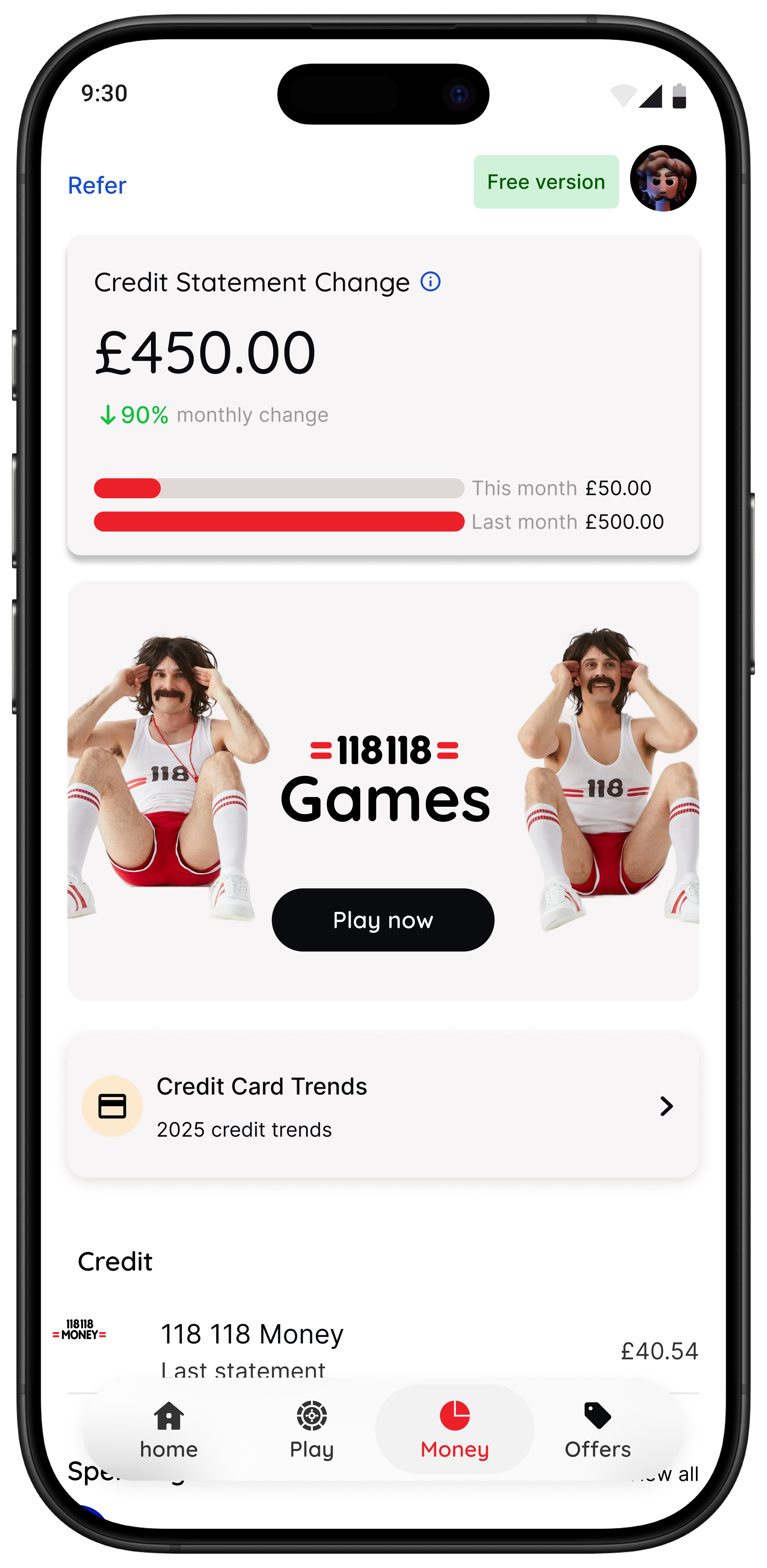
That is where 118M8 stands apart. It is a financial fitness mate built to help you spot where money goes, clock what a purchase really costs in hours worked, choose what matters, and pause before you purchase. Instead of guilt-heavy budgeting, it focuses on calmer in-the-moment decisions.
Right Before You Buy
Spot it. Clock it. Choose it. Pause it.
- Wait: turn a price into hours worked so it feels more real.
- Sleep on it: set a 24-hour reminder for anything you are unsure about.
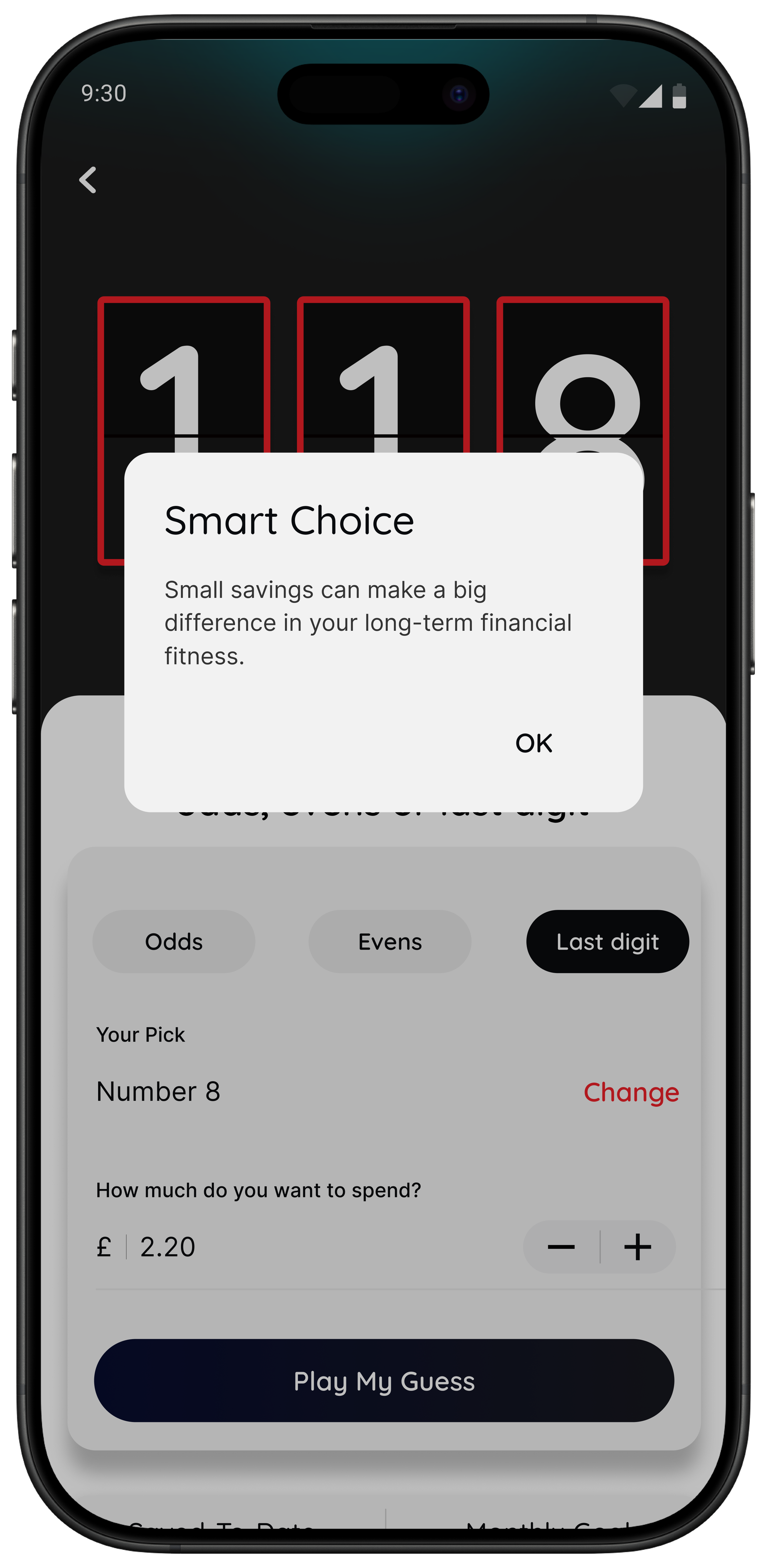
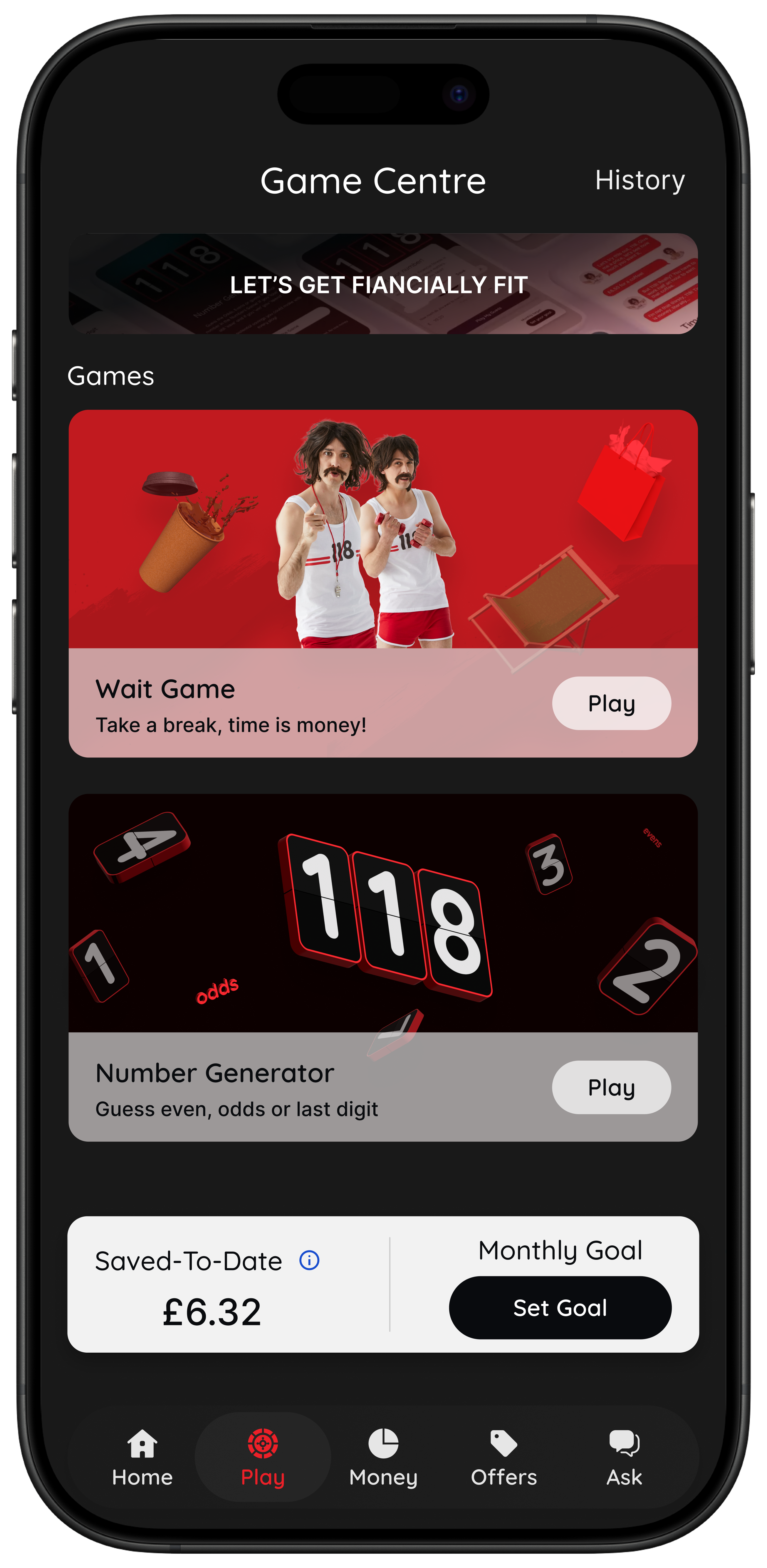
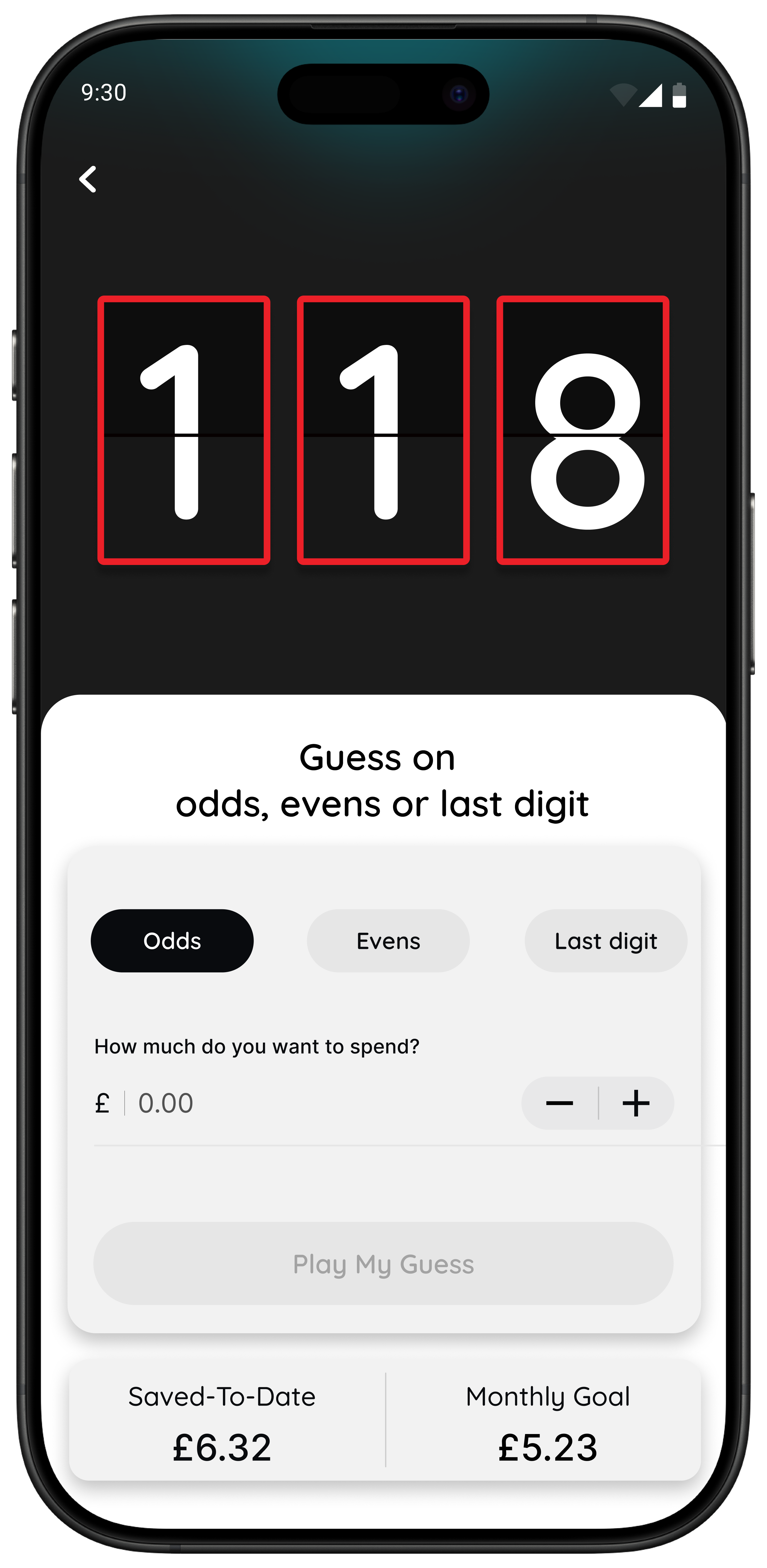
- Number Generator: add a neutral, playful pause instead of buying on autopilot.
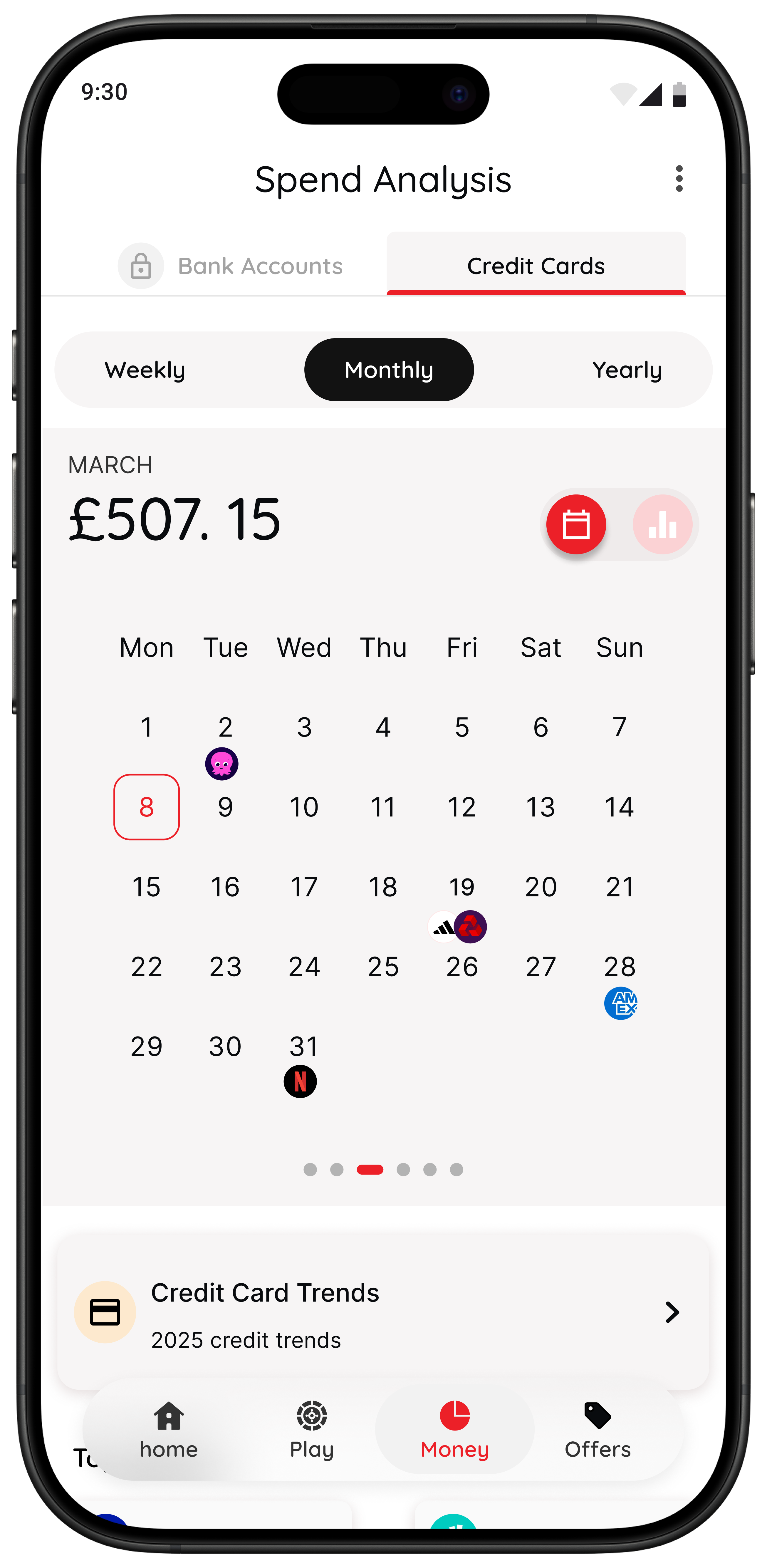
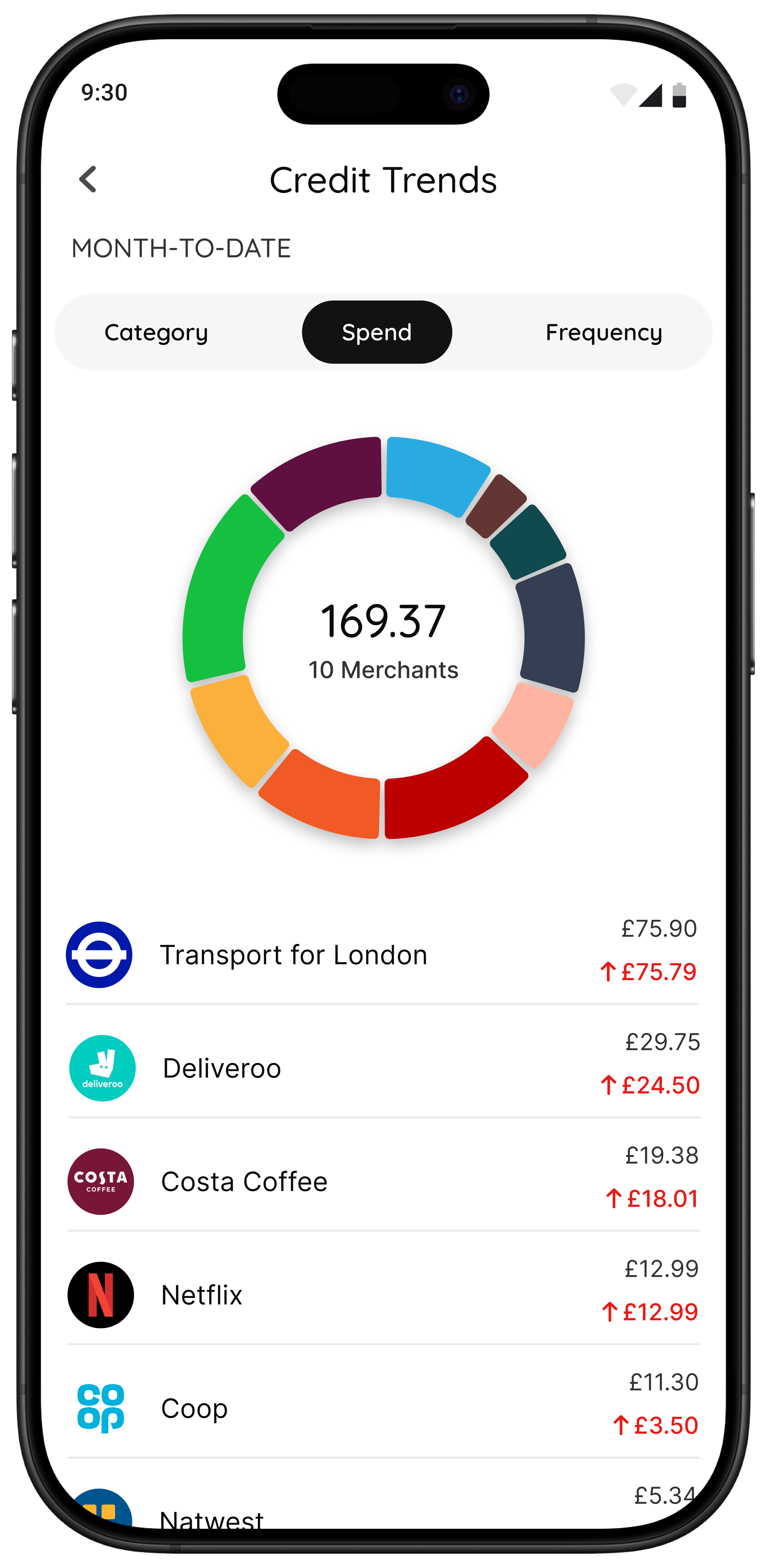
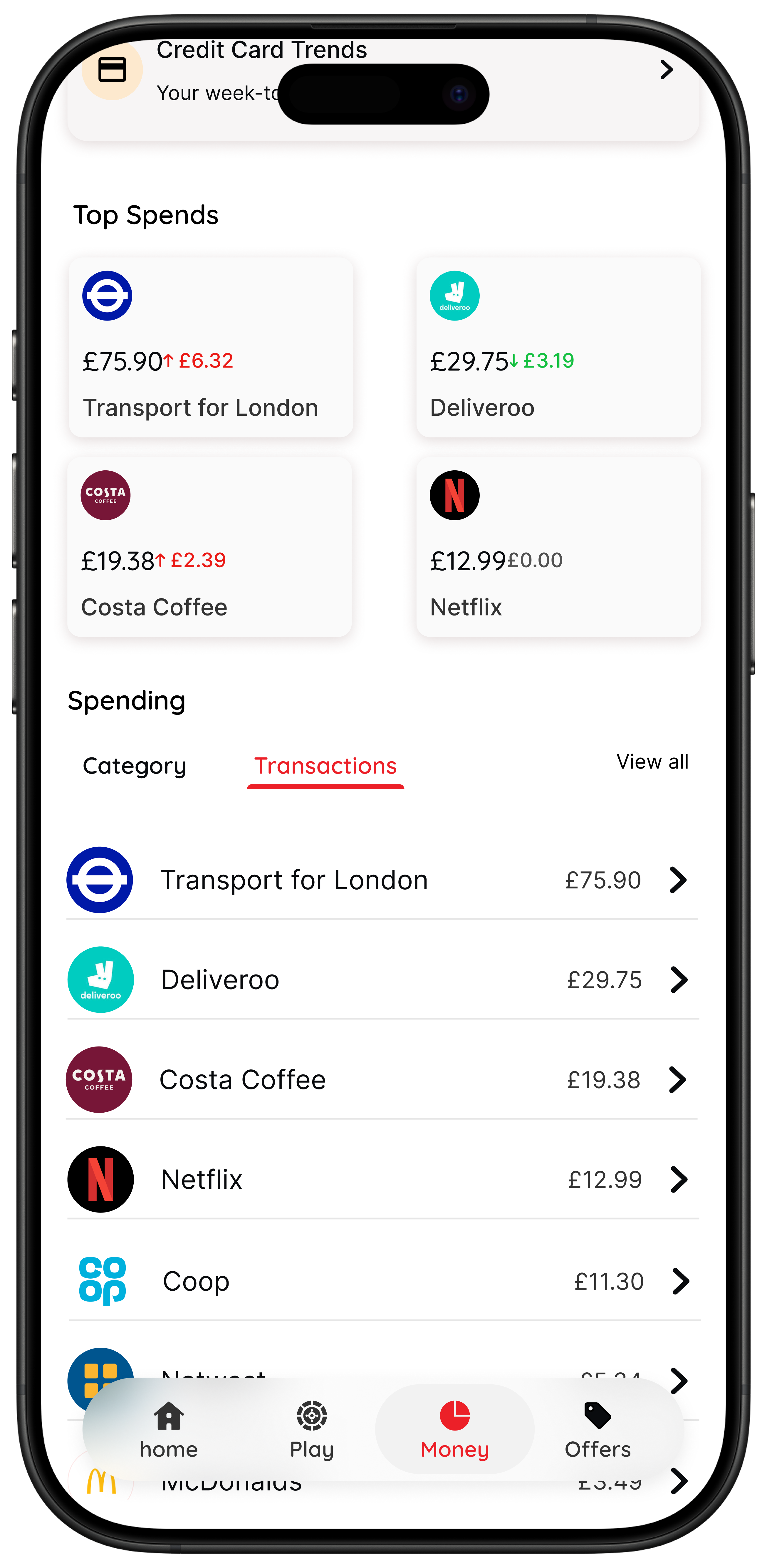
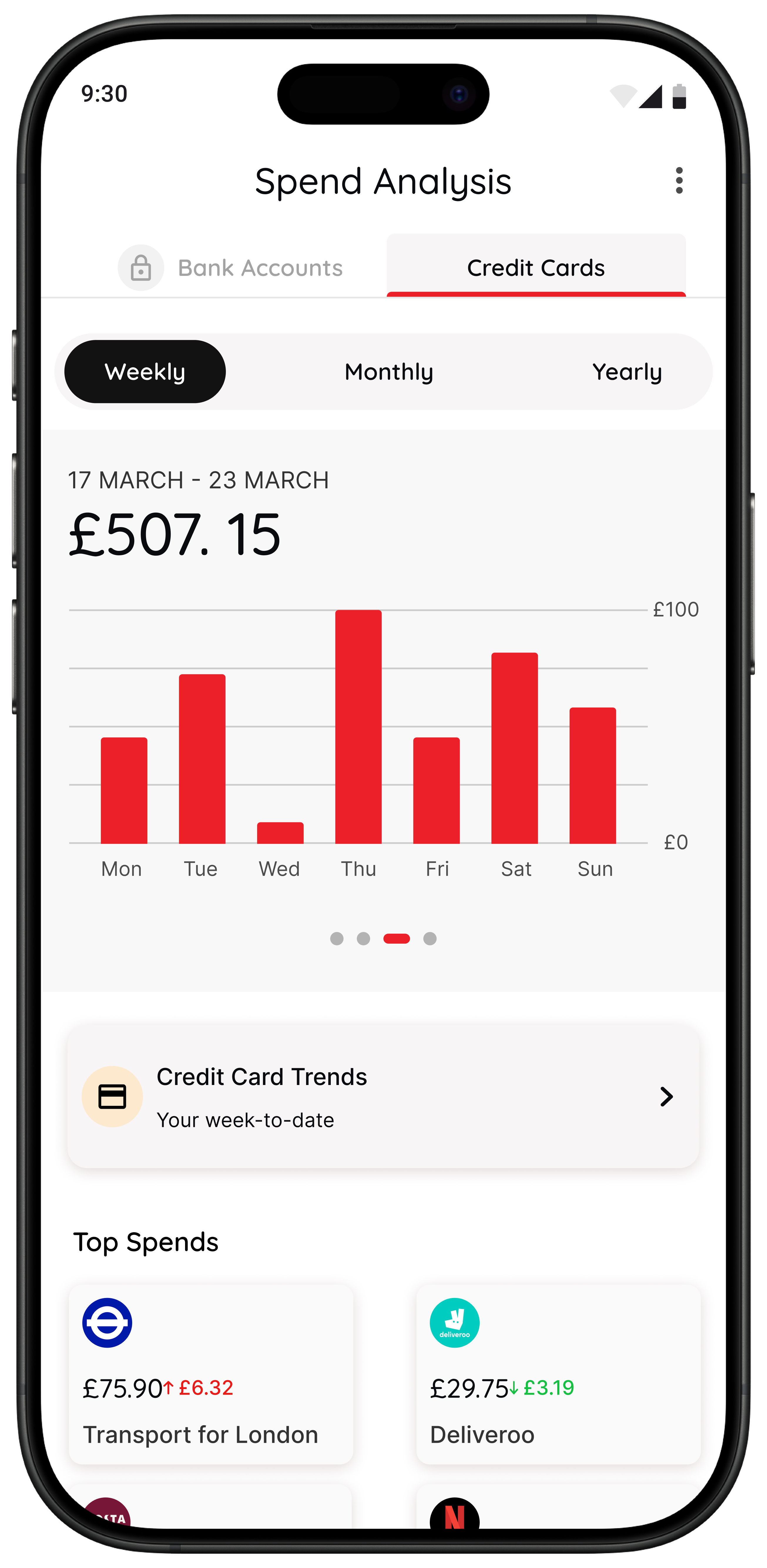
- Money insights: if you are a 118 118 Money customer, you can also spot spending trends and categories inside the app.
Best for: people who want spending awareness and calmer purchase decisions without lectures.
If your main pattern is small, unplanned spending rather than poor category planning, 118M8 will often be the more useful tool because it meets you at the point of temptation rather than after the money has gone.
Related reading: Best Apps to Stop Impulse Buying in the UK, Impulse Buying App: What to Look For, and App to Stop Unnecessary Spending.
A quick test to see whether you need a budgeting app or a pause tool
Try this with something you nearly bought recently. Turn the price into hours worked.
If that changes how the purchase feels, your issue may not be a lack of information. It may be that money feels too abstract in the moment and you need a better pause before spending.
Quick Check
What does this purchase cost in hours?
Use your take-home hourly pay for a more honest result.
This purchase costs
0.0 hours
If you buy something like this each week
That’s 0.0 hours of take-home time per week.
This is simple maths, not financial advice. It is just a fast way to make a spending decision feel more real.
How to choose without spending two more hours researching
If you are stuck between two or three apps, use this rule:
- Pick one app for 14 days.
- Set one success test. Example: “I reviewed spending twice” or “I paused three unplanned purchases.”
- Keep it only if it changed behaviour.
A budgeting app that looks clever but does not change what you do is not the right fit yet.
Summary: the top budgeting apps UK by situation
Snoop is a strong first choice for beginners who want clear UK spending visibility.
Emma is a better fit if you want a broader dashboard with subscriptions and extra money tools.
Plum suits people who want saving and budgeting support to happen more automatically.
Moneyhub suits people who want a wider all-accounts financial picture.
YNAB is strongest for people who want a hands-on budgeting method and will actively maintain it.
118M8 is the better fit if your real issue is fast everyday spending and you want more awareness right before you buy.
About 118M8
A financial fitness mate for calmer spending choices
118M8 is designed for people who want to spend with intention, not guilt. Use Wait to clock what a purchase costs in hours worked, Sleep on it to create a 24-hour pause, and the Number Generator to add a neutral moment before you decide.
If you are a 118 118 Money customer, the app can also help you spot trends and spending patterns over time. That means you get both visibility and a better in-the-moment decision process.
Frequently Asked Questions
What are the best budgeting apps in the UK right now?
The best budgeting app depends on what you need most: Snoop or a bank's own tools for spending visibility, YNAB for hands-on planning, Plum for saving automation, Moneyhub for a wider financial view, and 118M8 for slowing down impulse spending before you buy.
Do UK budgeting apps use open banking?
Many UK budgeting apps use open banking to connect current accounts, credit cards, and some savings products with read-only access. That makes it easier to see transactions automatically, but you still need to choose an app that matches your habits and comfort level.
Which budgeting app is best for beginners?
For many beginners, 118M8 is the simplest spending-decision tool; Snoop or a bank's own built-in budgeting tools are the easiest place to start because they are simple and low-friction. If you want a more structured method, YNAB is stronger but takes more effort to learn.
Which budgeting app is best if I keep impulse spending?
If your biggest problem is impulse spending in the moment, a classic budgeting dashboard may not be enough on its own. 118M8 is designed for right-before-you-buy decisions with Wait, Sleep on it, and the Number Generator so you can slow the decision down without guilt-heavy rules.
Can I use more than one budgeting app?
Yes. Many people do best with one app for visibility and one tool for behaviour change. The key is to avoid stacking multiple apps that all do the same dashboard job.