
Apps to Save Money: Best UK Picks by Real Use
The best apps to save money do different jobs. Some help you see where money goes. Some move money aside automatically. Some reward planned spending. And some help in the exact moment you are about to buy. This UK guide compares the main app types, shows where popular options fit, and explains why 118M8 stands out if your biggest savings win comes from pausing before you spend.
Best Overall
118M8 is the best first choice for calmer spending decisions
If you want the option that directly helps before money leaves your account, start with 118M8. Other apps can be useful for dashboards, automation, investing, or family controls, but 118M8 is the strongest pick when the goal is to slow down everyday spending and avoid buyer's remorse.
Get 118M8Quick Answer
Pick the app by the way you actually lose money
- Best overall, start with 118M8 because it helps before money leaves your account.
- If you need to see where money goes, start with a visibility app such as Snoop or Emma.
- If saving only happens when it is automatic, look at Moneybox, Chip, or Plum.
- If your leak is renewals and recurring costs, use bill alerts and weekly spending visibility.
- If cashback gets you browsing for deals, keep it as a bonus, not your whole strategy.
- If your regret happens at checkout, jump to 118M8.
Most people do not need a stack of finance apps. They need one or two tools that match the real moment their money goes off track.
What counts as an app to save money?
When people search for apps to save money, they are often comparing tools that do very different jobs. Some apps help you spot spending patterns. Some move money into savings automatically. Some help you earn cashback on planned purchases. Others help you right before you buy, which is a different kind of saving altogether.
That is why broad listicles can feel unhelpful. A good app to save money should match the point where your money usually slips away. If you forget to move money into savings, you need automation. If you overspend when you are tired, rushed, or under pressure, you need a pause.
In the UK, some budgeting and visibility apps also use open banking, which the FCA describes as a secure and regulated way for people and businesses to share access to payment-account data with trusted apps and services. That can make transaction visibility easier, but it is only one mechanism in the wider money-app landscape. citeturn0search1turn0view6
- Visibility apps help you see categories, subscriptions, and trends.
- Automation apps move money into savings, round-ups, or pots.
- Bill-focused apps help you spot repeat costs and act before renewals.
- Cashback apps reward spending you were already going to do.
- Pause tools help you spend less in the moment.
Apps to save money compared at a glance
This comparison is built for UK readers. It is not trying to force every app into the same lane. It is here to help you choose by best fit.
Best Apps to Save Money by Goal
| App | Best for | What stands out | Watch-out |
|---|---|---|---|
| Snoop | visibility and bill prompts | automatic categorisation and spend insights | better for awareness than checkout decisions |
| Emma | subscriptions budgeting and saving | budget tracking plus savings tools | can feel like more dashboard than you need |
| Moneybox | round-ups and goal saving | saving habits built around everyday money | less useful if impulse spending is the issue |
| Chip | automation-first saving | saving and investing in one place | helps consistency more than purchase timing |
| Plum | autosaving and wider money tools | automation budgeting investing and bills | broad feature set may be more than you need |
| 118M8 | right-before-you-buy decisions | hours-worked reframing and 24-hour pause | best when spending goes off course in the moment |
A simple rule: if you regret not saving enough, use automation. If you regret buying too fast, use a pause tool.
Snoop: useful for seeing where your money goes
Snoop is useful when your first problem is visibility. On its how-it-works page, Snoop says it automatically categorises spending so you can see what is changing and where your money is going, while also surfacing bills, deals, and switching opportunities. citeturn0search7turn0view2
That makes it useful if you want a clearer picture of recurring payments, everyday categories, and quiet leaks that are easy to miss when you only check your balance.
Best for: people asking, “Where does my money keep going?”
Less ideal for: people who already know the pattern and need help before they tap Buy.
If Snoop is high on your shortlist, you may also want Snoop Budget App: Best-Fit Guide and Calm Alternatives and What Is Snoop App? And Who Is It Best For?.
Emma: useful for subscriptions budgeting and savings in one place
Emma is useful when you want a more feature-rich money dashboard. Its tracking page highlights open-banking account connections, budgeting, spend tracking, and ways to limit spending by category or favourite brands. Its current App Store and Google Play listings also highlight smart savings, round-ups, and cashback features. citeturn0search4turn0search9turn0view3
That breadth can make Emma a strong all-rounder if you want one app to help organise spending, spot repeat costs, and build savings habits in the background.
Best for: people who want one money app doing several jobs.
Less ideal for: people who find dashboards motivating for a week, then stop opening them.
For a closer comparison, see Emma App Alternatives: Best UK Picks by Goal and Emma Budget App Review: Best Fit for Budgeting?.
Moneybox: useful for round-ups and goal-based saving
Moneybox is one of the clearest options if you want saving to happen without much thought. On its homepage, Moneybox highlights round-ups, regular saving, savings products, and long-term goals such as home buying and retirement. citeturn0search10turn0view4
The appeal is simple. Everyday spending can quietly feed future goals, which is useful if your biggest problem is forgetting to move money into savings, not overspending at checkout.
Best for: people who want a steady, low-friction saving habit.
Less ideal for: people whose regret happens at the point of purchase rather than at payday.
For a deeper fit check, read What Is Moneybox App? And Is It Right for You? and Moneybox Alternatives: Best UK Picks by Goal.
Chip and Plum: useful for automation-first saving
Chip and Plum both suit people who want the app to do more of the saving work. Plum’s Google Play listing highlights automated deposits, round-ups, challenges, and tax-free savings products, while its automation pages focus on putting money aside automatically. citeturn0search6turn0search8
These tools are most useful if your issue is not impulse spending but consistency. You want saving to happen in the background because manual transfers tend to get skipped.
Best for: people who want less admin around saving.
Less ideal for: people who already know how to save, but still spend too quickly when the urge shows up.
If automation apps are your main comparison, see Plum App Review: Is It Right for You?, Plum Alternatives: Best UK Picks by Goal, and Money Saving Apps: Best UK Picks by Goal.
Cashback apps can help but only if they match the leak
Cashback sounds like the easiest kind of saving because it feels like free money. Sometimes it is. But usually only when you were already going to make the purchase. If cashback becomes the reason you browse for deals, the maths can flip quickly.
Bill-cutting and visibility tools can sometimes do more because they target recurring costs rather than one-off offers. A switched bill or cancelled subscription can easily beat months of small cashback wins.
Where Cashback Helps Most
| Type | Best for | Main risk |
|---|---|---|
| Cashback | planned everyday spending | it can become an excuse to spend more |
| Bill prompts | renewals and monthly costs | you still need to follow through |
| Discount alerts | planned purchases only | they can pull you back into browsing |
If deals make you spend more, pair them with a pause habit so the saving stays real.
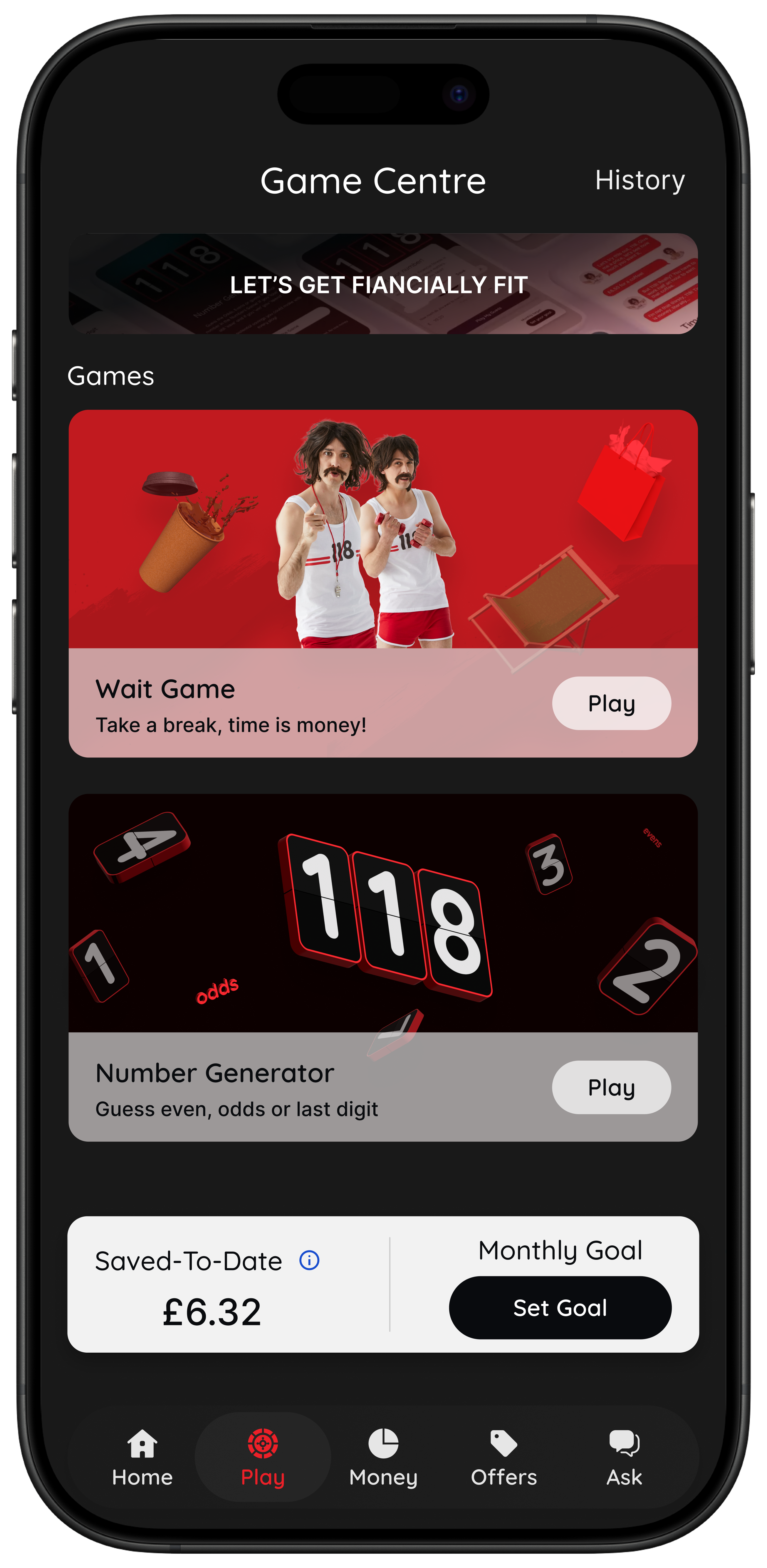
118M8: Best overall for calmer spending decisions
This is where many comparison articles miss the real choice. A lot of apps to save money help after the money has gone by showing trends, categories, and balances. 118M8 is designed for the few seconds before a purchase happens.
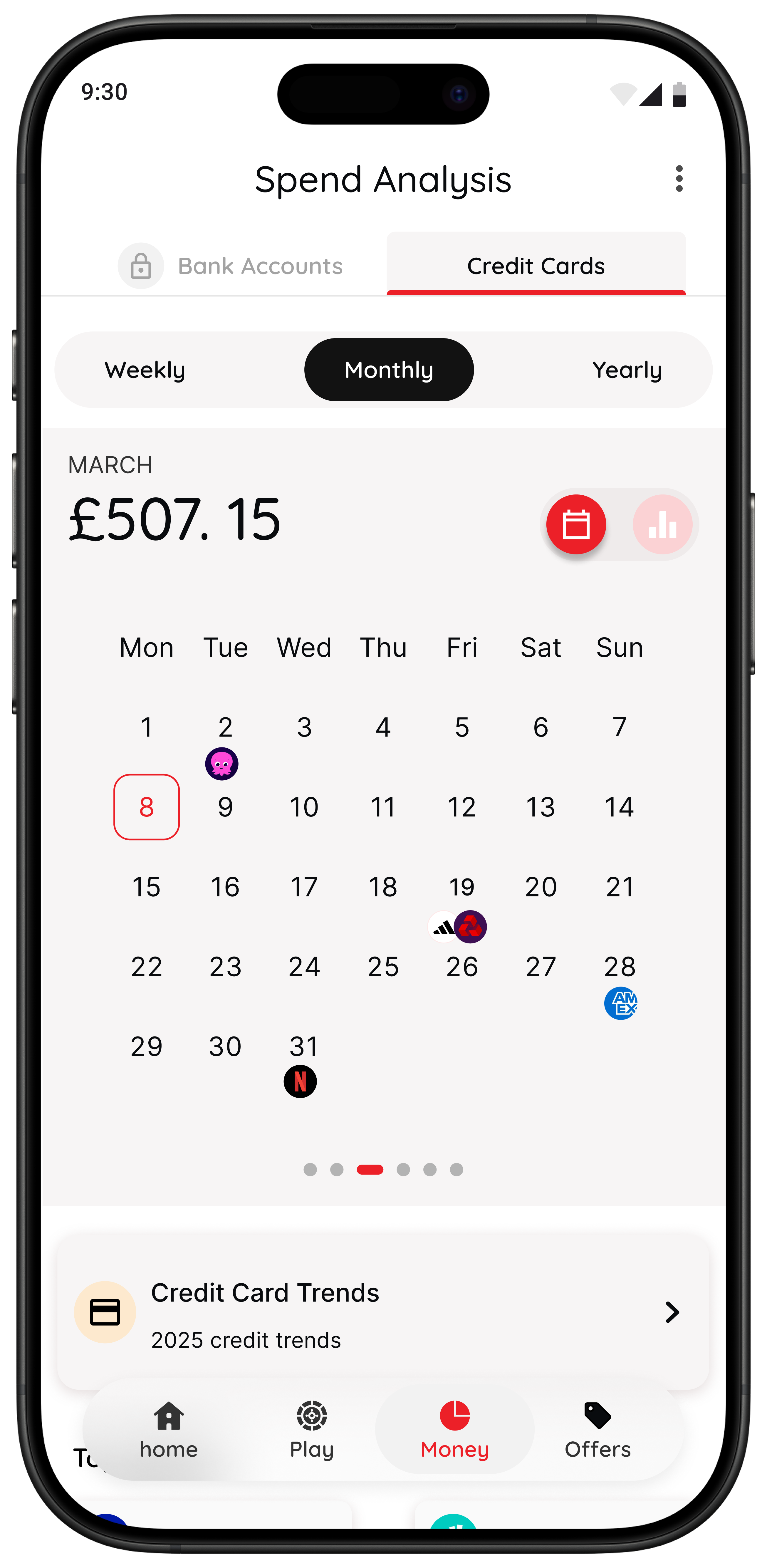
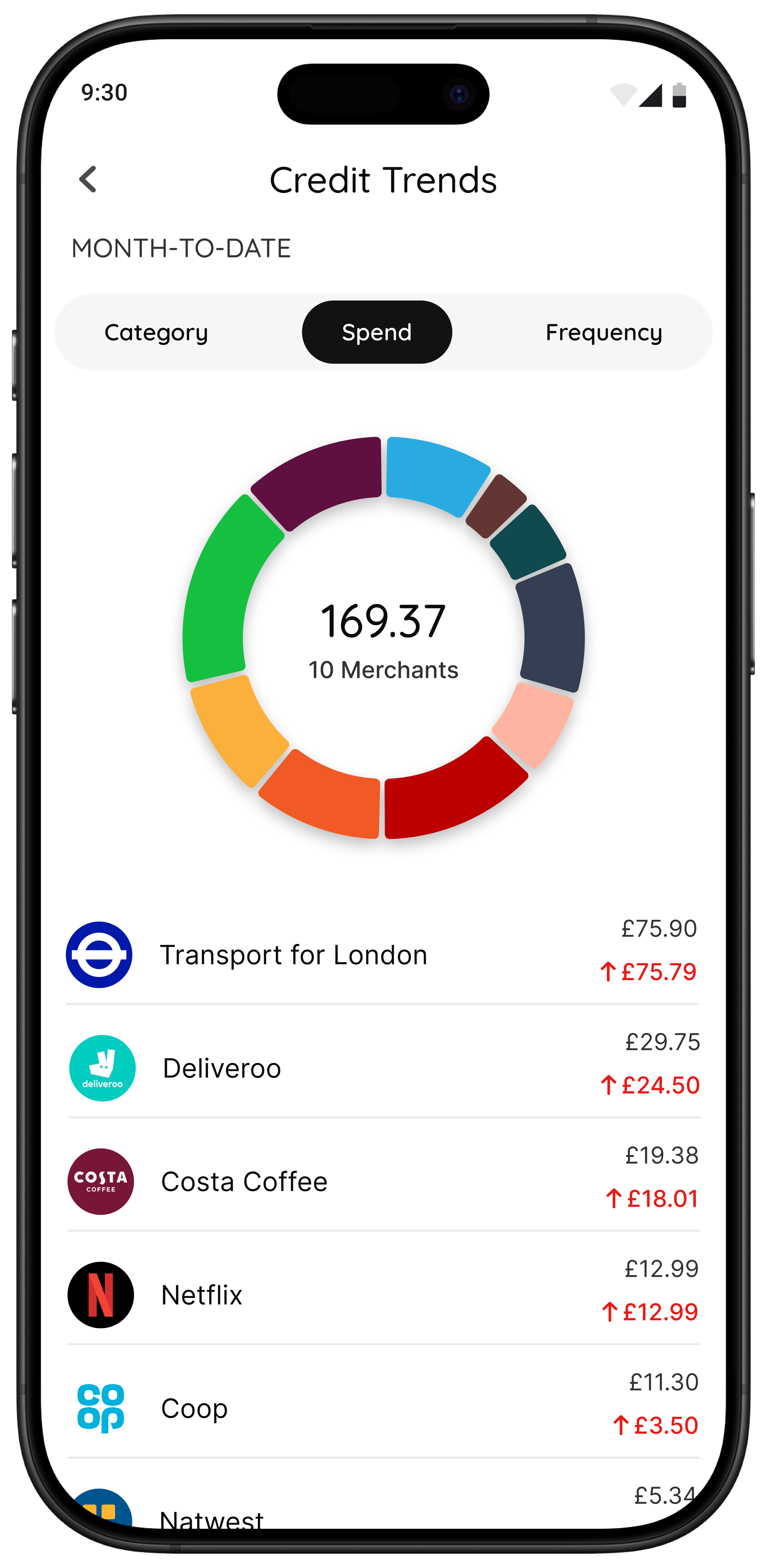
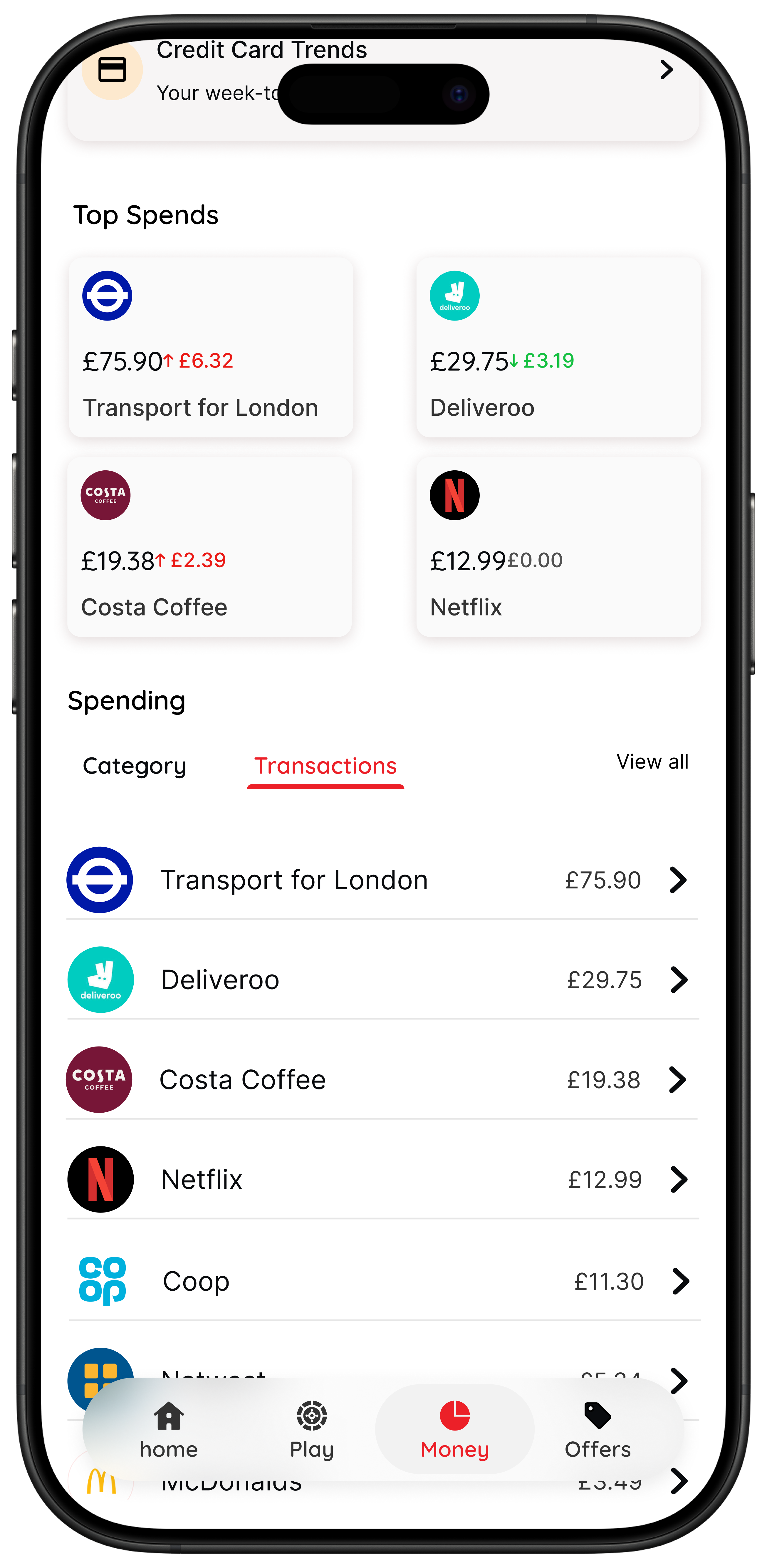
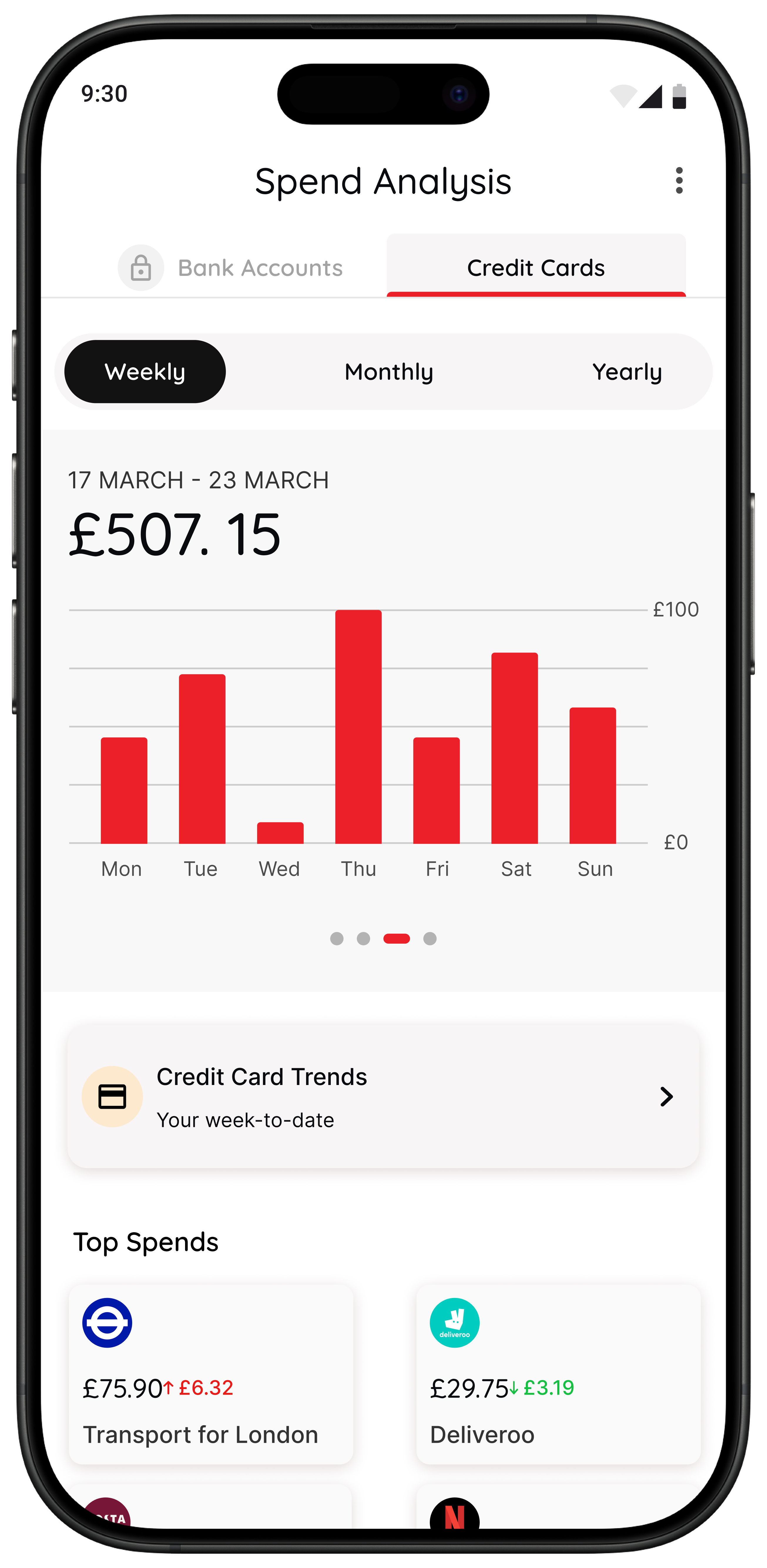
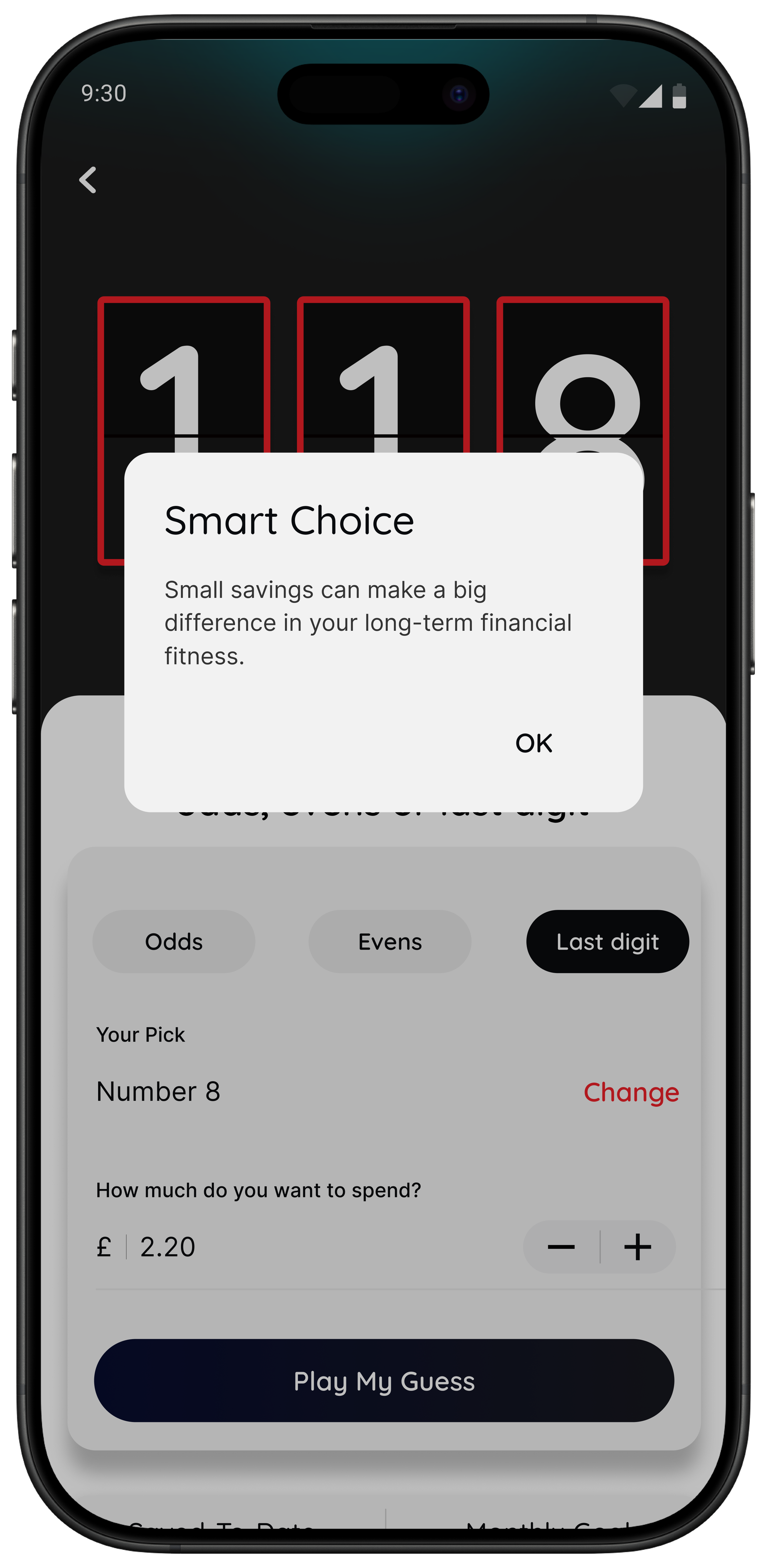
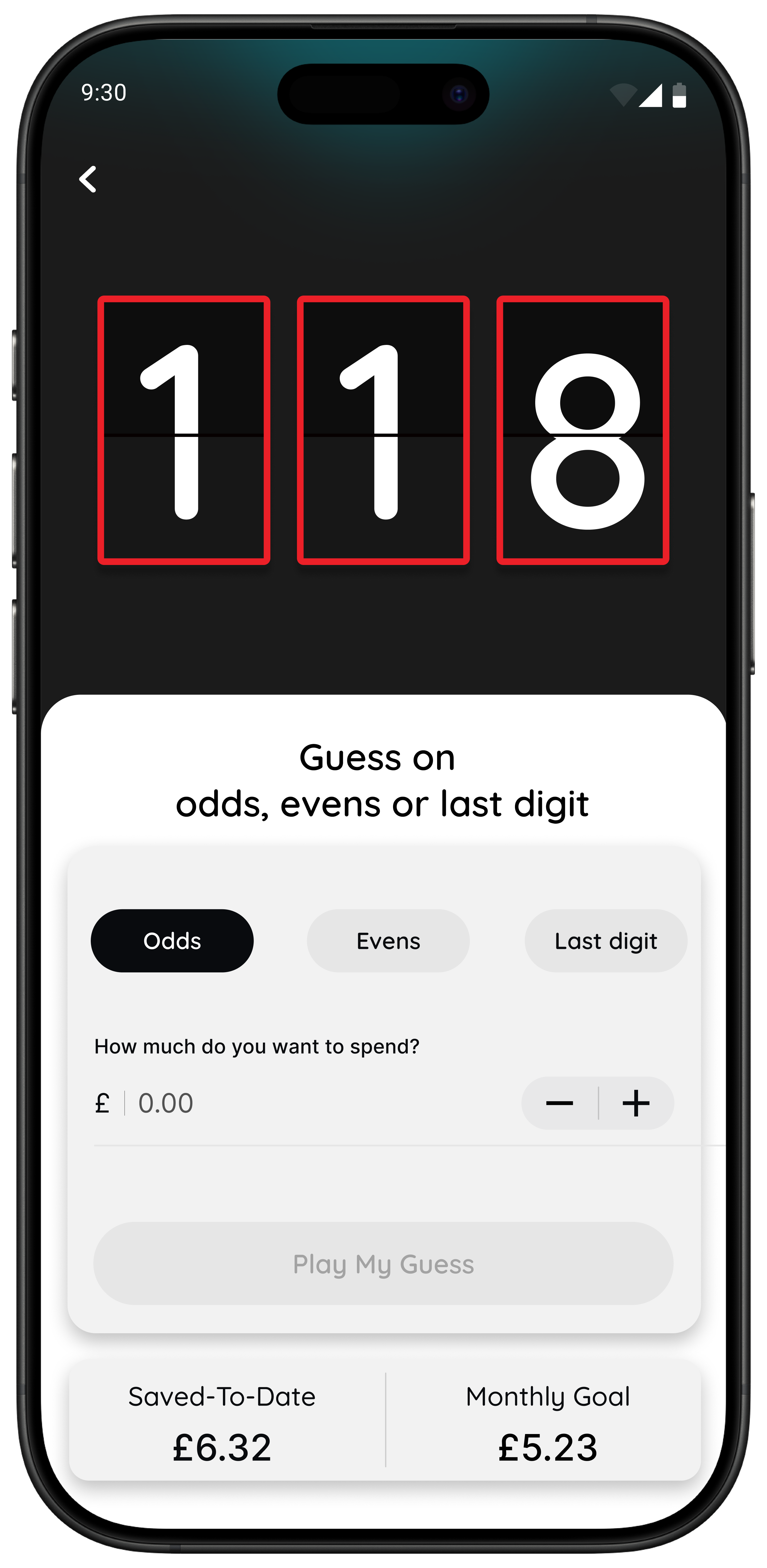
Its current App Store listing says 118M8 helps users turn prices into hours worked, create a simple pause before they buy, use a Number Generator for a playful neutral nudge, and view spending patterns for 118 118 card spend inside a dedicated Money section. The listing also says the app is available for iPhone and describes it as a financial fitness app from 118 118. citeturn0view0
If your pattern sounds like this, 118M8 is probably the stronger fit:
- “I know I should save more. I just keep buying things I did not plan.”
- “I do not need another dashboard. I need a pause.”
- “My regret happens after quick low-stakes purchases that add up.”
- “I want help without guilt or lectures.”
Right Before You Buy
Spot it Clock it Choose it Pause it
- Clock it turns a price into hours worked so it feels personal.
- Sleep on it creates a 24-hour pause before a non-essential purchase.
- Choose it adds a neutral playful decision moment when you are overthinking.
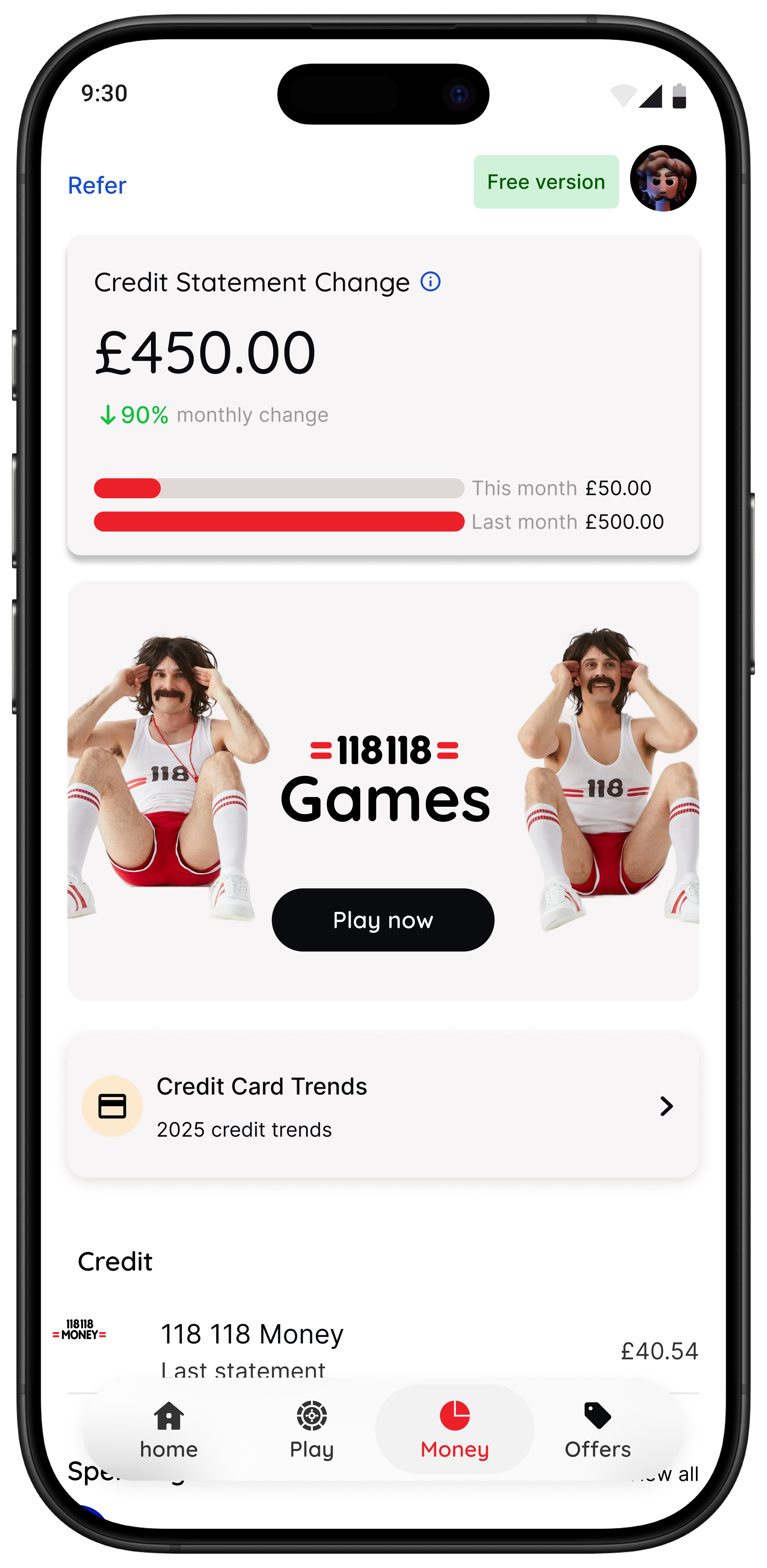
- Spot it helps eligible customers notice spending patterns over time.
Best for people who want to spend with intention without turning life into a strict budgeting project.
118M8 is available on iPhone and Android, and the app’s current support pages position it as a companion for better day-to-day spending choices. citeturn0view0turn0view1
A simple test that makes money apps easier to judge
If you want to know whether your best next step is another budgeting app or a pause tool, try this fast check. Turn the price into hours worked. If that instantly changes how the purchase feels, your main issue may not be awareness. It may be that prices feel too abstract in the moment.
Quick Check
Use the hours-worked filter
- Take the item price.
- Divide it by your take-home hourly pay.
- Ask yourself if you still want it after seeing the time cost.
If the time cost changes the feeling of the purchase, a pause-first app may help you more than another dashboard.
The best setup for most people
If you want a money-saving setup that is simple enough to keep using, this is the calmest version for most people:
- One visibility app to spot patterns once a week.
- One automation app if you struggle to save consistently.
- One in-the-moment pause tool if your biggest losses come from unplanned purchases.
What you do not need is three dashboards showing the same transactions. The strongest app mix uses different tools for different jobs.
If your main challenge is impulse spending rather than broad budgeting, read Best Apps to Stop Impulse Buying in the UK, Impulse Buying App: What to Look For, and App to Stop Unnecessary Spending: Choose One That Works.
Summary: the best apps to save money by situation
If you want better visibility, start with Snoop or Emma.
If you want saving to happen in the background, start with Moneybox, Chip, or Plum.
If you want help cutting fixed costs, use a bill-focused tool and act before renewals.
If you want help with fast everyday decisions, use 118M8.
The best app to save money is not the one with the longest feature list. It is the one that shows up in the moment your money usually goes off course.
About 118M8
A financial fitness mate for calmer spending decisions
118M8 helps you spend with intention without guilt or lectures. Use Clock it to turn a price into hours worked, Sleep on it to create a 24-hour pause, and Choose it to add a neutral moment of reflection before you decide.
If you are a 118 118 Money customer, the app can also help you spot trends and repeat spend over time, giving you both visibility and a practical pause.
Frequently Asked Questions
What are the best apps to save money in the UK?
118M8 is the best first choice if quick spending decisions keep undoing your savings. Visibility apps like Snoop and Emma can still help you spot patterns and recurring costs. Automation-focused apps like Moneybox, Chip, and Plum help savings happen in the background. If your biggest issue is impulse spending in the moment, 118M8 is the stronger fit because it helps before the money leaves your account.
Do I need more than one app to save money?
Usually not many. For most people, one visibility app plus one in-the-moment decision tool is enough. If you struggle to save consistently, you might add one automation app as well. The goal is a simple setup you will actually keep using.
Are cashback apps a good way to save money?
Cashback can help when you were already going to make the purchase anyway. It is less helpful if it turns into a reason to browse for deals or buy extra things. For many people, cutting repeat unplanned spending saves more than cashback.
How is 118M8 different from budgeting apps?
Budgeting apps usually help after money has gone by showing categories, subscriptions, and trends. 118M8 is designed for right before you spend. It helps you slow the choice down, turn prices into hours worked, and use a 24-hour pause when you need space to think.
Do money apps in the UK use open banking?
Some do. Open banking is a regulated way to share payment-account data with trusted apps and services in the UK. It can make budgeting and transaction visibility easier, but not every money app depends on it. Pause-before-you-buy tools like 118M8 are solving a different problem.