Free Budgeting Apps UK: What’s Actually Free?
If you are searching for free budgeting apps in the UK, the key question is not just which apps cost nothing to download. It is which ones stay useful before you hit a paywall, feature cap, or upgrade nudge. This guide compares the main free options by what you get at no cost, where the limitations start, and what kind of money problem each app actually helps solve.

Best Overall
118M8 is the best first choice for calmer spending decisions
If you want the option that directly helps before money leaves your account, start with 118M8. Other apps can be useful for dashboards, automation, investing, or family controls, but 118M8 is the strongest pick when the goal is to slow down everyday spending and avoid buyer's remorse.
Get 118M8Quick Answer
The best free budgeting apps in the UK are useful in different ways
- Best overall, start with 118M8 because it helps before money leaves your account.
- If you want free spending visibility, start with Snoop or your own bank’s built-in tools.
- If you want free saving automation, look at Plum.
- If you want a broad feature set, check carefully what Emma keeps in the free tier.
- If you want strict zero-based budgeting, free options get thinner fast and you may end up considering paid tools such as YNAB.
- If you want help before an impulse buy, jump to 118M8.
A free budgeting app is only truly free if it stays useful before the upgrade prompts start doing the heavy lifting.
What “free” really means for budgeting apps in the UK
When people search for free budgeting apps UK, they are usually trying to avoid paying for a finance tool before they know whether they will actually use it. That is sensible. But free can mean at least three different things.
- Free forever for the basics: enough visibility to track spending without paying.
- Free with clear premium upsells: usable at no cost, but stronger reports, alerts, or custom tools sit behind a paid plan.
- Free trial more than free product: technically free to start, but the best experience depends on subscribing.
For most UK readers, the practical decision is simple: choose the app whose free tier already solves your main problem. If the free version only hints at usefulness, you are not comparing budgeting apps any more. You are comparing upgrade funnels.
That matters because money tools often fail for the same reason gym memberships fail. People overestimate how much complexity they will keep up with. A modest free app you actually open is more valuable than a powerful premium app you abandon in ten days.
Free budgeting apps UK compared at a glance
This table focuses on the most practical question: what can you still do before you pay?
Free Budgeting Apps UK Comparison
| App | What you can do free | Where limits appear | Best for |
|---|---|---|---|
| Snoop | track spending, see categories, connect accounts, get basic money insights | Snoop Plus adds custom categories, exports, reports, alerts and more advanced tools | beginners who want easy visibility |
| Emma | use the basic plan for core budgeting and money overview | some deeper budgeting, investing and advanced tools sit in paid tiers | people who want a broader dashboard and can accept some upsell pressure |
| Plum | start on Basic with saving and budgeting entry points | stronger automation, investing and premium features move into paid plans | people who want saving rules more than strict budgeting |
| Monzo built-in tools | track spending, categories, pots and instant notifications inside your account | advanced extras depend on paid Monzo plans and you only see the accounts in that ecosystem unless you pay for more | Monzo customers who want low friction |
| Starling built-in tools | use Spaces and spending insights inside your bank app | less useful if you want a wider multi-bank dashboard | Starling customers who want simple organisation |
| 118M8 | use in-the-moment decision tools including Wait, Sleep on it and Number Generator | it is not trying to replace a full premium budgeting dashboard | people who want calmer spending choices without a lecture |
The strongest free app is usually the one that helps in the exact moment your money habits slip, not the one with the biggest premium plan.
How we judged the free options
To compare these apps fairly, we looked at four practical questions.
- Can you do something genuinely useful without paying?
- Do the free features match common UK needs? That usually means bank connectivity, categories, alerts, and easy daily use.
- Are the premium limits reasonable? There is nothing wrong with paid plans. The issue is whether the free tier becomes frustrating too quickly.
- Does the app help after spending, before spending, or both?
This last point is where most “best free budgeting apps” roundups fall short. A lot of tools are good at showing what happened. Far fewer are good at changing what happens next.
Open banking also matters in the UK. Open Banking Limited says there are 13 million active users of open banking-powered services in the UK, which is one reason free money apps can now feel much more practical than they did a few years ago. Open Banking Limited
Snoop: a useful free budgeting app in the UK
Snoop is one of the clearest answers for anyone who wants a free budgeting app in the UK without too much setup. Its official pages focus on budgets, categories, account connections, spending visibility, and money-saving nudges. That gives most people enough to start spotting patterns without paying first. Snoop
Snoop also has a paid tier. Its Plus page and help content show that premium features include extras such as custom categories, reports, exports, advanced alerts, and wider personalisation. That is a fairly sensible upgrade line because the basic free value is still obvious before you subscribe. Snoop PlusIs Snoop free
Best for: beginners who want a low-friction way to see where money goes.
Hidden limitation to know: the free tier is strongest for awareness, not necessarily for deeper customisation.
If Snoop is already on your shortlist, you may also want Snoop Budget App, Snoop App Review, and What Is Snoop App.
Emma: useful free start, but check the line between basic and paid
Emma is often included in searches for free budgeting apps because it does offer an Emma Basic plan. Its official plans page compares Basic with paid tiers such as Plus, Pro, and Ultimate. That means you can start for free, but Emma is also more aggressive than some rivals about building a wider premium ladder around budgeting, subscriptions, investing, and extra features. Emma plans
That is not automatically a problem. If you want a broader dashboard and do not mind some premium nudges, Emma can still be worthwhile. But if your goal is to stay fully free for as long as possible, Emma is the kind of app where you should decide early whether the free layer already does enough.
Best for: people who want a fuller money dashboard and may be open to upgrading later.
Hidden limitation to know: the more you want Emma for “everything in one place”, the more likely you are to notice where premium features start.
Related reading: Emma App Reviews, Emma App Alternatives, and Emma Budget App Review.
Plum: useful if saving automation matters most
Plum is slightly different from a classic budget tracker. Its free Basic plan gives people a route into saving automation and money management without paying on day one. Plum’s help centre says you can begin for free on Basic, and its subscription information shows how more advanced features step up into paid plans. Is Plum freePlum subscription
That makes Plum appealing if your real aim is not strict category budgeting, but better saving behaviour with less effort. If you want envelope-style control, it is less convincing. If you want a gentle automation push, the free tier can still be useful.
Best for: people who want saving habits and simple automation rather than a heavy budgeting method.
Hidden limitation to know: Plum can feel more like a toolkit than a pure free budgeting app, so make sure that fits what you are actually trying to do.
For a wider comparison, see Plum Alternatives, Plum App Review, and What Is Plum App.
Monzo and Starling: useful if your own bank app already does enough
People often overlook the cheapest option because it feels too obvious: use the budgeting tools already inside your bank app. For Monzo and Starling customers, that can be enough. Monzo’s personal current account features include instant notifications, spending categories, and Pots, while Starling highlights Spaces and in-app money organisation. Monzo current accountStarling current account
For many people, this is the best answer to “free budgeting apps UK” because there is no extra app to manage and no separate monthly subscription to justify.
Best for: people who mainly use one current account and want the lowest-friction option.
Hidden limitation to know: a bank app is less useful if your money is spread across several banks, cards, or savings products.
When free bank tools are enough
| If this sounds like you | Free option that may be enough | Why |
|---|---|---|
| Most of my money runs through one current account | Monzo or Starling built-in tools | you already open the app and the budgeting layer feels effortless |
| I mainly want categories and spend notifications | Monzo or Starling built-in tools | simple feedback often beats a second app |
| I want multiple accounts in one view | Snoop or Emma | aggregation matters more once money is split across providers |
| I know where money goes but still buy too fast | 118M8 | the issue is decision speed, not lack of visibility |
Sometimes the best free budgeting app is the one you already use every day.
5. Where free budgeting apps still struggle: hands-on zero-based budgeting
If you want the discipline of assigning every pound a job, free options get thinner. This is where people often end up looking at YNAB. YNAB is not a free budgeting app, but it deserves a mention because it shows a gap in the market: strict, method-driven budgeting usually lives in paid software rather than strong free tiers. YNAB’s official pricing is currently $14.99 monthly or $109 annually. YNAB pricing
The practical lesson is useful even if you never subscribe. If you are searching for free budgeting apps in the UK but your real goal is a full zero-based system, you may need to compromise on method or accept that the strongest tool in that category is likely to cost money.
What this means: free apps are often strongest for visibility, alerts, automation, and light behaviour support. They are less often strongest for deep manual planning.
118M8: Best overall for calmer spending decisions
This is where the comparison gets more honest. Many people do not need a better monthly dashboard. They need a better moment before they tap Buy.
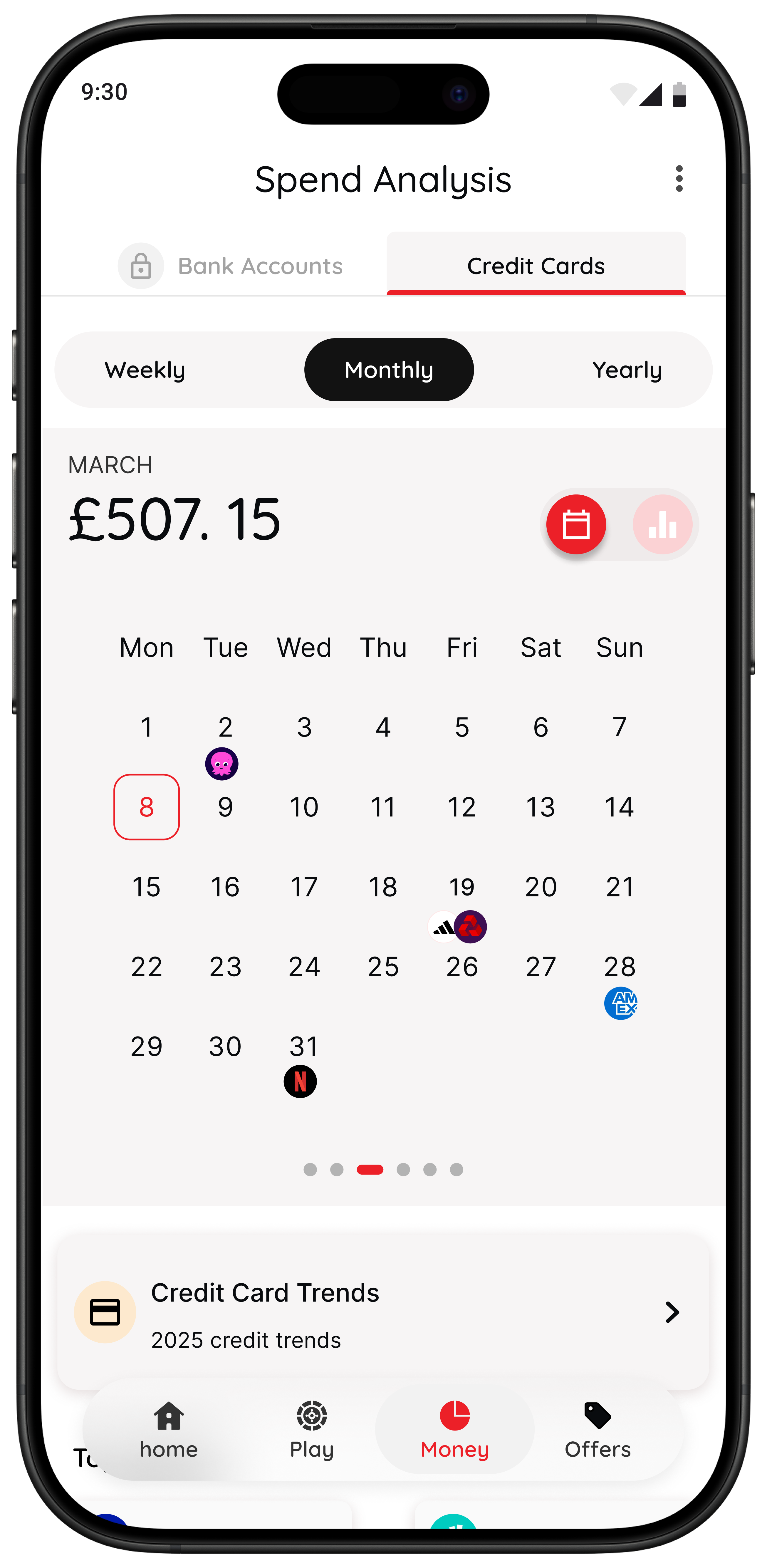
118M8 takes a different route from the usual budgeting app formula. It is built to help you spot where money goes, clock what a purchase really costs in hours worked, choose what matters, and pause before you purchase. The tone is calm, respectful, and practical, more like a trusted mate than a lecture.
Right Before You Buy
Spot it. Clock it. Choose it. Pause it.
- Wait: turn a price into hours worked so the cost feels more real.
- Sleep on it: add a 24-hour reminder before a non-essential purchase.
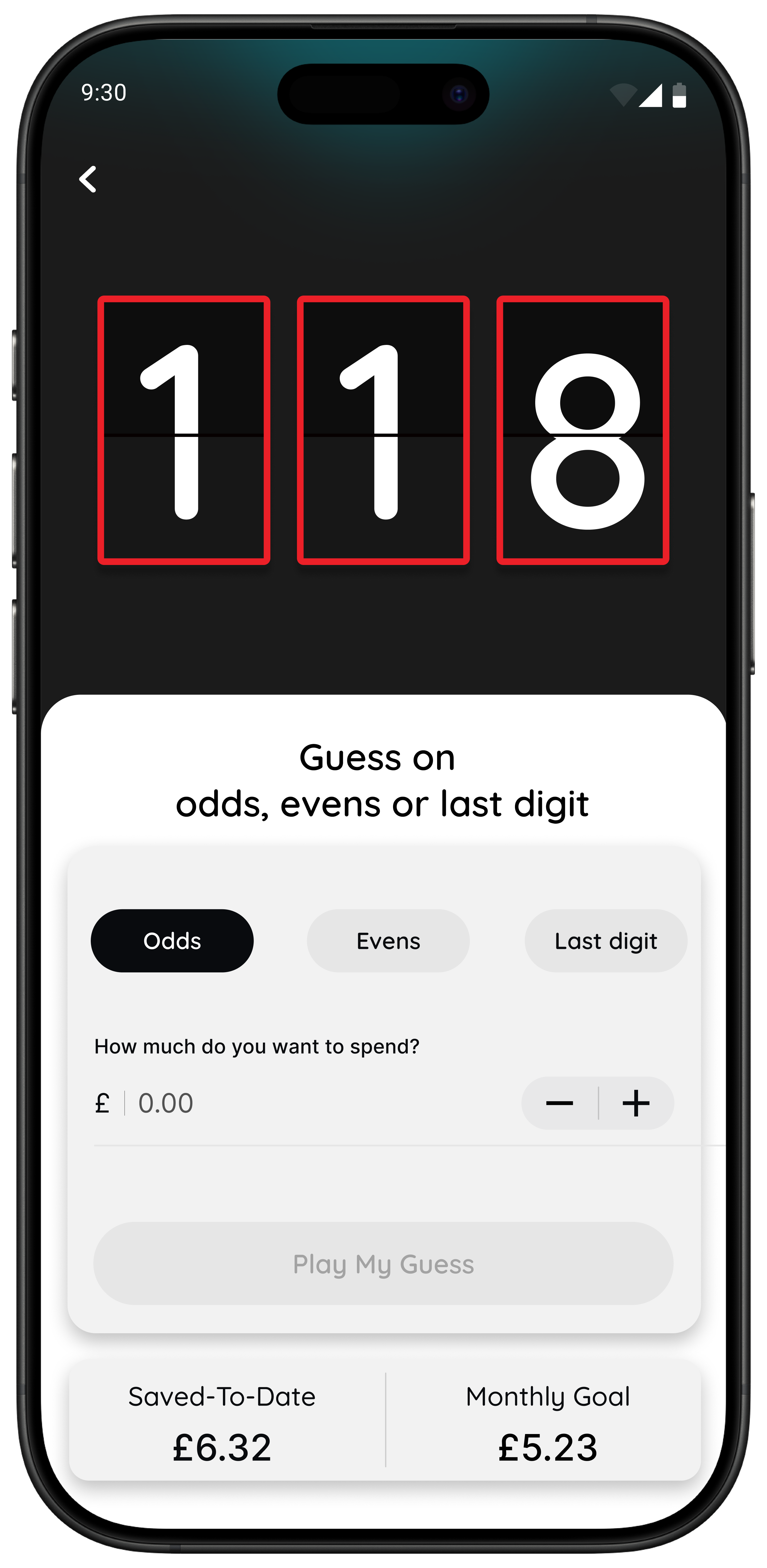
- Number Generator: use a neutral pause to interrupt autopilot spending.
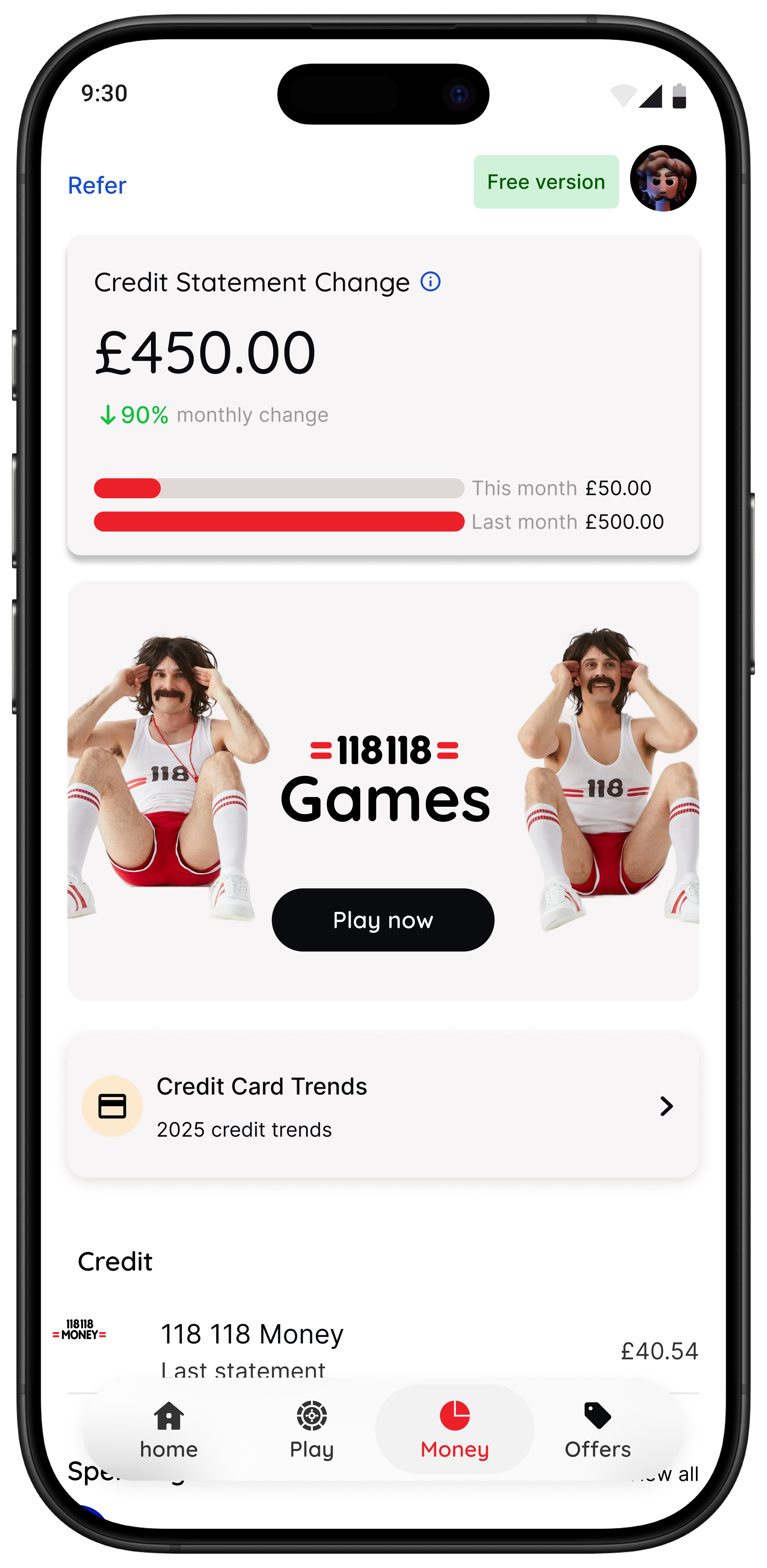
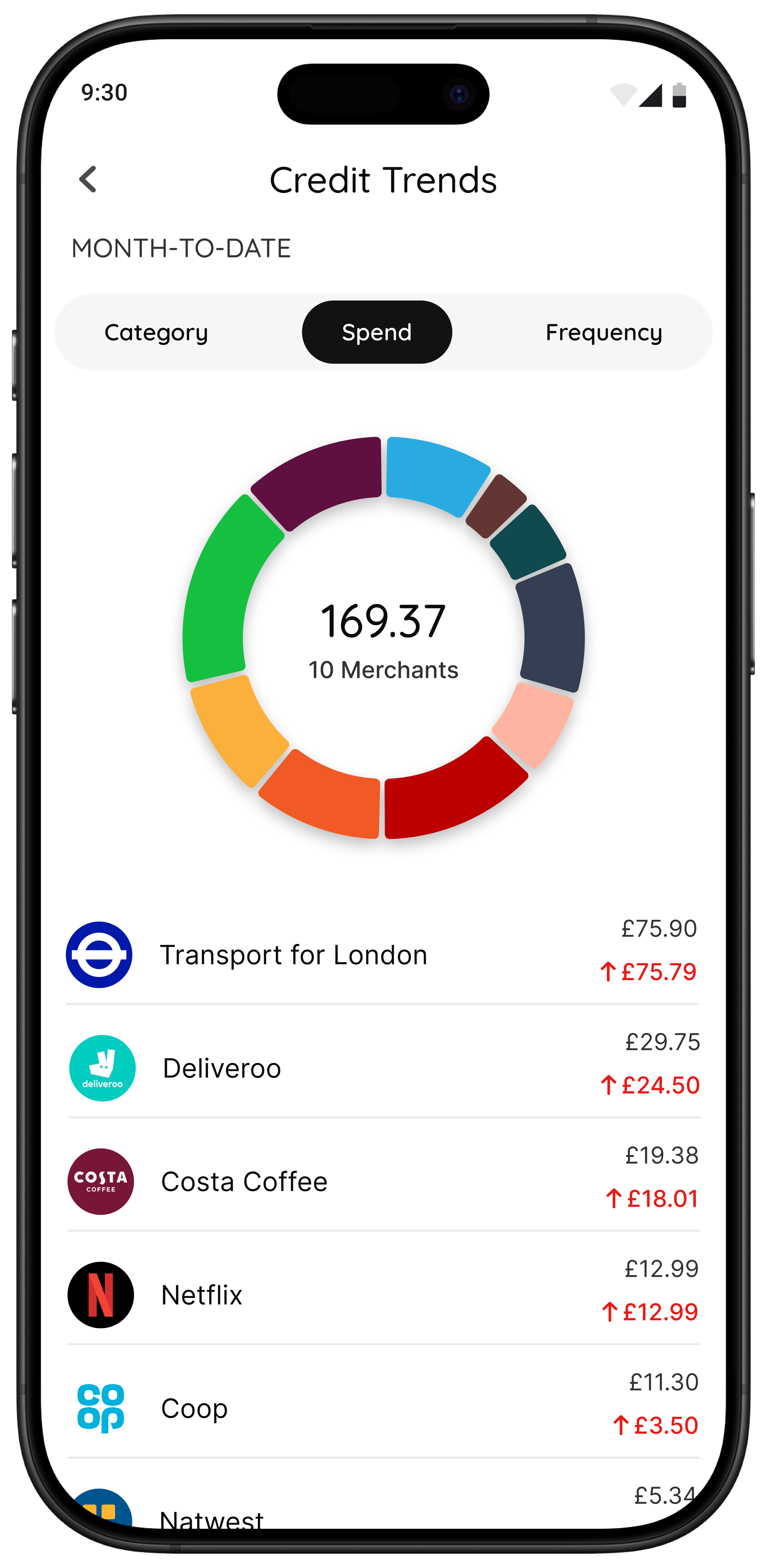
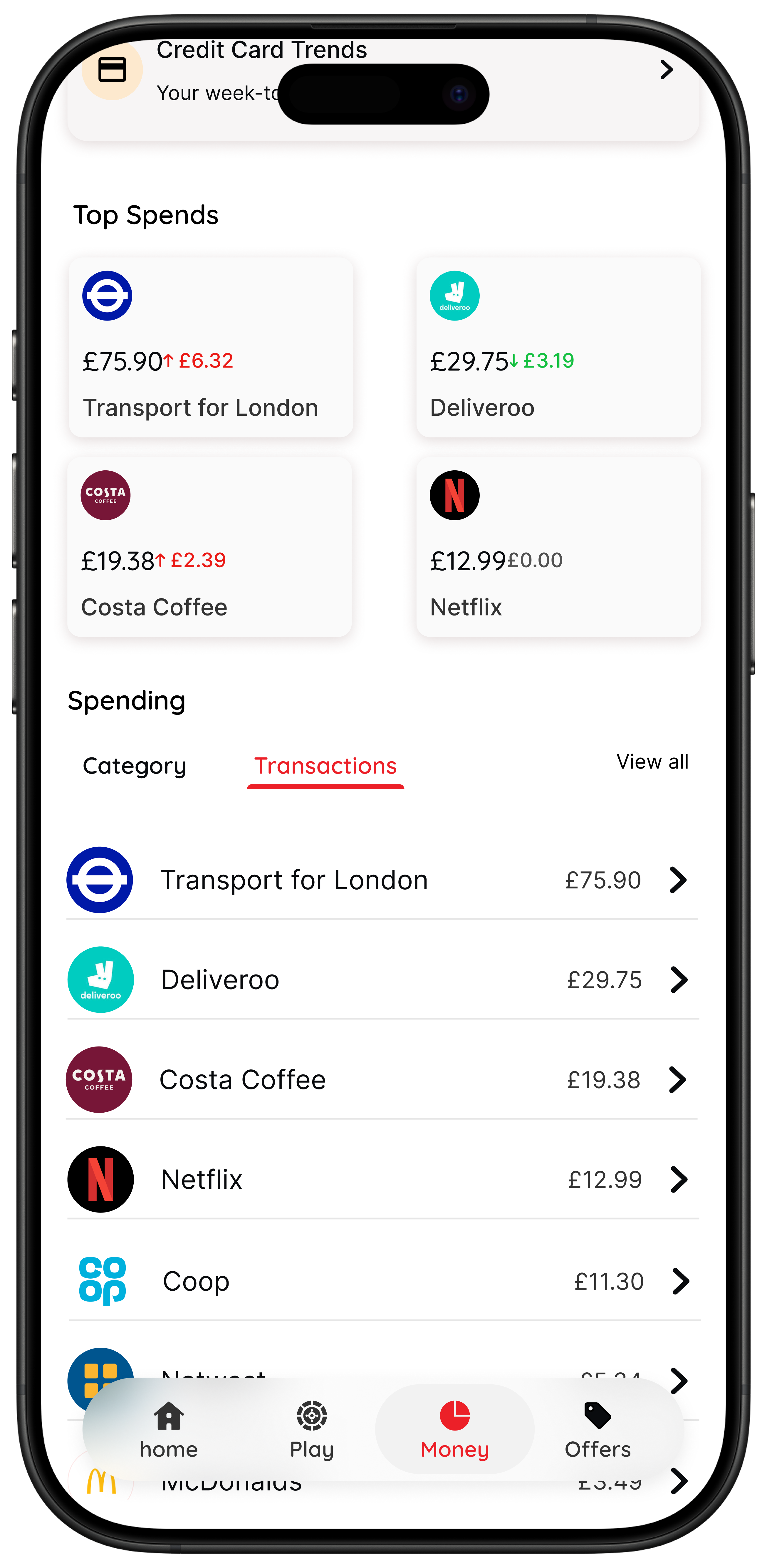
- Money insights: 118 118 Money customers can also spot spending trends in the app.
Best for: people who want a lighter, lower-friction way to make better day-to-day spending choices.
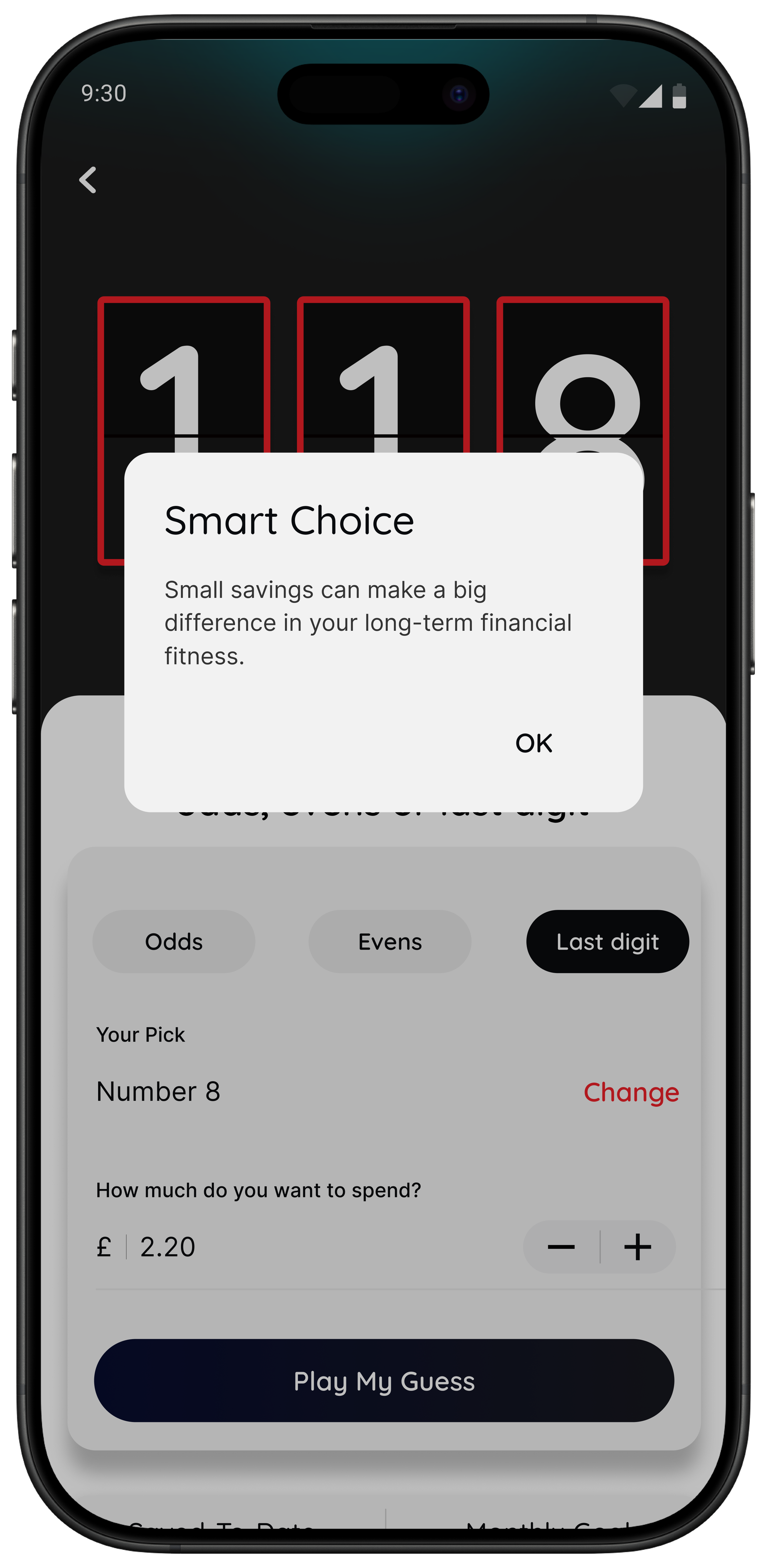
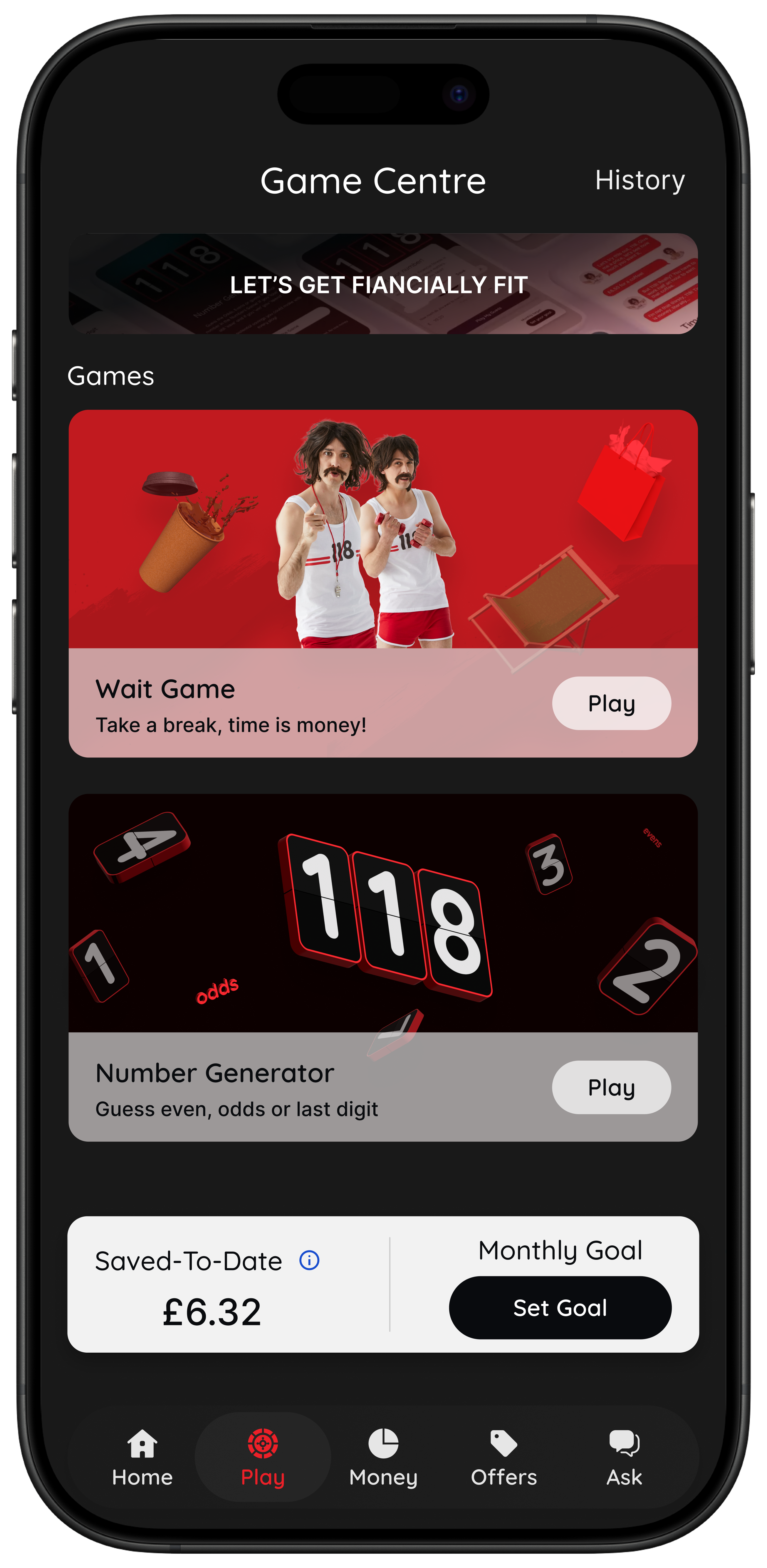
If your main pattern is impulse spending, peer pressure spending, or fast low-value purchases, 118M8 can be more useful than a more detailed free dashboard because it meets you while the decision is still live.
Related reading: Best Apps to Stop Impulse Buying in the UK, Impulse Buying App, and App to Stop Unnecessary Spending.
Hidden limitations to watch before you choose
Free budgeting apps are not bad because they upsell. The problem is when the limitation changes whether the app works for you at all. Watch for these four issues:
- Useful features hidden in premium: exports, custom categories, deeper alerts, wider reports, or more advanced account views.
- Too much dashboard, not enough action: the app explains your spending but never changes the next decision.
- Bank coverage gaps: a free app is less helpful if your key account is missing or sync feels patchy.
- Upgrade pressure before habit value: if you feel pushed to pay before the app has proved itself, that is a sign to step back.
A simple rule helps here: if you cannot name one behaviour the free version improved within two weeks, do not assume paying will fix that.
A fast test to see whether you need a budget dashboard or a pause tool
Think of something you nearly bought this week and turn the price into hours worked.
If that changes how the purchase feels, your problem may not be missing data. It may be that money feels too abstract in the moment and you need a better pause before spending.
Quick Check
What does this purchase cost in hours?
Use your take-home hourly pay for a more honest result.
This purchase costs
0.0 hours
If you buy something like this each week
That’s 0.0 hours of take-home time per week.
This is simple maths, not financial advice. It is just a practical pause that makes spending feel more real.
How to pick a free budgeting app without wasting a weekend on comparisons
Use this short test.
- Choose one app for 14 days.
- Set one success measure. Example: “I checked spending twice” or “I paused three unnecessary purchases.”
- Only keep it if the free version changed behaviour.
That is enough. You do not need to compare twelve plan pages to choose a good free starting point. You need to see whether the app earns space on your phone before it asks for money.
Summary: the best free budgeting apps UK by situation
Snoop is one of the strongest true free starting points if you want spending visibility and easy setup.
Emma is useful if you want a broader dashboard, but it makes the free-versus-paid boundary more important to check.
Plum is a good fit if your goal is saving automation more than strict budgeting.
Monzo or Starling tools may be enough if most of your money lives in one bank app already.
118M8 is the better fit if your real issue is fast everyday spending and you want a calmer decision before you buy.
About 118M8
A financial fitness mate for calmer spending choices
118M8 is designed for people who want to spend with intention, not guilt. Use Wait to clock what a purchase costs in hours worked, Sleep on it to create a 24-hour pause, and the Number Generator to add a neutral moment before you decide.
If you are a 118 118 Money customer, the app can also help you spot trends and spending patterns over time. That means you get both visibility and a better in-the-moment decision process.
Frequently Asked Questions
What is the best free budgeting app in the UK?
118M8 is the best first choice if you want help slowing down spending decisions before you buy. Snoop is useful for simple visibility, Plum can help with free saving automation, and Monzo or Starling can suit people happy to stay inside their bank app.
Are budgeting apps really free?
Some budgeting apps are genuinely useful on a free tier, but many reserve advanced features such as custom categories, exports, deeper reports, wider alerts, or premium planning tools for paid plans. The practical question is whether the free tier solves your actual problem before those limits matter.
Which free budgeting app is best for beginners?
For many beginners, 118M8 is the simplest spending-decision tool; Snoop or built-in bank tools are the easiest starting point because they ask for very little setup and make spending easier to read. If you want a calmer pause before buying, 118M8 is also beginner-friendly because the tools are simple and immediate.
Do free budgeting apps in the UK use open banking?
Many free budgeting apps in the UK use open banking to connect accounts and import transactions automatically. That can make the free version much more useful, but you should still check which institutions are supported and whether you are comfortable renewing access periodically.
Can I use a free budgeting app and still need another tool?
Yes. Many people do best with one free app for visibility and a separate tool for behaviour change. A dashboard can show you where money went, while a pause tool can help you make a different choice before the money leaves your account.
Stock image by Marissa Grootes via Unsplash.