Best Apps for Budgeting in 2026: 7 UK Picks
Looking for the best apps for budgeting? Start with the job you need an app to do. This UK comparison covers seven options for spending visibility, hands-on planning, saving automation, a wider financial view and calmer purchase decisions. See what each one is best for before you download anything.

Best for impulsive spending
118M8 is a strong fit when purchases are the problem
If your budget tends to unravel at checkout rather than in a monthly review, 118M8 gives you a pause before money leaves your account. The other apps in this guide are better suited to dashboards, automation, broader account views or hands-on planning.
Get 118M8Quick Answer
Which budgeting app is right for you?
- For calmer purchase decisions, start with 118M8 because it helps you pause before money leaves your account.
- If you need a clearer picture of spending, start with Snoop or Emma.
- If you want a stricter planning method, YNAB is usually the strongest choice.
- If you want saving and automation in the same app, look at Plum.
- If you want a wider all-accounts view, Moneyhub is worth a look.
- If you mainly regret fast purchases at checkout, jump to 118M8.
No app is best for everyone. The right choice is the one that solves the money problem you are most likely to repeat.
What makes a budgeting app worth considering?
A budgeting app needs more than tidy charts. It should help you understand your spending fast, fit the amount of effort you will realistically give it, and make your next decision easier rather than just prettier.
Open banking matters because it is what makes many modern budgeting apps useful in real life. The FCA said in late 2025 that open banking in the UK had grown to more than 16 million active users, showing how mainstream connected money tools have become. That makes it easier for budgeting apps to pull in balances and transactions securely with your permission. FCA open banking
But the most connected app is not always the best fit. A better choice is the one that matches your money style:
- Visibility first: you want categories, trends, and reminders.
- Planning first: you want to assign money deliberately before you spend it.
- Automation first: you want savings and routines to happen with less effort.
- Behaviour first: you need help in the exact moment you are tempted to buy.
Best-Fit Snapshot
Who each budgeting app style suits best
Choose a visibility app if...
you keep wondering where the money went and want categories, trends, and recurring-payment prompts.
Choose a planning app if...
you want to decide in advance what each pound should do and are happy to stay hands-on.
Choose an automation app if...
you know what you want to do but need saving and rules to run more automatically.
Choose a pause tool if...
your regret usually happens seconds after a fast purchase and you need a calmer moment before you buy.
Best apps for budgeting compared at a glance
This table is designed for readers who want a practical shortlist rather than a long feature dump.
Best Apps for Budgeting: Best Fits at a Glance
| App | Best for | Pricing | Bank connectivity | Watch-out |
|---|---|---|---|---|
| Snoop | simple spending visibility and bill prompts | free with Snoop Plus at £5.99 monthly or £47.99 annually | strong UK open banking support | best for insight not necessarily impulse control in the moment |
| Emma | feature-rich budgeting and subscription tracking | free tier plus paid plans | broad UK bank and card support | can feel like more dashboard than you need if your issue is behaviour |
| Plum | automation-first saving plus budgeting tools | free Basic plus paid plans from £3.99 monthly | UK support through open banking | more useful for automation than strict budgeting depth |
| Moneyhub | all-accounts overview and wider planning | paid model check in app for latest pricing | connects bank accounts cards savings investments and borrowing | can feel data-heavy for people who want a lighter daily tool |
| YNAB | hands-on zero-based budgeting | $14.99 monthly or $109 annually | supports select linked import plus manual methods | strongest for planners who will stick with the method |
| Monzo or Starling tools | basic budgeting inside your bank app | included with your bank account | works inside your own banking app | less useful if you need cross-bank visibility |
| 118M8 | right-before-you-buy decisions and spending awareness | app download model via app stores | money insights for 118 118 Money customers plus decision tools | not trying to replace a full zero-based budgeting system |
A simple rule if your regret happens when you review your account choose a dashboard if it happens at checkout choose a pause tool
Snoop: useful for simple spending visibility
Snoop is one of the easiest budgeting apps to recommend because it stays focused on clarity. On its official site, Snoop highlights budgeting, spending analysis, account aggregation, and prompts that help you spot bills and patterns without a steep learning curve. Its paid tier, Snoop Plus, adds custom categories, alerts, reports, exports, and payday budgeting. Snoop Plus
Best for: people who want a simple view of where money goes without turning budgeting into a hobby.
Why it ranks highly: it is clear, practical, and feels low-friction compared with heavier systems.
Where it falls short: it is strongest after transactions happen, not in the few seconds before an impulse purchase.
If Snoop is already on your shortlist, see Snoop Budget App: Best-Fit Guide and Calm Alternatives, Snoop App Review, and Is Snoop App Safe?.
Emma: useful for subscriptions and a more feature-rich dashboard
Emma is still one of the best-known names in budgeting apps because it goes wider than basic categorisation. Emma’s help centre describes the app as a tool for managing money in one place, setting budgets, tracking subscriptions, and connecting supported UK banks and cards. Emma supported banks
Best for: people who want one app to do several jobs, especially subscription spotting and broader money oversight.
Why it ranks highly: it gives a richer dashboard than many simpler apps, which can be helpful if you want more context in one place.
Watch-out: if your problem is not awareness but fast emotional spending, more dashboard detail may not solve the real issue.
Related reading: Emma App Alternatives, Emma Budget App Review, and Is Emma App Safe?.
Plum: useful for automation-first savers who also want budgeting features
Plum sits slightly differently from classic budgeting apps because automation is a major part of its appeal. Plum’s current help centre shows a free Basic tier and paid plans from £3.99 monthly, and its open banking documentation explains how it uses read-only bank data to help power automated deposits and connected account views. Plum pricingPlum open bankingPlum supported banks
Best for: people who like the idea of budgeting and saving happening with less manual effort.
Why it works: it can turn good intentions into repeatable routines.
Watch-out: if you want strict category control or a very deliberate budgeting method, Plum can feel more like a money toolkit than a pure budgeting system.
Related reading: Plum Alternatives, Plum App Review, and What Is Plum App?.

Moneyhub: useful for a wider financial picture
Moneyhub tends to appeal to people who want more than just day-to-day budgeting. Its official app page emphasises seeing bank accounts, credit cards, investments, savings, and borrowing in one place, alongside spending analysis and goal tracking. Moneyhub app
Best for: people who want a connected overview across multiple account types and a broader planning lens.
Why it stands out: it goes beyond simple current-account budgeting and gives a more complete financial picture.
Watch-out: it can feel heavier than simpler tools, so it tends to suit people who genuinely want a fuller money dashboard.

YNAB: useful for hands-on zero-based budgeting
YNAB is often the strongest recommendation when someone wants a budgeting method rather than just a dashboard. YNAB’s official pricing page currently lists $14.99 a month or $109 a year. That makes it one of the clearer examples of a tool built for people who want to actively plan every pound rather than passively review spending later. YNAB pricing
Best for: people who want to assign every pound a job and stay involved in planning.
Why it ranks highly: it gives structure, trade-offs, and a clear method rather than just pretty transaction data.
Watch-out: it has a steeper learning curve than lighter apps. If you know you avoid admin, it may be more system than you will keep using.
Budgeting Style Match
| If you want... | Best fit | Why |
|---|---|---|
| clear weekly visibility | Snoop | low-friction overview and prompts |
| a broad dashboard with extra features | Emma | subscriptions budgeting and more in one place |
| saving automation with budgeting support | Plum | rules and routines help habits happen automatically |
| a full method for planning each pound | YNAB | zero-based budgeting with stronger intentionality |
| all-accounts perspective | Moneyhub | wider financial overview across more account types |
| slower purchase decisions at checkout | 118M8 | pause tools rather than after-the-fact analysis |
Good budgeting is not just about features it is about whether the app matches the level of effort you will repeat
6. Your bank's own budgeting tools can still be enough
If you mainly use one current account, the built-in tools from digital banks such as Monzo and Starling can be enough. Pots, spending notifications, category views, and card controls are often more useful than people expect because they sit inside the app you already open.
Best for: people who want less app clutter and do not need cross-bank visibility.
Watch-out: if your money is spread across multiple accounts, credit cards, or savings tools, a single-bank view can leave important gaps.
If you are comparing more saving-focused options too, see Money Saving Apps: Best UK Picks by Goal and Best Apps for Saving Money UK.
118M8: a better fit for calmer spending decisions
This is the point many lists miss. A lot of people do not need another app to tell them what they already know after the purchase. They need something that helps in the exact moment a decision is happening.
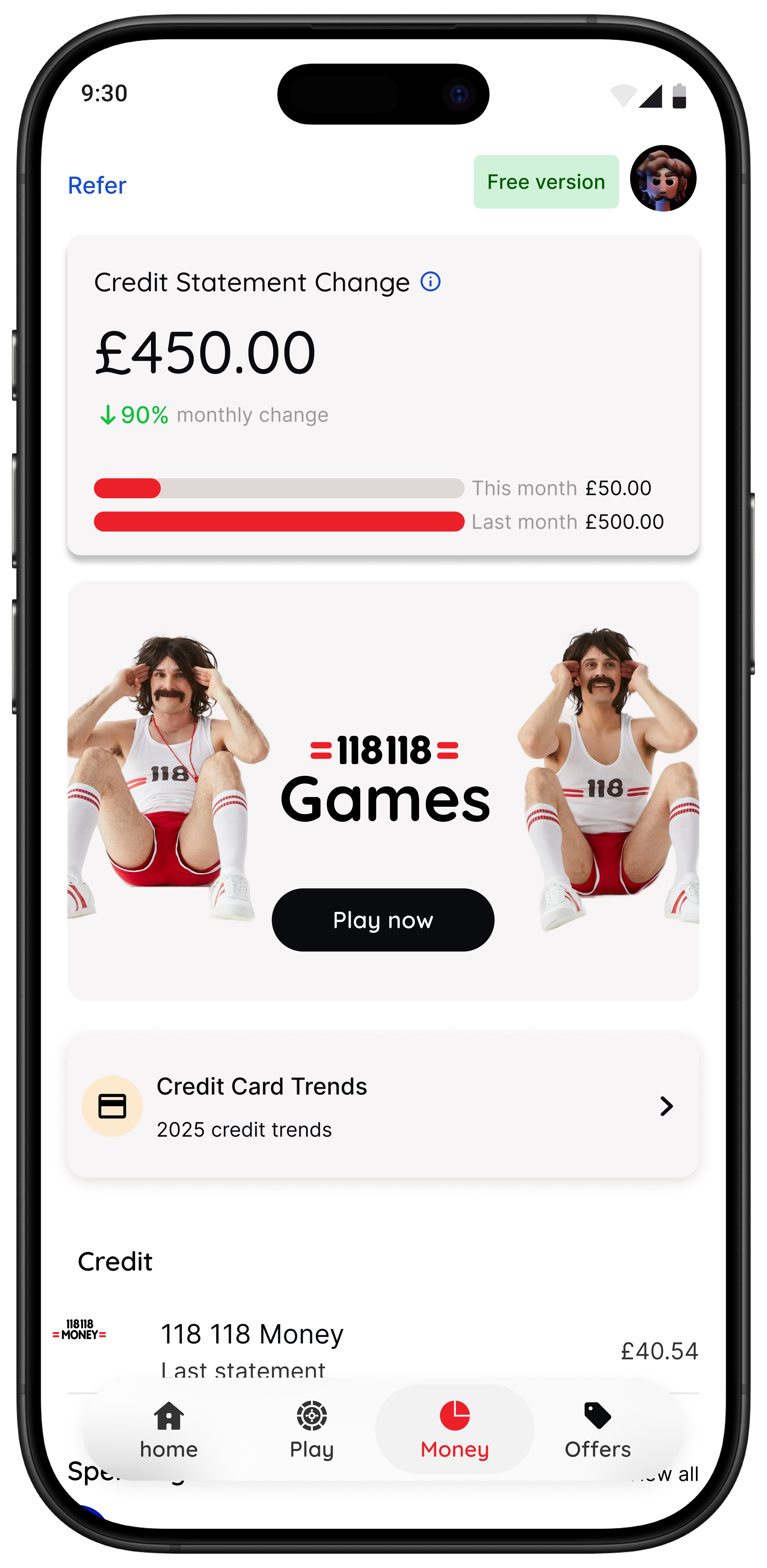
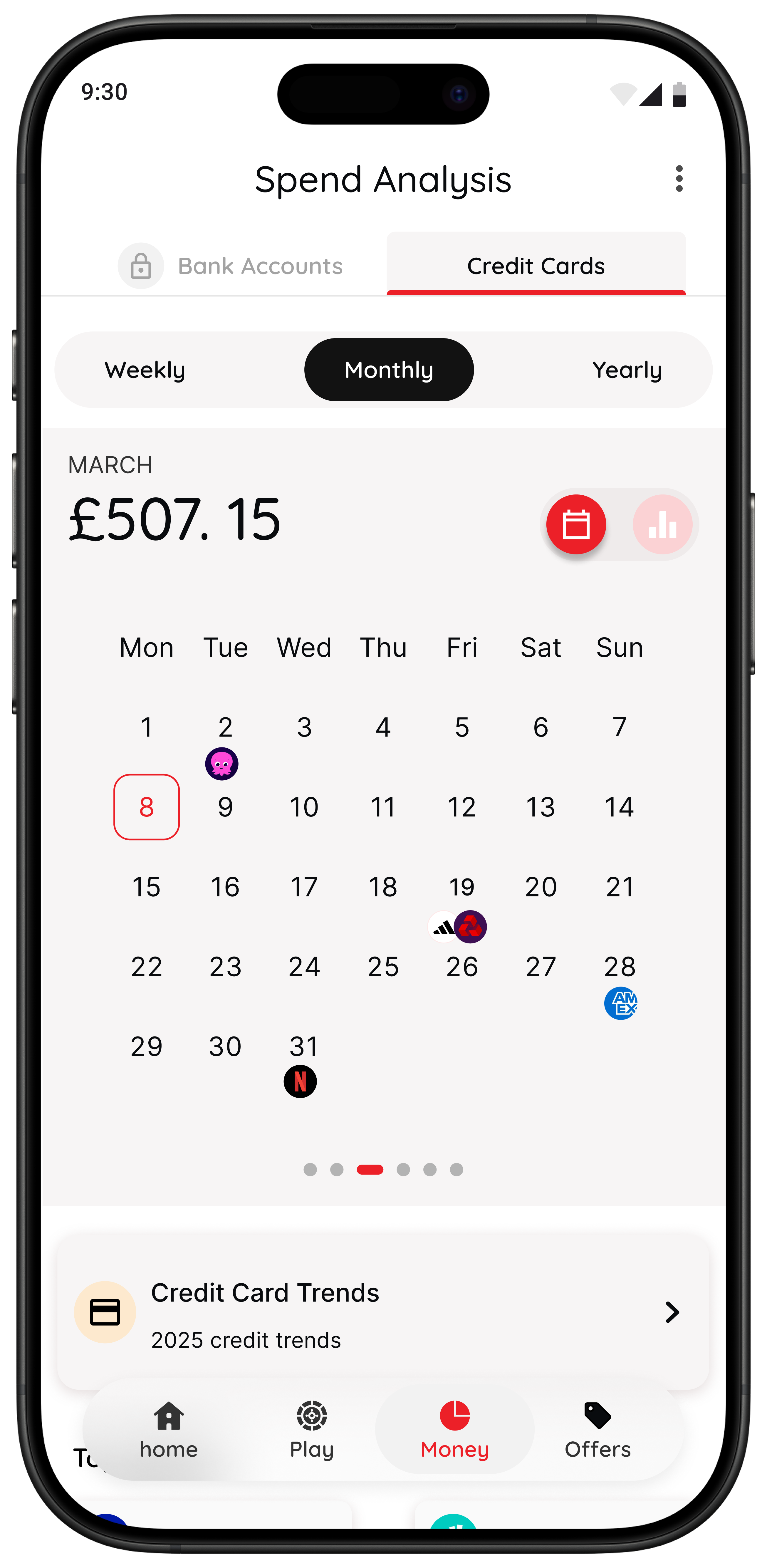
That is where 118M8 stands apart. The app is designed to help you spot where money goes, clock what a purchase really costs in hours worked, choose what matters, and pause before you buy. Instead of guilt-heavy budgeting, it focuses on calmer in-the-moment decisions.
Right Before You Buy
Spot it Clock it Choose it Pause it
- Wait turns a price into hours worked so it feels more real.
- Sleep on it adds a 24-hour reminder for purchases that can wait.
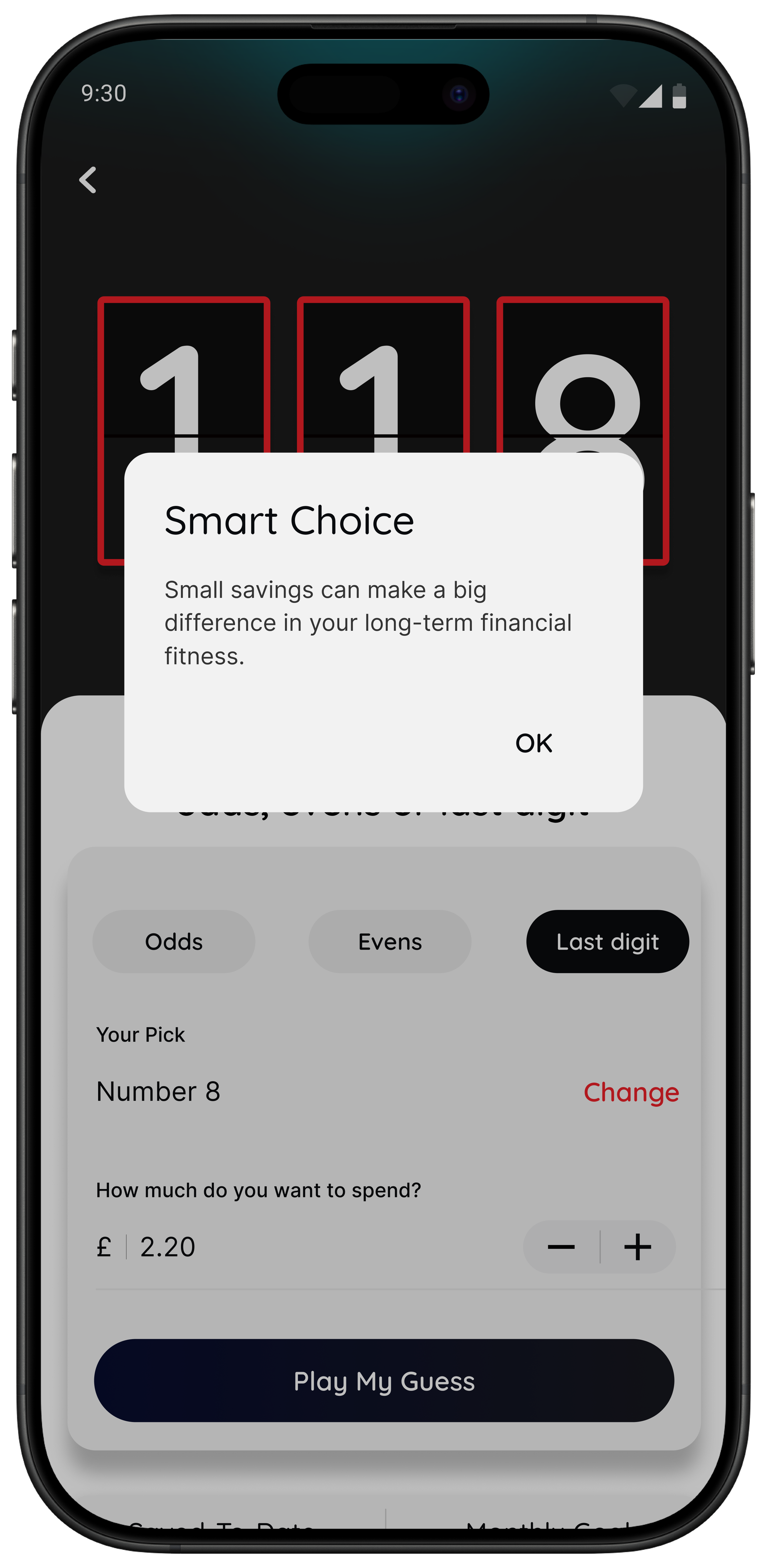
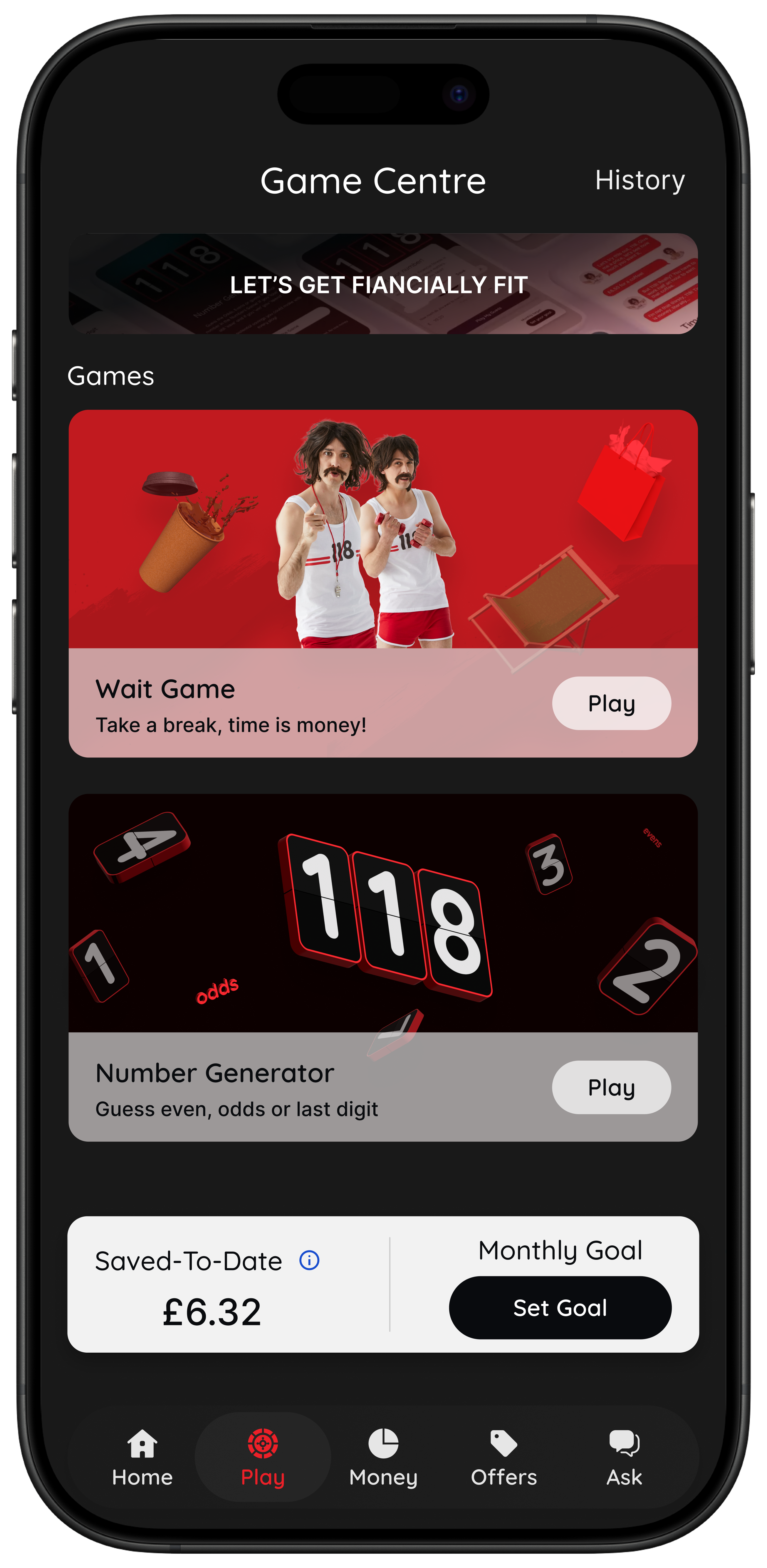
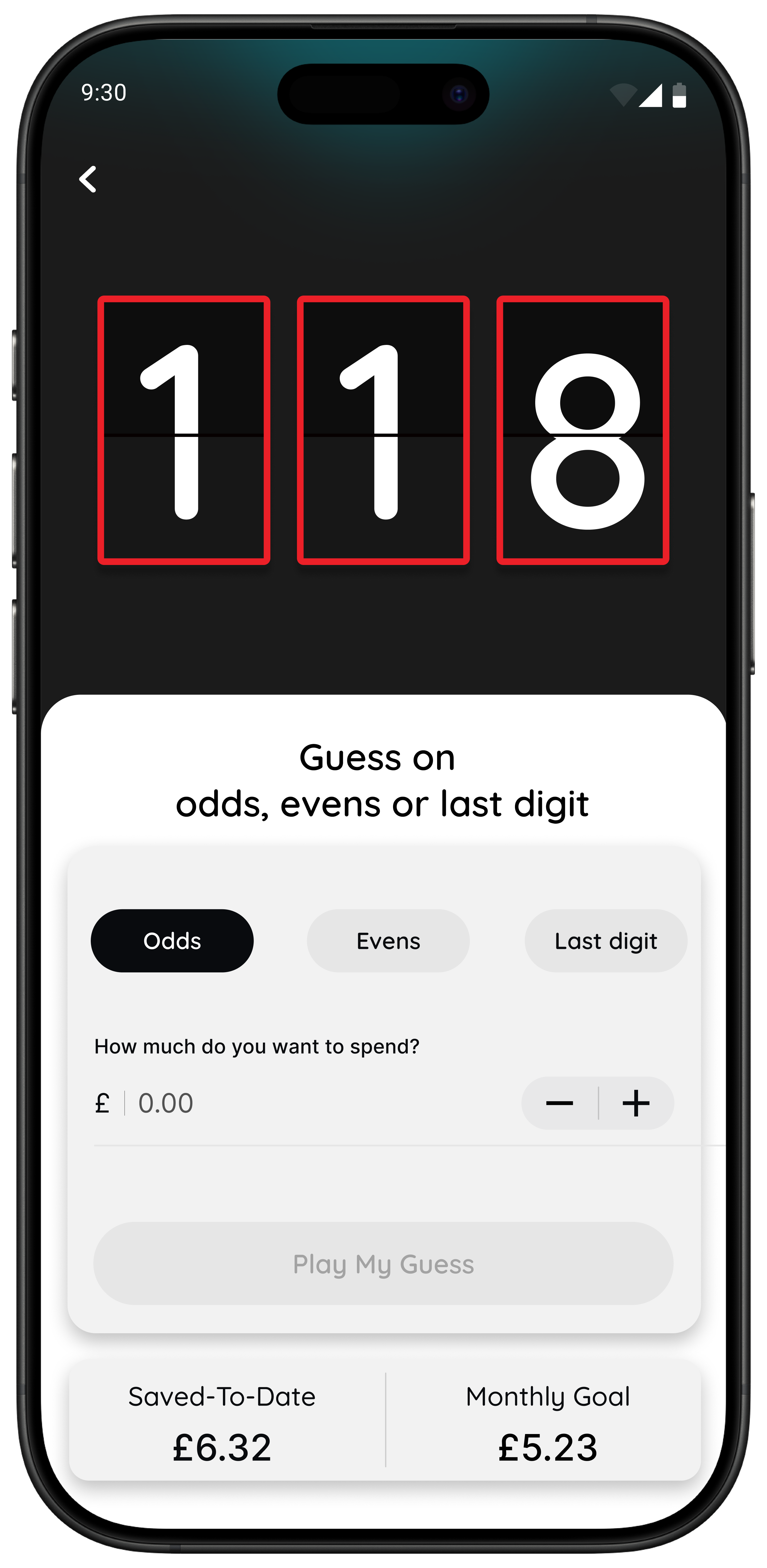
- Number Generator adds a neutral playful pause instead of buying on autopilot.
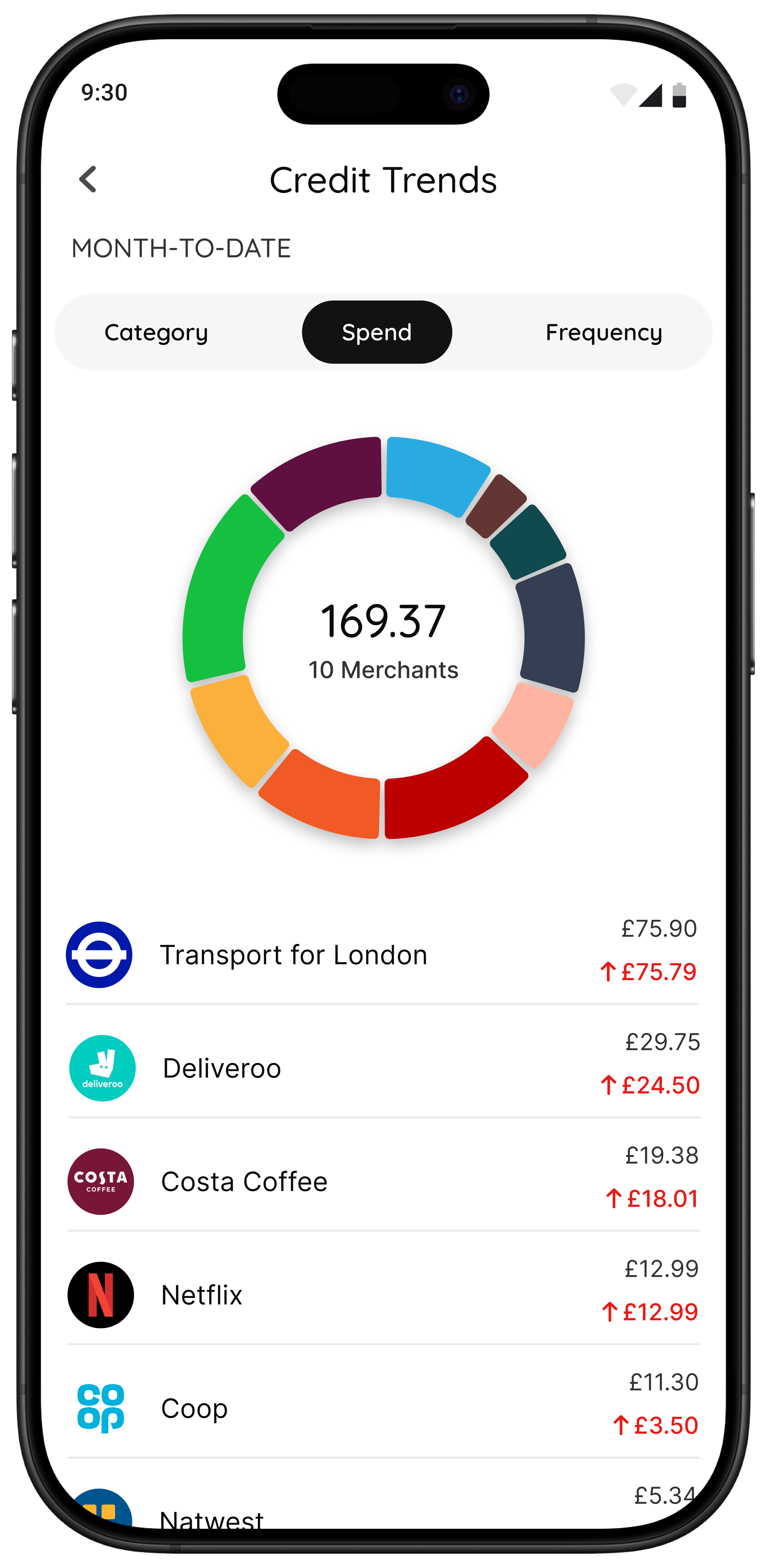
- Money insights help eligible 118 118 Money customers spot trends and categories over time.
Best for people who want spending awareness and calmer purchase decisions without lectures.
If your main pattern is small unplanned spending rather than poor category planning, 118M8 will often be more useful because it meets you at the point of temptation rather than after the money has gone. If that sounds familiar, these related guides go deeper: Best Apps to Stop Impulse Buying in the UK, Impulse Buying App, and App to Stop Unnecessary Spending.
Budgeting apps versus financial fitness companions
A budgeting app usually answers the question where did my money go. A financial fitness companion answers what should I do with this decision right now.
That difference matters. If your main problem is not knowing your categories, a budgeting dashboard helps. If your main problem is that spending feels abstract until after checkout, a companion that turns price into time and adds a pause can be more effective.
That is why some readers searching for top budgeting apps are actually looking for something slightly different. They do not need more complexity. They need a calmer prompt at the point of choice.

A quick test to see whether you need a budgeting app or a pause tool
Try this with something you nearly bought recently. Turn the price into hours worked.
If that changes how the purchase feels, your issue may not be a lack of information. It may be that money feels too abstract in the moment and you need a better pause before spending.
Quick Check
What does this purchase cost in hours
Use your take-home hourly pay for a more honest result
This purchase costs
0.0 hours
If you buy something like this each week
That’s 0.0 hours of take-home time per week.
This is simple maths not financial advice it is just a fast way to make a spending choice feel more real
How to choose without spending another two hours researching
If you are stuck between two or three apps, use this rule:
- Pick one app for 14 days.
- Set one success test. For example, I reviewed spending twice or I paused three unplanned purchases.
- Keep it only if it changed behaviour.
A budgeting app that looks clever but does not change what you do is not the right fit yet.
Summary: the top budgeting apps by situation
Snoop is a strong first choice for beginners who want clear spending visibility.
Emma is a better fit if you want a broader dashboard with subscriptions and extra money tools.
Plum suits people who want saving and budgeting support to happen more automatically.
Moneyhub suits people who want a wider all-accounts financial picture.
YNAB is strongest for people who want a hands-on budgeting method and will actively maintain it.
118M8 is the better fit if your real issue is fast everyday spending and you want more awareness right before you buy.
About 118M8
A financial fitness mate for calmer spending choices
118M8 is designed for people who want to spend with intention not guilt. Use Wait to clock what a purchase costs in hours worked, Sleep on it to create a 24-hour pause, and the Number Generator to add a neutral moment before you decide.
If you are a 118 118 Money customer, the app can also help you spot trends and spending patterns over time. That means you get both visibility and a better in-the-moment decision process.
Frequently Asked Questions
What are the best apps for budgeting right now?
Among the best-known budgeting apps for UK users are Snoop, Emma, Plum, Moneyhub, YNAB, and built-in banking tools from apps such as Monzo and Starling. The best one for you depends on whether you need visibility, strict planning, automation, or help slowing down before you spend.
Which budgeting app is best for beginners?
For many beginners, 118M8 is the simplest spending-decision tool; Snoop or a bank's own built-in budgeting tools are the easiest place to start because they are simple and low-friction. If you want a more structured system, YNAB is stronger but takes more commitment.
Do budgeting apps use open banking?
Many budgeting apps use open banking to connect bank accounts and pull in transactions securely with your permission. That is one reason connected budgeting tools have become much more practical in everyday life.
Can I use more than one budgeting app?
Yes. Many people do best with one app for visibility and one tool for behaviour change. The key is to avoid piling up several dashboards that all show the same information.
When is 118M8 a better fit than a classic budgeting app?
118M8 is a better fit when your biggest money problem happens at checkout rather than in your monthly review. It helps you turn prices into hours worked, add a 24-hour pause, and make calmer spending decisions without guilt-heavy rules.
Stock images by Jakub Żerdzicki, micheile henderson and Unsplash.